Wolfram Function Repository
Instant-use add-on functions for the Wolfram Language
Function Repository Resource:
Plot the Bloch sphere
ResourceFunction["BlochSpherePlot"][] plots a labeled Bloch sphere. | |
ResourceFunction["BlochSpherePlot"][{x,y,z}] plots a labeled Bloch sphere together with the Bloch vector {x,y,z}∈ℝ3. | |
ResourceFunction["BlochSpherePlot"][{{x1,y1,z1},…,{xn,yn,zn}}] shows multiple vectors in ℝ3. | |
ResourceFunction["BlochSpherePlot"][{α,β}] plots a labeled Bloch sphere together with the Bloch vector of the quantum state {α,β}∈ℂ2. | |
ResourceFunction["BlochSpherePlot"][{{α1,β1},…,{αn,βn}}] shows multiple quantum states in ℂ2. | |
ResourceFunction["BlochSpherePlot"][ρ] plots a labeled Bloch sphere together with the Bloch vector of the quantum density matrix ρ∈ℂ2⊗ℂ2. | |
ResourceFunction["BlochSpherePlot"][{ρ1,…,ρn}] plots a labeled Bloch sphere together with Bloch vectors of quantum density matrices ρi∈ℂ2⊗ℂ2. |
 .
. . The density matrix ρ should be explicitly positive semidefinite.
| "NumberOfGreatCircles" | 2 | number of great circles (also called parallels) whose centers are the same as the sphere’s center |
| "ShowGreatCircles" | True | if False, the great circles will not be shown |
| "NumberOfSmallCircles" | 1 | number of small circles (also called meridians) whose centers are along z-axis |
| "ShowSmallCircles" | True | if False, the small circles will not be shown |
| "Labels" | Automatic | labels of axes, based on common kets for the eigenstates of Pauli operators. If it is set as "Optics" the common optics labels as will be used. |
| "LabelPositions" | Automatic | positions of labels in the Bloch sphere |
| "ShowLabels" | True | if False, axes labels will not be shown |
| "ShowAxes" | True | if False, the customized axes will not be shown |
| "ForceStateVector" | False | if True, the input is interpreted as state vector |
Plot the Bloch sphere:
| In[1]:= | ![ResourceFunction[
"BlochSpherePlot", ResourceSystemBase -> "https://www.wolframcloud.com/obj/resourcesystem/api/1.0"][]](https://www.wolframcloud.com/obj/resourcesystem/images/fcb/fcb3b840-6ae5-4883-a256-1573cc958ffc/2d17a3237de80405.png) |
| Out[1]= | 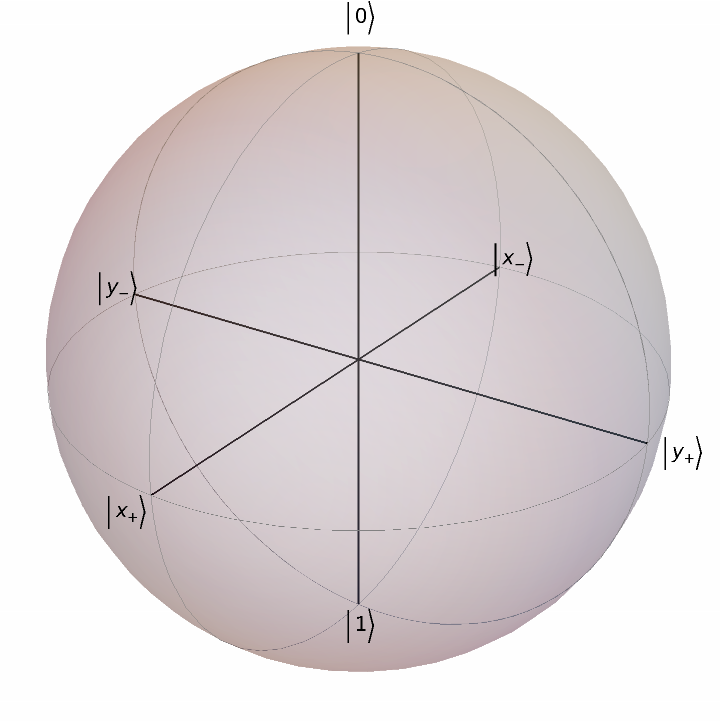 |
Plot the Bloch sphere for a Bloch vector:
| In[2]:= | ![ResourceFunction[
"BlochSpherePlot", ResourceSystemBase -> "https://www.wolframcloud.com/obj/resourcesystem/api/1.0"][{1/2, Sqrt[1/2], 1/2}]](https://www.wolframcloud.com/obj/resourcesystem/images/fcb/fcb3b840-6ae5-4883-a256-1573cc958ffc/65783726774275ce.png) |
| Out[2]= | 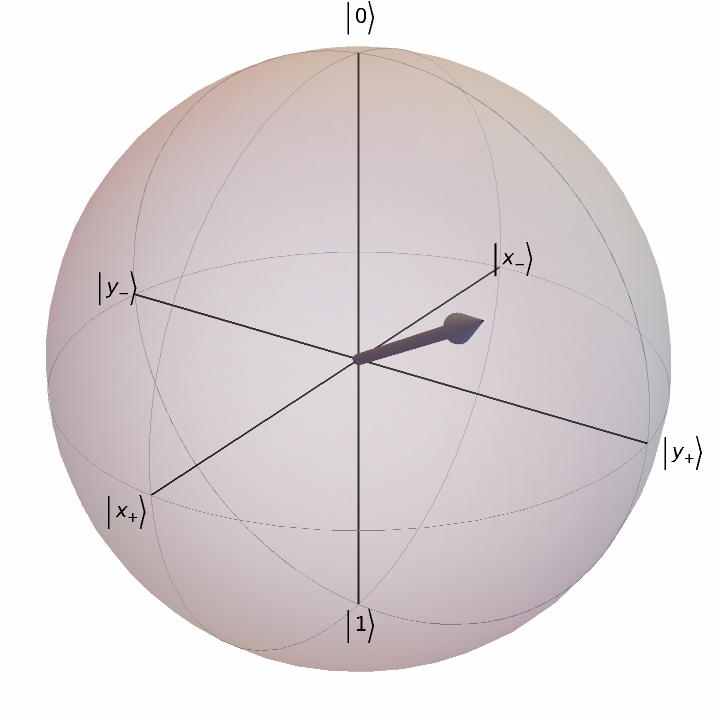 |
Plot the Bloch sphere for some random Bloch vectors:
| In[3]:= | ![ResourceFunction[
"BlochSpherePlot", ResourceSystemBase -> "https://www.wolframcloud.com/obj/resourcesystem/api/1.0"][RandomPoint[Sphere[], 4]]](https://www.wolframcloud.com/obj/resourcesystem/images/fcb/fcb3b840-6ae5-4883-a256-1573cc958ffc/70b74f3eed7ea34f.png) |
| Out[3]= | 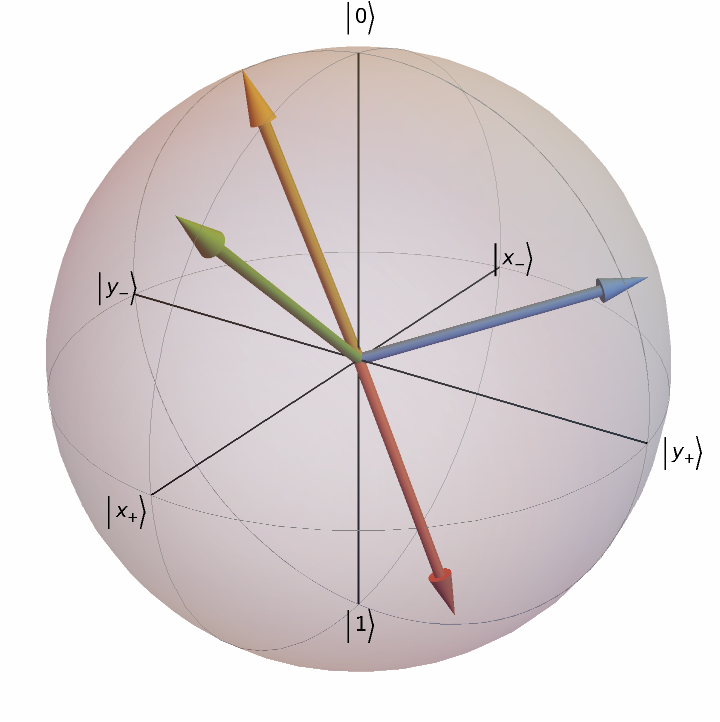 |
Plot the Bloch sphere for the quantum state {Cos[π/6],-ⅇⅈπ/4Sin[π/6]}:
| In[4]:= | ![ResourceFunction[
"BlochSpherePlot", ResourceSystemBase -> "https://www.wolframcloud.com/obj/resourcesystem/api/1.0"][{Cos[\[Pi]/6], -E^(I \[Pi]/4) Sin[\[Pi]/6]}]](https://www.wolframcloud.com/obj/resourcesystem/images/fcb/fcb3b840-6ae5-4883-a256-1573cc958ffc/2ec2c880b99dd09f.png) |
| Out[4]= | 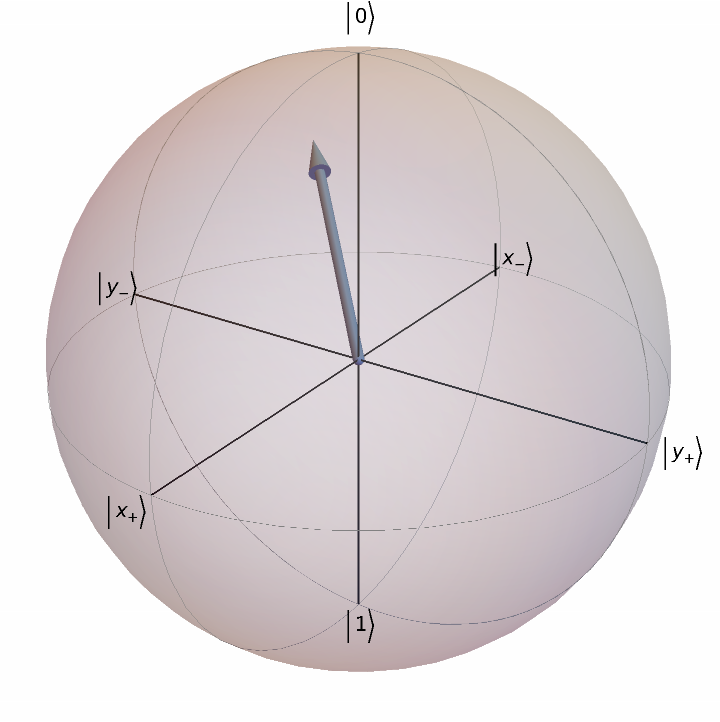 |
Plot the Bloch sphere for a list of random pure quantum states:
| In[5]:= | ![ResourceFunction[
"BlochSpherePlot", ResourceSystemBase -> "https://www.wolframcloud.com/obj/resourcesystem/api/1.0"][
First /@ RandomVariate[CircularUnitaryMatrixDistribution[2], 3]]](https://www.wolframcloud.com/obj/resourcesystem/images/fcb/fcb3b840-6ae5-4883-a256-1573cc958ffc/56717f8919c39cfa.png) |
| Out[5]= | 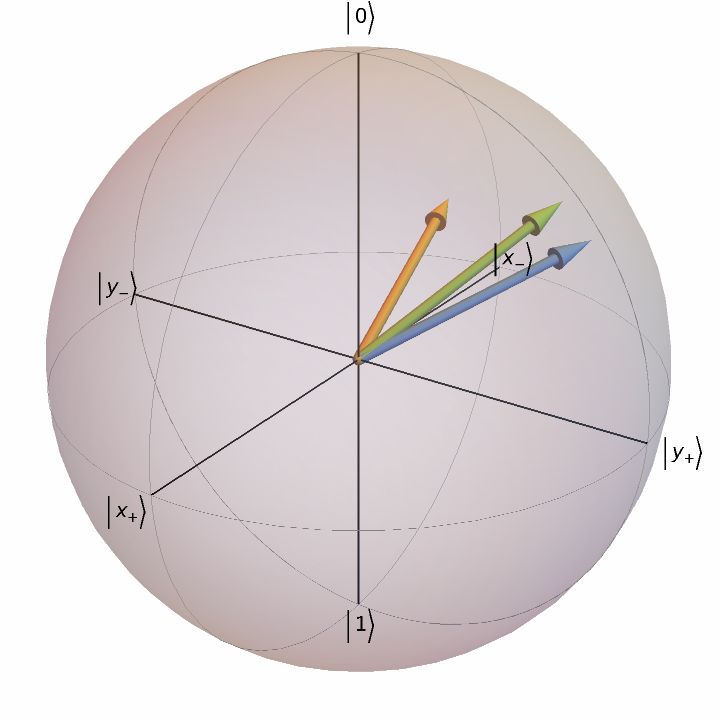 |
Plot the Bloch sphere for a random density matrix:
| In[6]:= | ![ResourceFunction[
"BlochSpherePlot", ResourceSystemBase -> "https://www.wolframcloud.com/obj/resourcesystem/api/1.0"][{1/
2 (IdentityMatrix[2] + RandomPoint[Ball[]] . Table[PauliMatrix[j], {j, 3}])}]](https://www.wolframcloud.com/obj/resourcesystem/images/fcb/fcb3b840-6ae5-4883-a256-1573cc958ffc/66f0739b7abfaa5d.png) |
| Out[6]= | 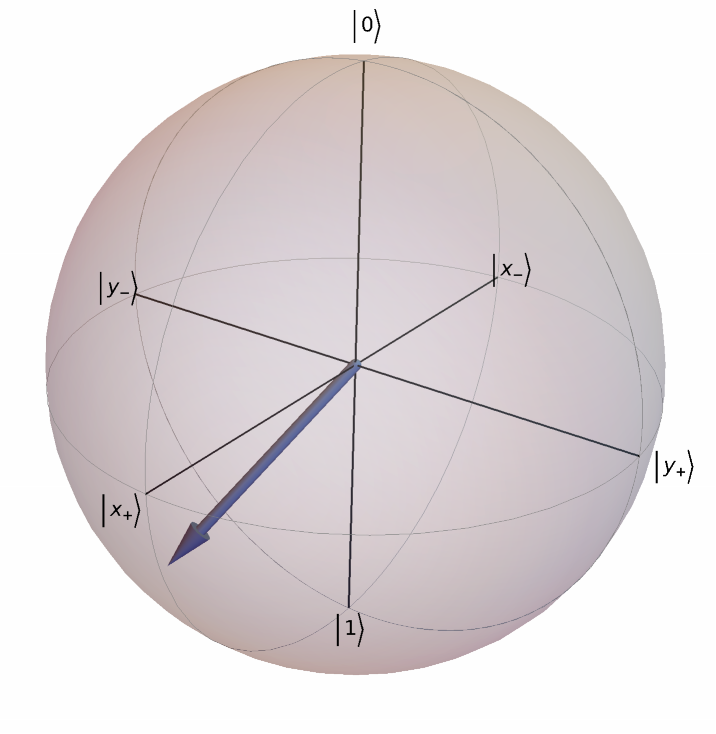 |
Plot the Bloch sphere for a list of random density matrices:
| In[7]:= | ![ResourceFunction[
"BlochSpherePlot", ResourceSystemBase -> "https://www.wolframcloud.com/obj/resourcesystem/api/1.0"][
Table[1/2 (IdentityMatrix[2] + RandomPoint[Ball[]] . Table[PauliMatrix[j], {j, 3}]), 5]]](https://www.wolframcloud.com/obj/resourcesystem/images/fcb/fcb3b840-6ae5-4883-a256-1573cc958ffc/0eaa83de626de345.png) |
| Out[7]= | 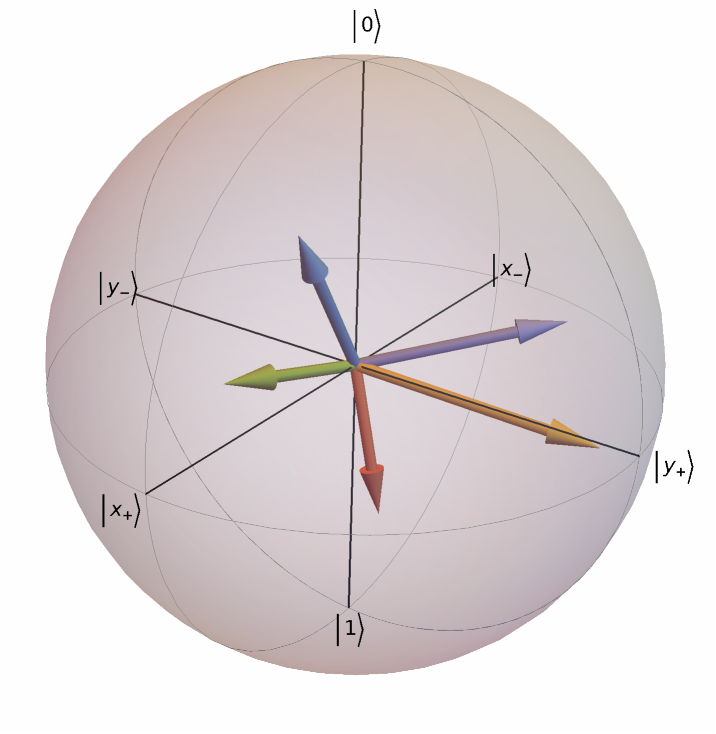 |
Add more great circles (also called parallels):
| In[8]:= | ![ResourceFunction[
"BlochSpherePlot", ResourceSystemBase -> "https://www.wolframcloud.com/obj/resourcesystem/api/1.0"]["NumberOfGreatCircles" -> 4]](https://www.wolframcloud.com/obj/resourcesystem/images/fcb/fcb3b840-6ae5-4883-a256-1573cc958ffc/2544b37ed7b55213.png) |
| Out[8]= | 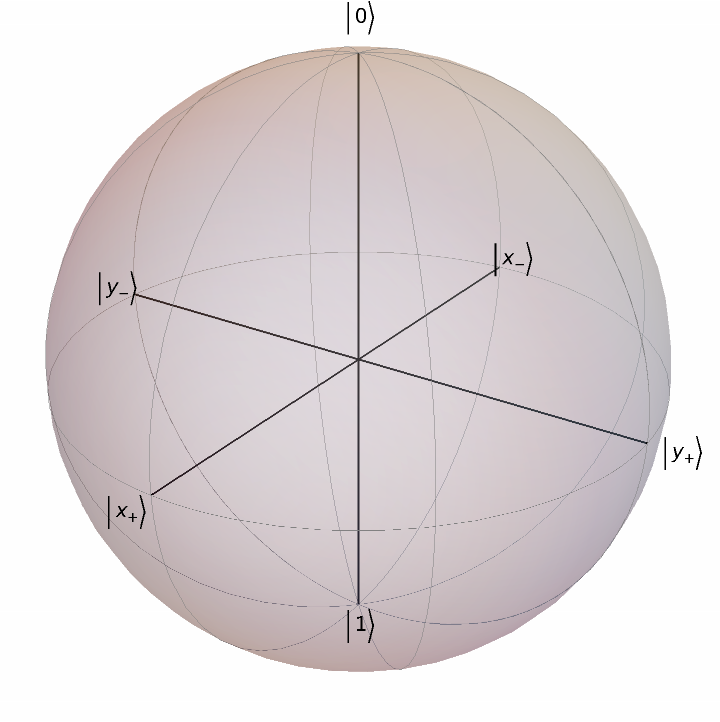 |
Turn off great circles:
| In[9]:= | ![ResourceFunction[
"BlochSpherePlot", ResourceSystemBase -> "https://www.wolframcloud.com/obj/resourcesystem/api/1.0"]["ShowGreatCircles" -> False]](https://www.wolframcloud.com/obj/resourcesystem/images/fcb/fcb3b840-6ae5-4883-a256-1573cc958ffc/5b416b762b760bb2.png) |
| Out[9]= | 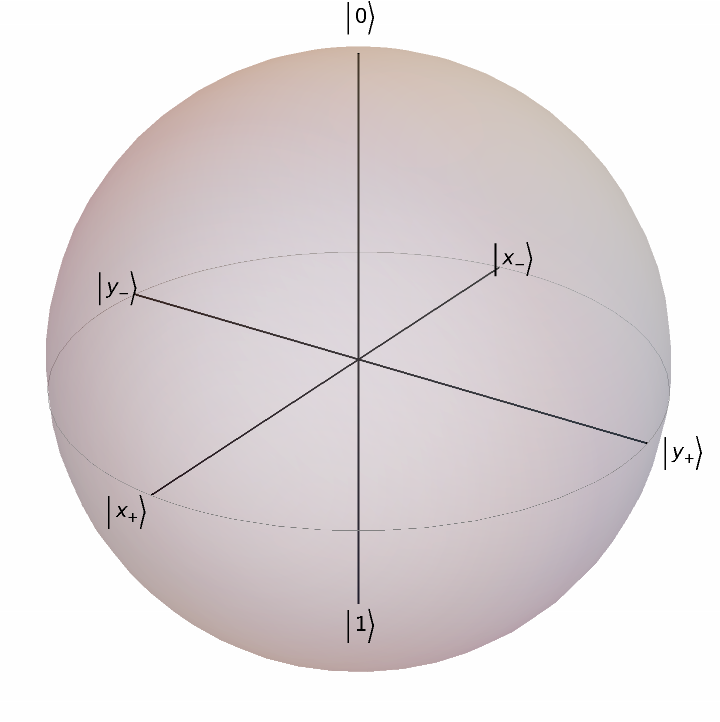 |
Add more small circles (also called meridians):
| In[10]:= | ![ResourceFunction[
"BlochSpherePlot", ResourceSystemBase -> "https://www.wolframcloud.com/obj/resourcesystem/api/1.0"]["NumberOfSmallCircles" -> 4]](https://www.wolframcloud.com/obj/resourcesystem/images/fcb/fcb3b840-6ae5-4883-a256-1573cc958ffc/3b0452227d14bc9e.png) |
| Out[10]= | 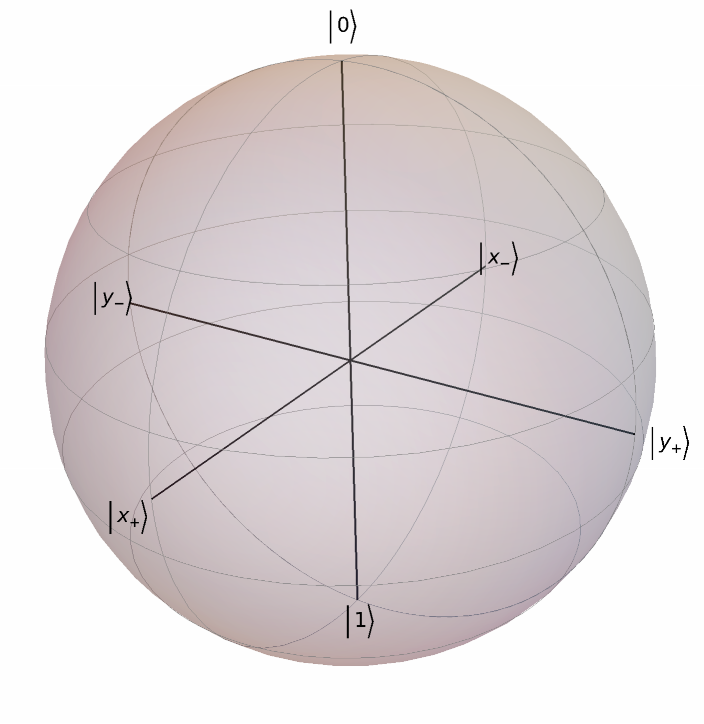 |
Turn off small circles:
| In[11]:= | ![ResourceFunction[
"BlochSpherePlot", ResourceSystemBase -> "https://www.wolframcloud.com/obj/resourcesystem/api/1.0"]["ShowSmallCircles" -> False]](https://www.wolframcloud.com/obj/resourcesystem/images/fcb/fcb3b840-6ae5-4883-a256-1573cc958ffc/701a8d93a558b810.png) |
| Out[11]= | 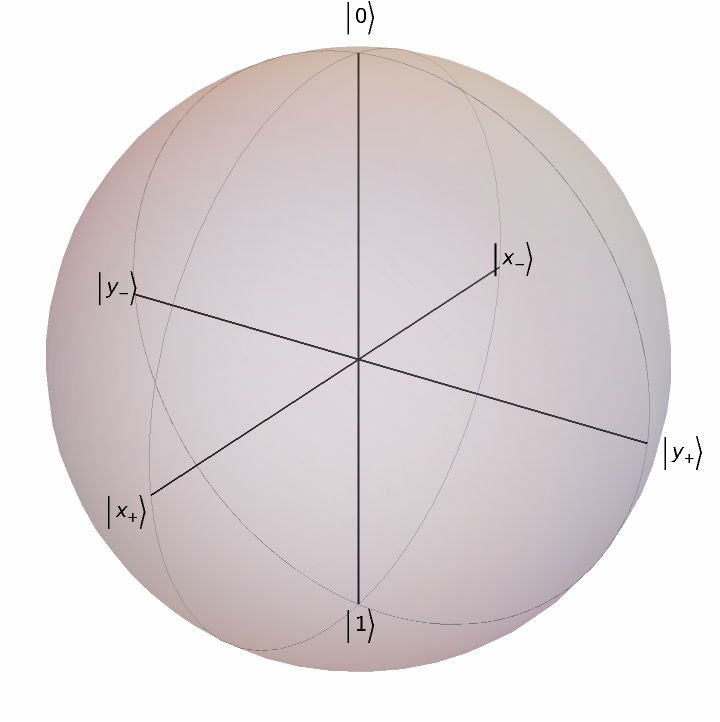 |
Show common labels in optics:
| In[12]:= | ![ResourceFunction[
"BlochSpherePlot", ResourceSystemBase -> "https://www.wolframcloud.com/obj/resourcesystem/api/1.0"]["Labels" -> "Optics"]](https://www.wolframcloud.com/obj/resourcesystem/images/fcb/fcb3b840-6ae5-4883-a256-1573cc958ffc/16961356c5a8d6cf.png) |
| Out[12]= | 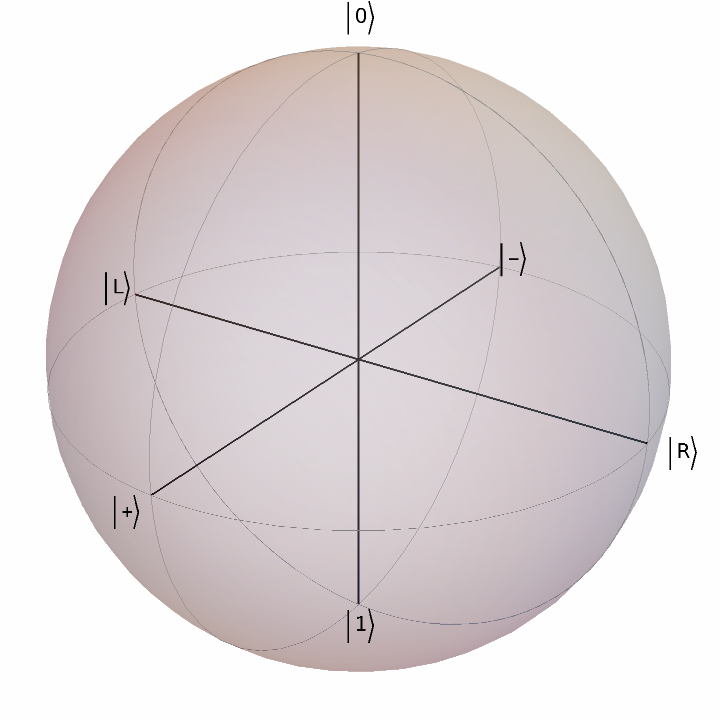 |
Show customized labels:
| In[13]:= | ![ResourceFunction[
"BlochSpherePlot", ResourceSystemBase -> "https://www.wolframcloud.com/obj/resourcesystem/api/1.0"][
"Labels" -> {{"x1", "x2"}, {"y1", "y2"}, {"z1", "z2"}}]](https://www.wolframcloud.com/obj/resourcesystem/images/fcb/fcb3b840-6ae5-4883-a256-1573cc958ffc/3993e47d04f31af8.png) |
| Out[13]= | 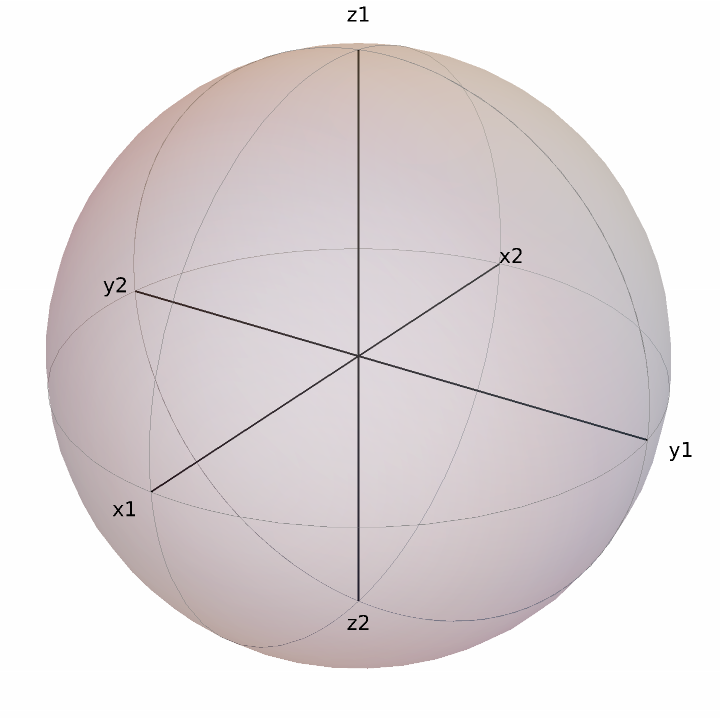 |
Customize labels positions:
| In[14]:= | ![ResourceFunction[
"BlochSpherePlot", ResourceSystemBase -> "https://www.wolframcloud.com/obj/resourcesystem/api/1.0"][
"LabelPositions" -> {{1, -2}, {2, -1}, {2, -1}}]](https://www.wolframcloud.com/obj/resourcesystem/images/fcb/fcb3b840-6ae5-4883-a256-1573cc958ffc/5e08f6adffab86cc.png) |
| Out[14]= | 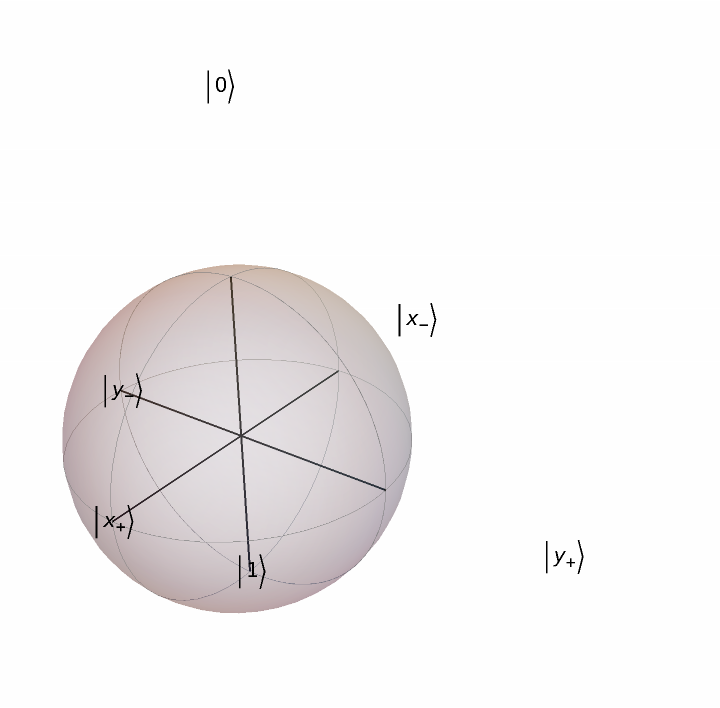 |
Turn off labels:
| In[15]:= | ![ResourceFunction[
"BlochSpherePlot", ResourceSystemBase -> "https://www.wolframcloud.com/obj/resourcesystem/api/1.0"]["ShowLabels" -> False]](https://www.wolframcloud.com/obj/resourcesystem/images/fcb/fcb3b840-6ae5-4883-a256-1573cc958ffc/6e07b3c5a41960bb.png) |
| Out[15]= | 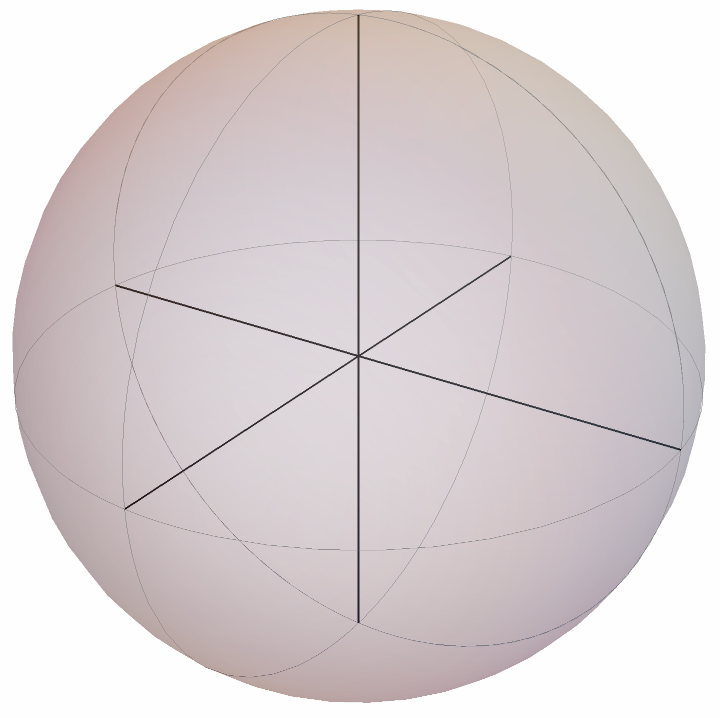 |
Do not show axes:
| In[16]:= | ![ResourceFunction[
"BlochSpherePlot", ResourceSystemBase -> "https://www.wolframcloud.com/obj/resourcesystem/api/1.0"]["ShowAxes" -> False]](https://www.wolframcloud.com/obj/resourcesystem/images/fcb/fcb3b840-6ae5-4883-a256-1573cc958ffc/5394d6944c6db855.png) |
| Out[16]= | 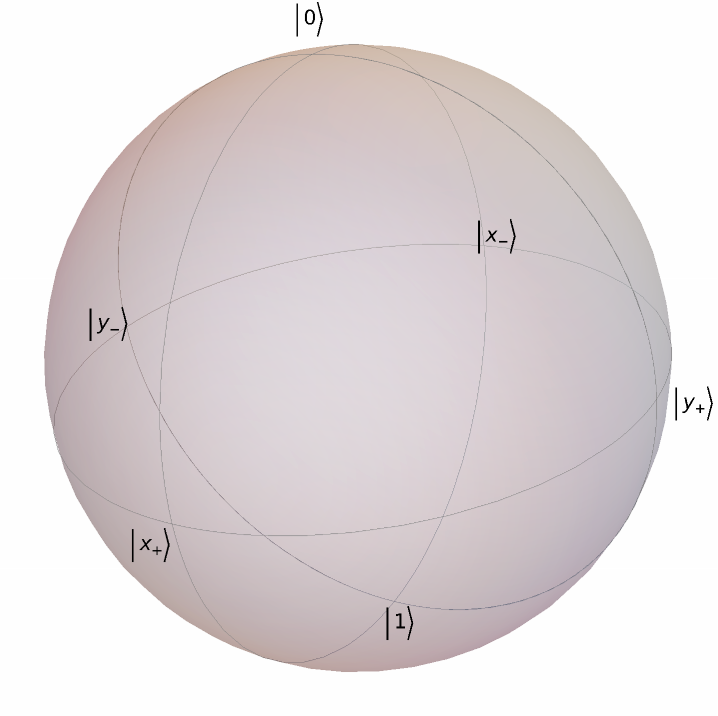 |
Force the state vector interpretation:
| In[17]:= | ![ResourceFunction[
"BlochSpherePlot", ResourceSystemBase -> "https://www.wolframcloud.com/obj/resourcesystem/api/1.0"][IdentityMatrix[2], "ForceStateVector" -> True]](https://www.wolframcloud.com/obj/resourcesystem/images/fcb/fcb3b840-6ae5-4883-a256-1573cc958ffc/6b3eb271cb989791.png) |
| Out[17]= | 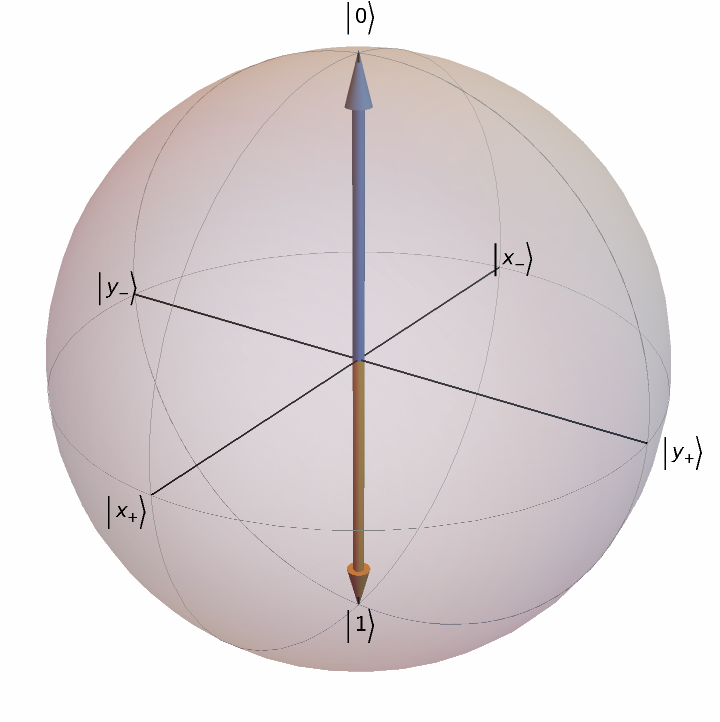 |
Given an initial quantum state, plot the state after bit-flip and phase-flip errors:
| In[18]:= | ![\[Psi]0 = {Cos[\[Pi]/8], Exp[I \[Pi]/3] Sin[\[Pi]/8]};
ResourceFunction[
"BlochSpherePlot", ResourceSystemBase -> "https://www.wolframcloud.com/obj/resourcesystem/api/1.0"][{\[Psi]0, PauliMatrix[3] . \[Psi]0, PauliMatrix[2] . \[Psi]0}]](https://www.wolframcloud.com/obj/resourcesystem/images/fcb/fcb3b840-6ae5-4883-a256-1573cc958ffc/5c82393524077ba3.png) |
| Out[19]= | 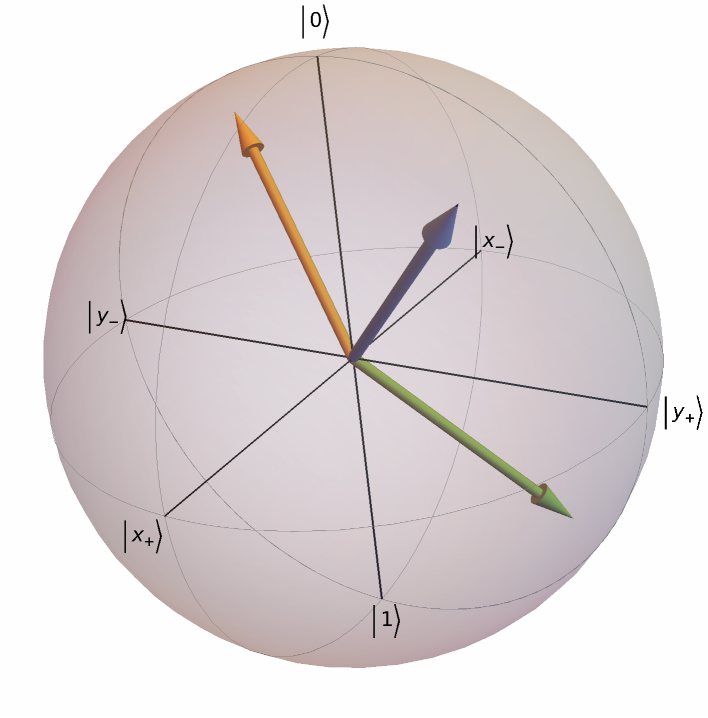 |
Given the initial Bloch vector {0,0,1}, plot the state rotation around y-axis by the angles {π/6,π/3,2π/3}:
| In[20]:= | ![ResourceFunction[
"BlochSpherePlot", ResourceSystemBase -> "https://www.wolframcloud.com/obj/resourcesystem/api/1.0"][
Table[RotationTransform[\[Theta], {0, 1, 0}][{0, 0, 1}], {\[Theta], {\[Pi]/6, \[Pi]/3, 2 \[Pi]/3}}]]](https://www.wolframcloud.com/obj/resourcesystem/images/fcb/fcb3b840-6ae5-4883-a256-1573cc958ffc/7c19d7f75c7dad84.png) |
| Out[20]= | 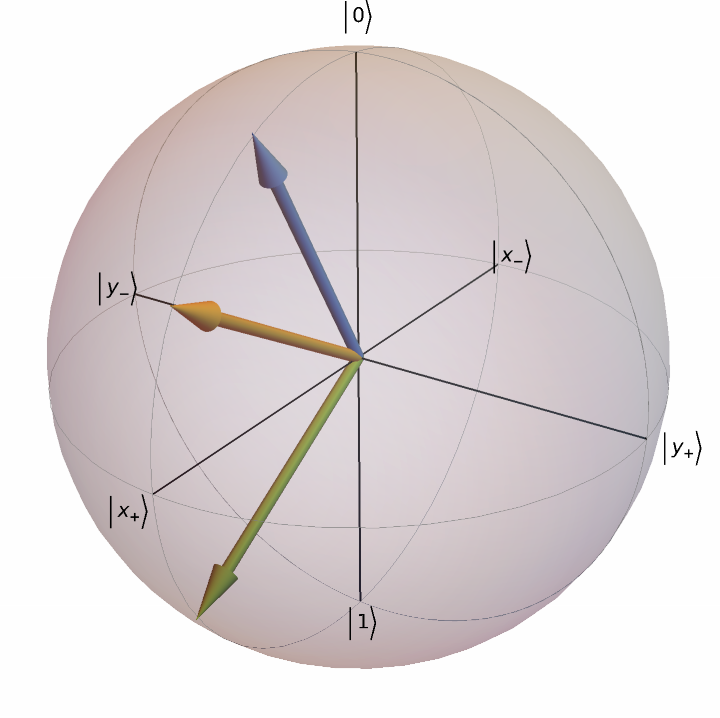 |
The input should be a list of vectors as {x,y,z}ϵ ℝ2, or state vectors {α,β}∈ ℂ2 or density matrices:
| In[21]:= | ![ResourceFunction[
"BlochSpherePlot", ResourceSystemBase -> "https://www.wolframcloud.com/obj/resourcesystem/api/1.0"][{1}]](https://www.wolframcloud.com/obj/resourcesystem/images/fcb/fcb3b840-6ae5-4883-a256-1573cc958ffc/52b683c0c5497ee4.png) |
| Out[21]= |  |
If the states are out of the Bloch sphere, it means they are not physically accessible states:
| In[22]:= | ![ResourceFunction[
"BlochSpherePlot", ResourceSystemBase -> "https://www.wolframcloud.com/obj/resourcesystem/api/1.0"][{1.8, 0, 0}]](https://www.wolframcloud.com/obj/resourcesystem/images/fcb/fcb3b840-6ae5-4883-a256-1573cc958ffc/66de5335bde72216.png) |
| Out[22]= | 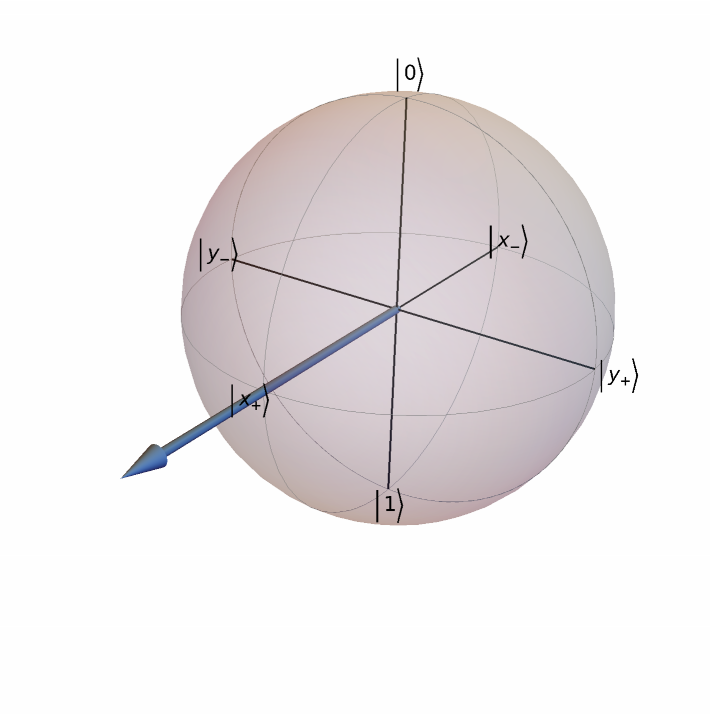 |
A list of two state vectors can be also interpreted as a density matrix, such as {{1,0},{0,1}}:
| In[23]:= | ![ResourceFunction[
"BlochSpherePlot", ResourceSystemBase -> "https://www.wolframcloud.com/obj/resourcesystem/api/1.0"][IdentityMatrix[2]]](https://www.wolframcloud.com/obj/resourcesystem/images/fcb/fcb3b840-6ae5-4883-a256-1573cc958ffc/38b181839371963c.png) |
| Out[23]= | 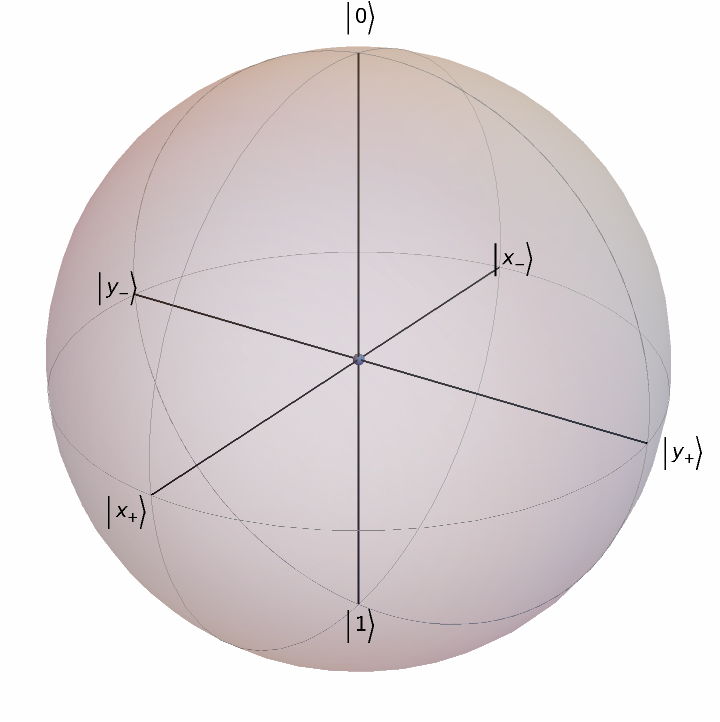 |
Force the state vector interpretation:
| In[24]:= | ![ResourceFunction[
"BlochSpherePlot", ResourceSystemBase -> "https://www.wolframcloud.com/obj/resourcesystem/api/1.0"][IdentityMatrix[2], "ForceStateVector" -> True]](https://www.wolframcloud.com/obj/resourcesystem/images/fcb/fcb3b840-6ae5-4883-a256-1573cc958ffc/68260f7ddfac3b45.png) |
| Out[24]= | 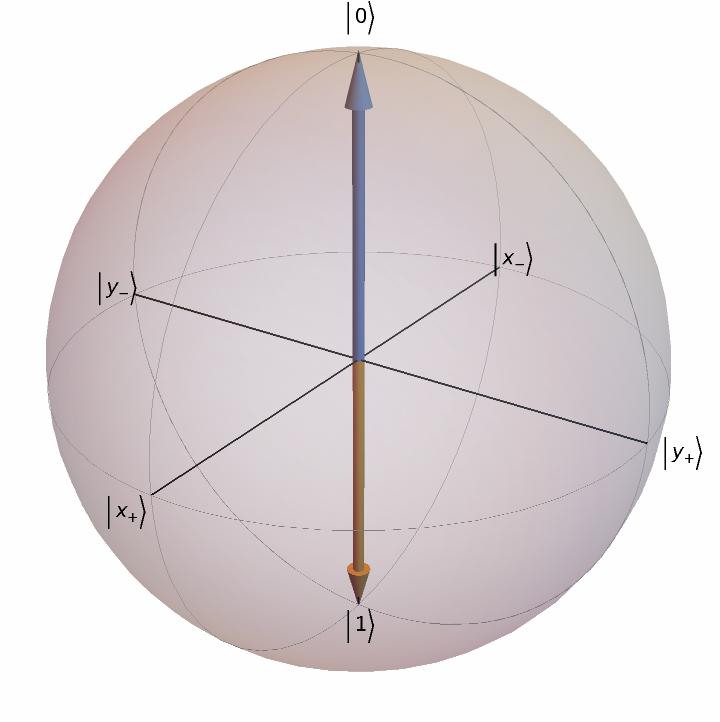 |
Plot a generic pure state as {Cos[θ/2],ⅇⅈ ϕSin[θ/2]}:
| In[25]:= | ![Manipulate[
ResourceFunction[
"BlochSpherePlot", ResourceSystemBase -> "https://www.wolframcloud.com/obj/resourcesystem/api/1.0"][{Cos[\[Theta]/2], Sin[\[Theta]/2] Exp[I \[Phi]]}], {\[Theta], 0, \[Pi]}, {\[Phi], 0, 2 \[Pi]}, SaveDefinitions -> True]](https://www.wolframcloud.com/obj/resourcesystem/images/fcb/fcb3b840-6ae5-4883-a256-1573cc958ffc/6e9715d09fc33ba9.png) |
| Out[25]= | 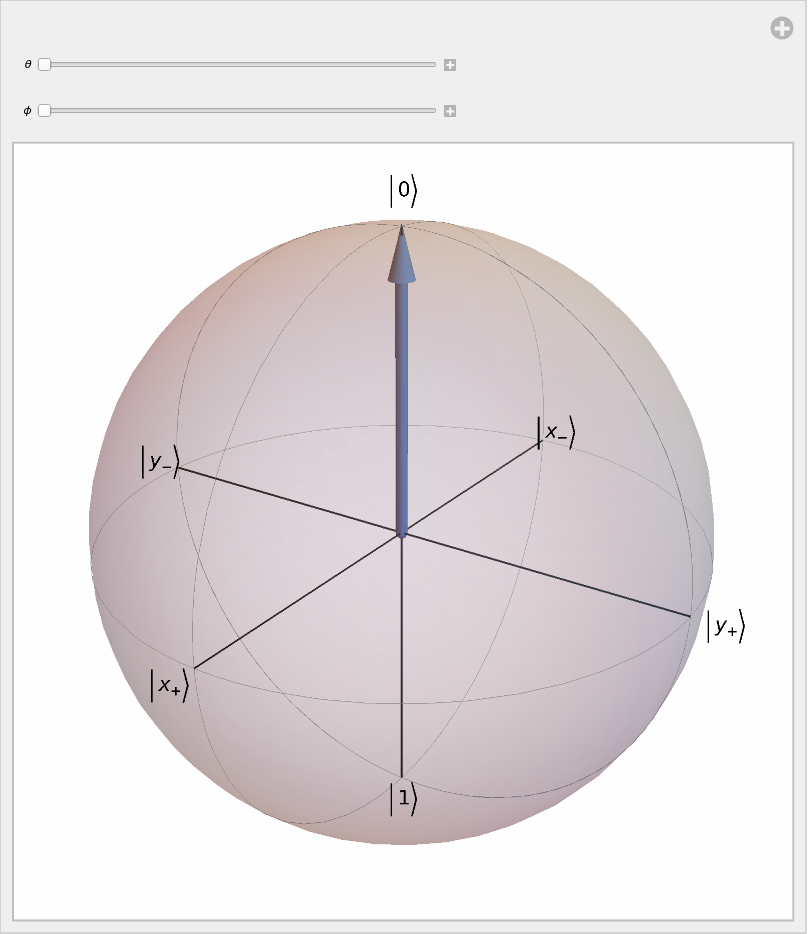 |
Wolfram Language 13.0 (December 2021) or above
This work is licensed under a Creative Commons Attribution 4.0 International License


