Wolfram Function Repository
Instant-use add-on functions for the Wolfram Language
Function Repository Resource:
Show a 3D graphic from several standard views at a common scale, with linked pan and zoom
ResourceFunction["MultiviewGraphics3D"][g] shows the 3D graphic g from above, the front and the right, plus a free view. | |
ResourceFunction["MultiviewGraphics3D"][g,layout] arranges the views of g as given by layout. |
| "QuadView" | top, front and right views and a free view (default) |
| "ThreeView" | top, front and right views |
| "Net" | views along all six axis directions, arranged as an unfolded cube |
| "Isometric" or {"Isometric",Above} | views from the four top corners of a cube around g |
| {"Isometric",Below} | views from the four bottom corners of a cube around g |
| {"Isometric",All} | views from all eight corners of a cube around g |
| {{s1,1, s1,2,…},…} | a matrix of pane specifications si,j |
| Above,Below,Front,Back,Left,Right | an orthographic view along a coordinate axis |
| {x,y,z} | an orthographic view from direction {x,y,z} |
| "Free" | a view set by the ViewPoint and ViewProjection options |
| None | an empty cell |
| "CameraInteraction" | "AxisLocked" | how the panes respond to the mouse |
| "ProjectionConvention" | "ThirdAngle" | arrangement of views in named layouts |
| "LightingAttachment" | Automatic | whether lights are placed relative to each camera or to g |
| "ViewLabels" | Automatic | labels above the views |
| LabelStyle | {} | style of the view labels |
| PreserveImageOptions | True | whether to keep the explored view when the output is rebuilt |
| ViewPoint | {1,-1,1} | starting view point of the "Free" pane |
| ViewProjection | "Orthographic" | projection of the "Free" pane |
| ImageSize | Automatic | size of the whole figure |
| "AxisLocked" | panning or zooming one pane does so in all panes; only the "Free" pane rotates |
| "RigLocked" | as "AxisLocked", and rotating any pane rotates all panes together |
| None | a static Graphics object, suitable for Export |
| "ThirdAngle" | top view above the front view, right view to its right; used in North America |
| "FirstAngle" | top view below the front view, left view to its right; used in most of Europe and Asia |
| "Camera" | lights are placed relative to the camera of each pane |
| "Object" | lights are placed relative to g, as they are in the view from ViewPoint |
| "Rig" | lights are placed as with "Object", and rotate with the views in rig-locked output |
| Automatic | "Rig" in rig-locked output, "Camera" otherwise |
| Automatic | drafting names ("Top","Front","Right", etc.) for axis views, "Isometric" for corner views |
| None | no labels |
| <|spec1 → lbl1, …|> | label lbli for pane specification speci |
| f | label f[spec] for each pane specification spec |
Show a 3D model from above, the front and the right, plus a free view:
| In[1]:= |  |
| Out[1]= | 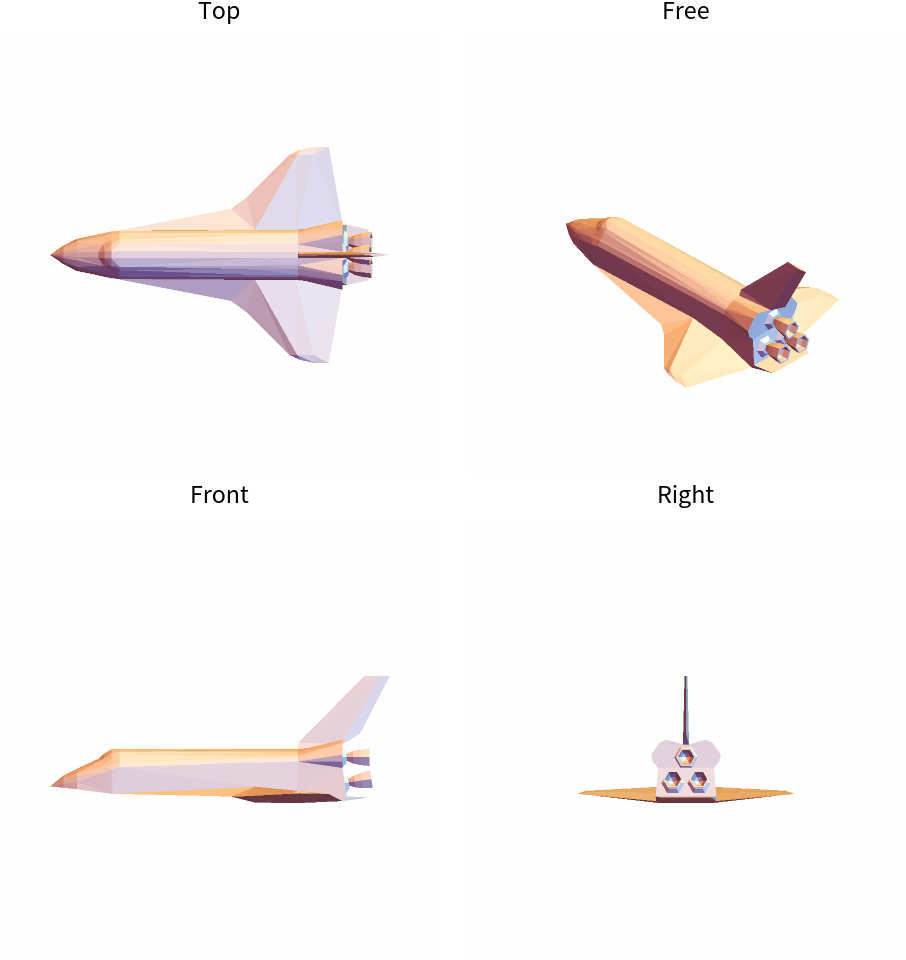 |
Show only top, front and right views:
| In[2]:= |  |
| Out[2]= | 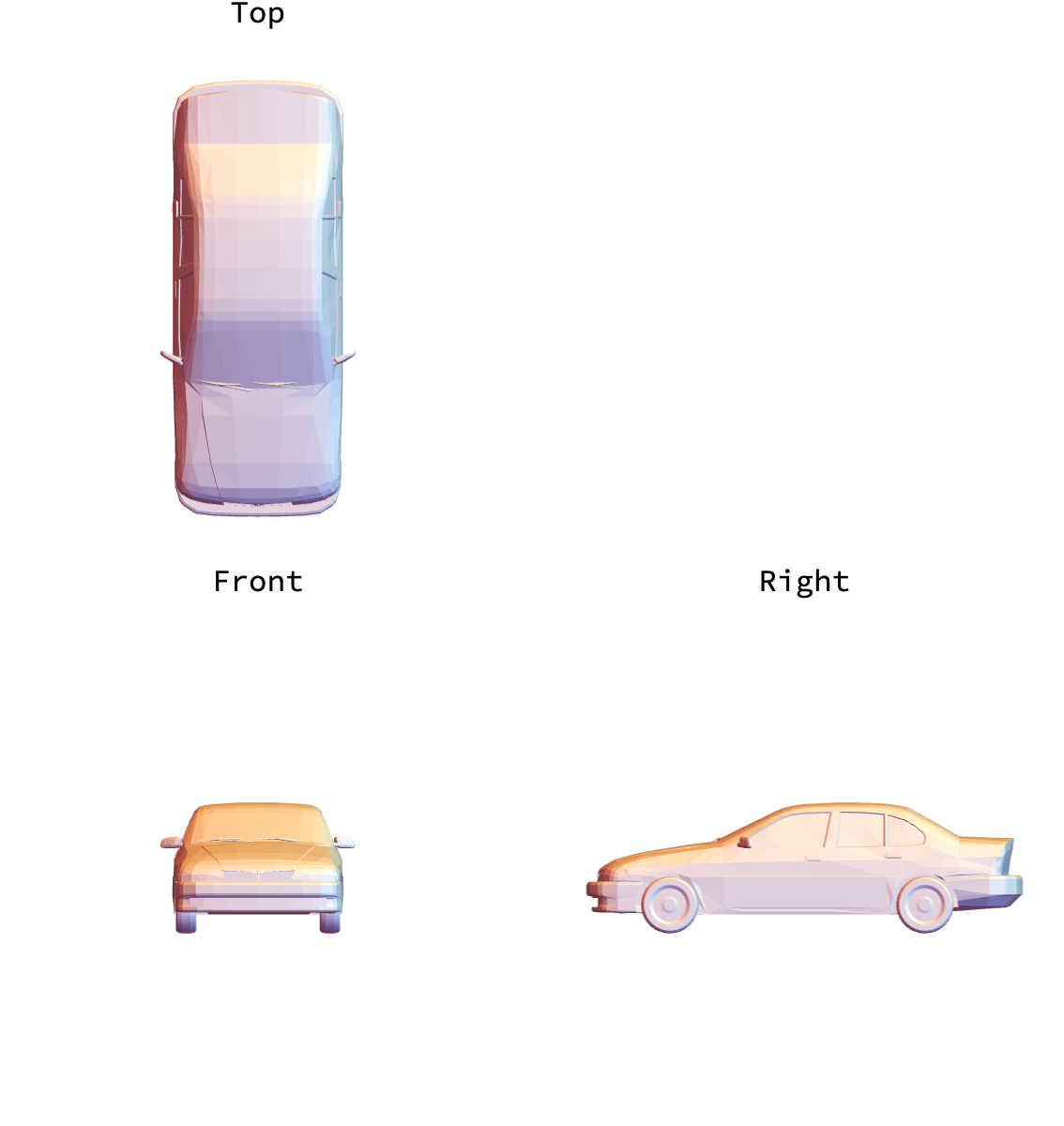 |
Show six views as an unfolded cube:
| In[3]:= |  |
| Out[3]= | 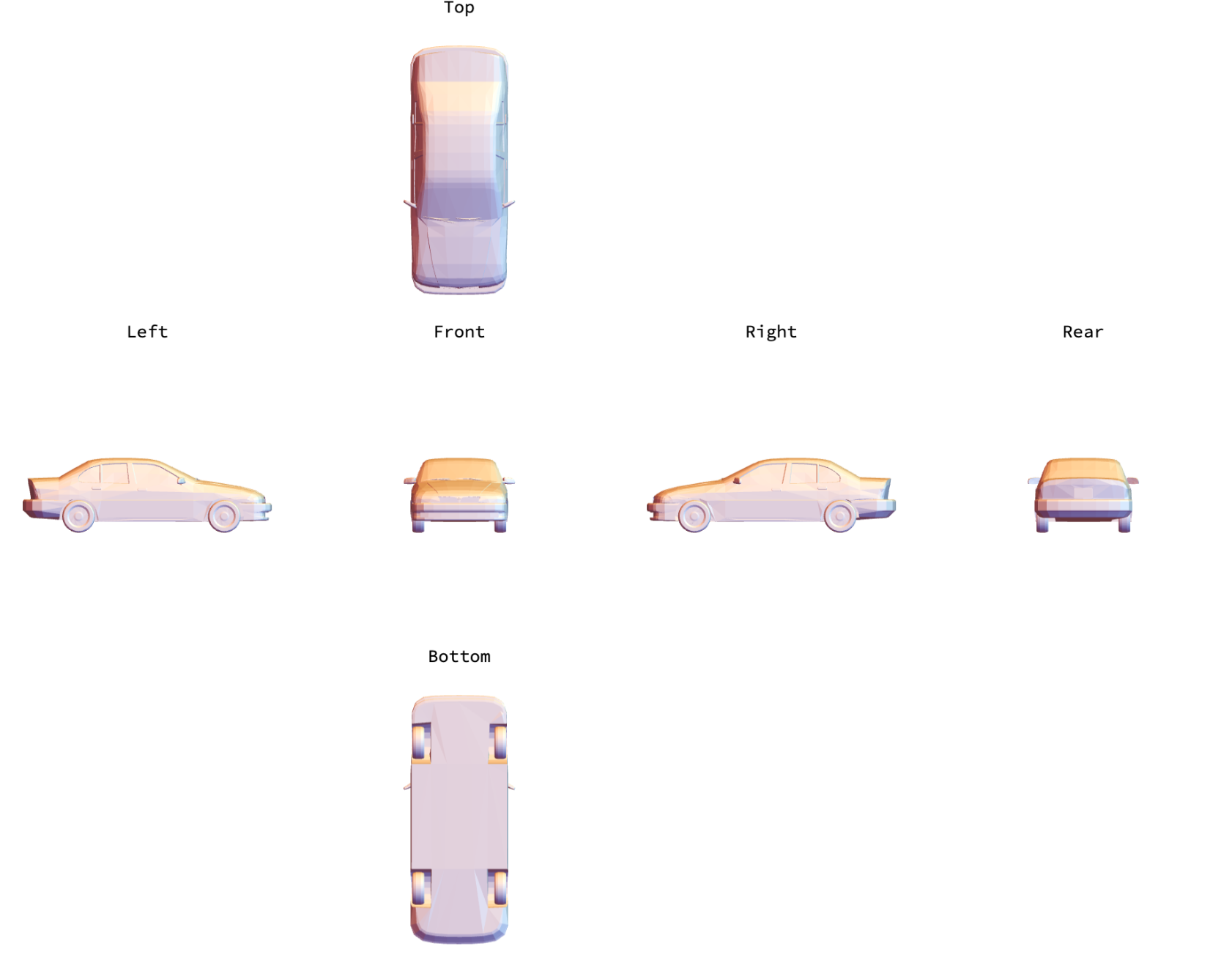 |
Show a molecule:
| In[4]:= |  |
| Out[4]= | 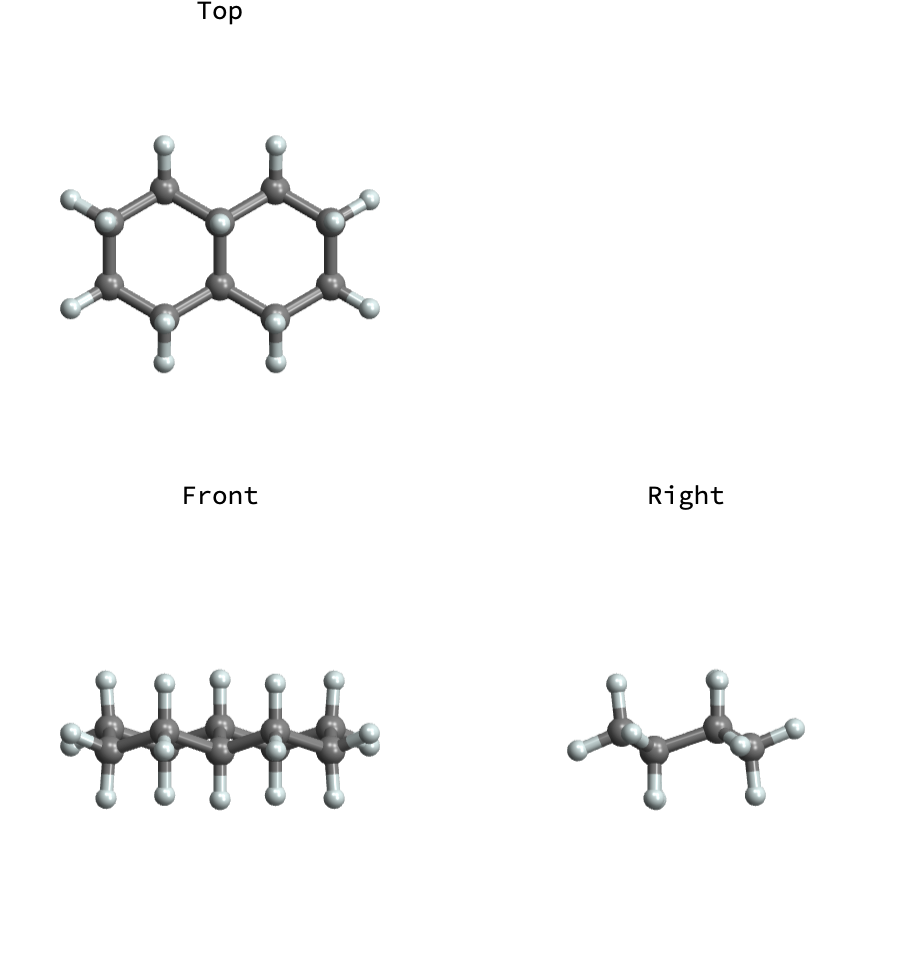 |
Show isometric views from above:
| In[5]:= |  |
| Out[5]= | 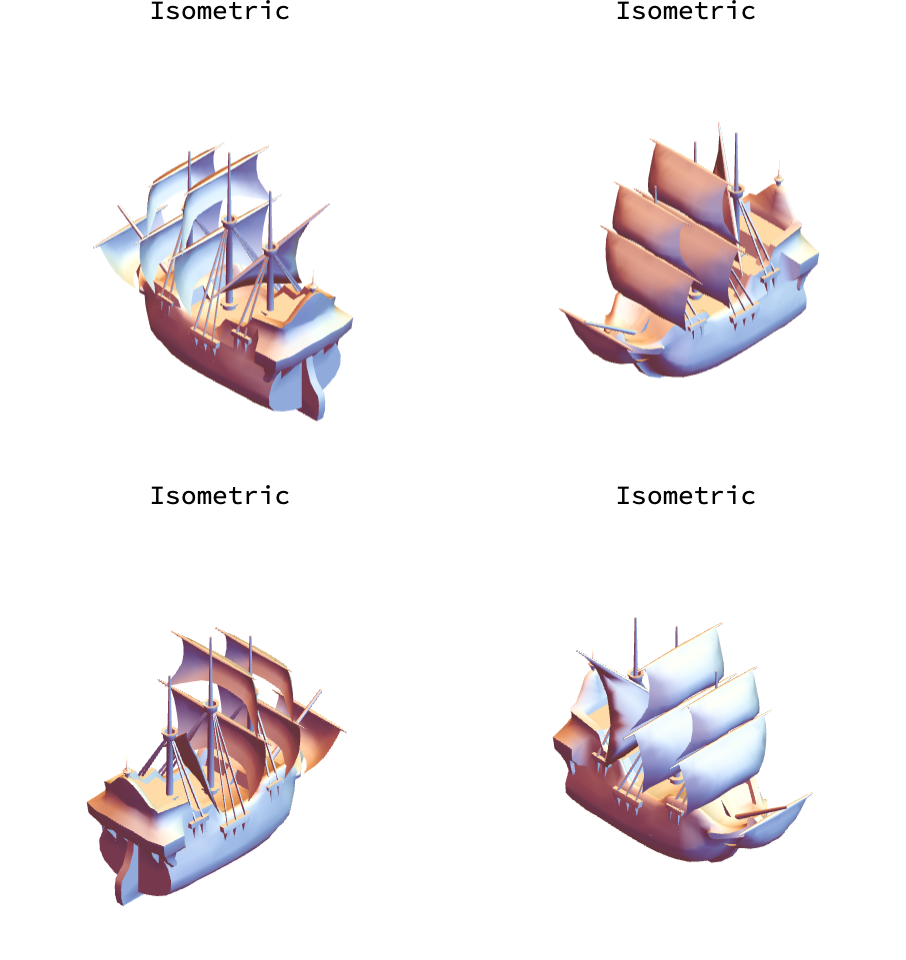 |
Show isometric views from below:
| In[6]:= |  |
| Out[6]= | 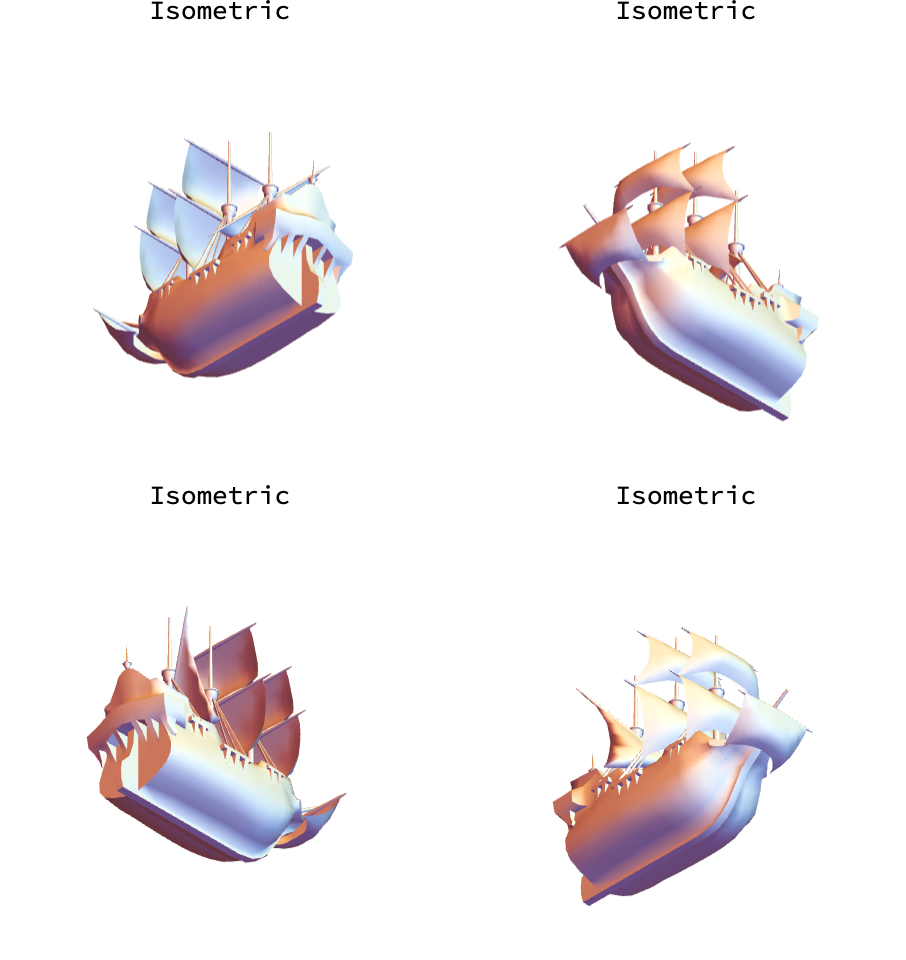 |
Specify a custom layout as a matrix of named views, view directions and empty cells:
| In[7]:= |  |
| Out[7]= | 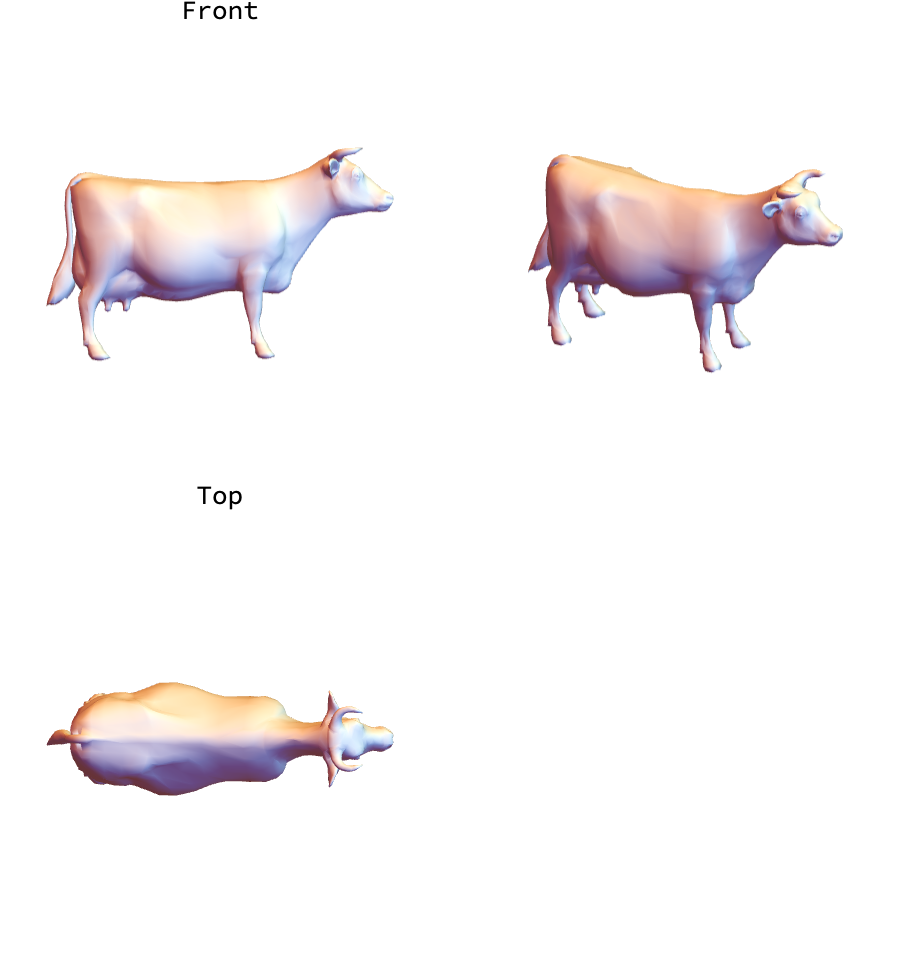 |
Show a region:
| In[8]:= |  |
| Out[8]= | 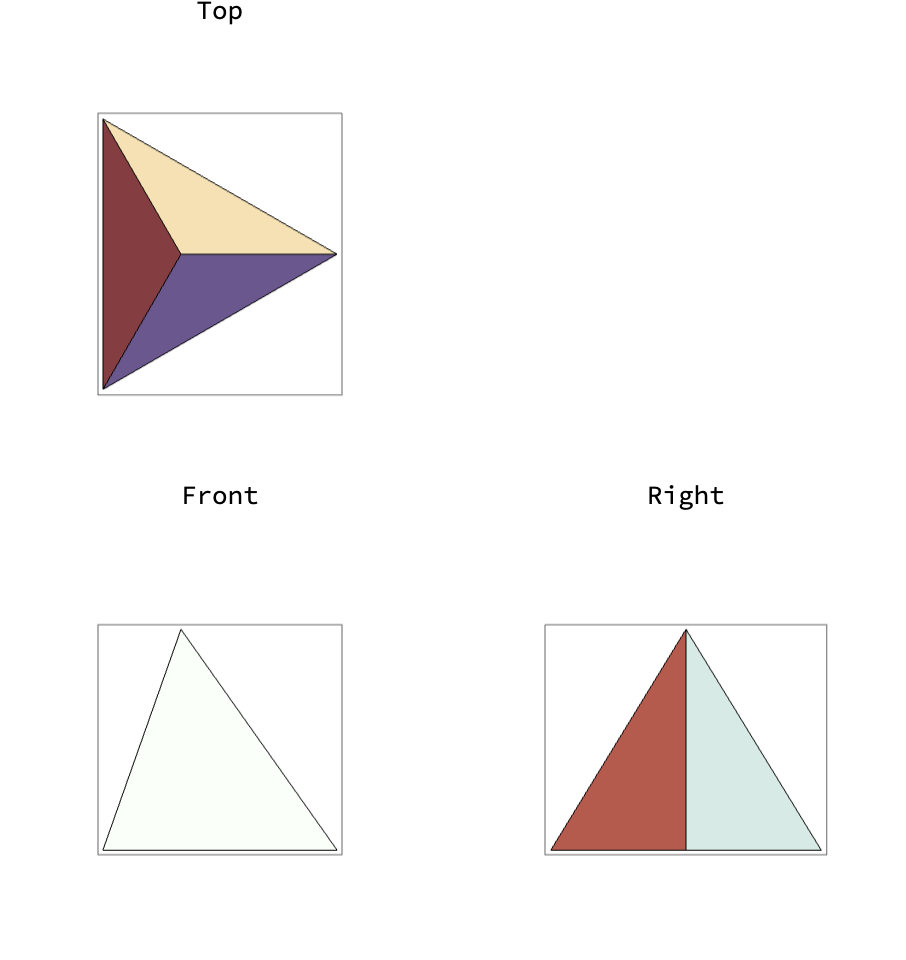 |
Show a mesh region:
| In[9]:= |  |
| Out[9]= | 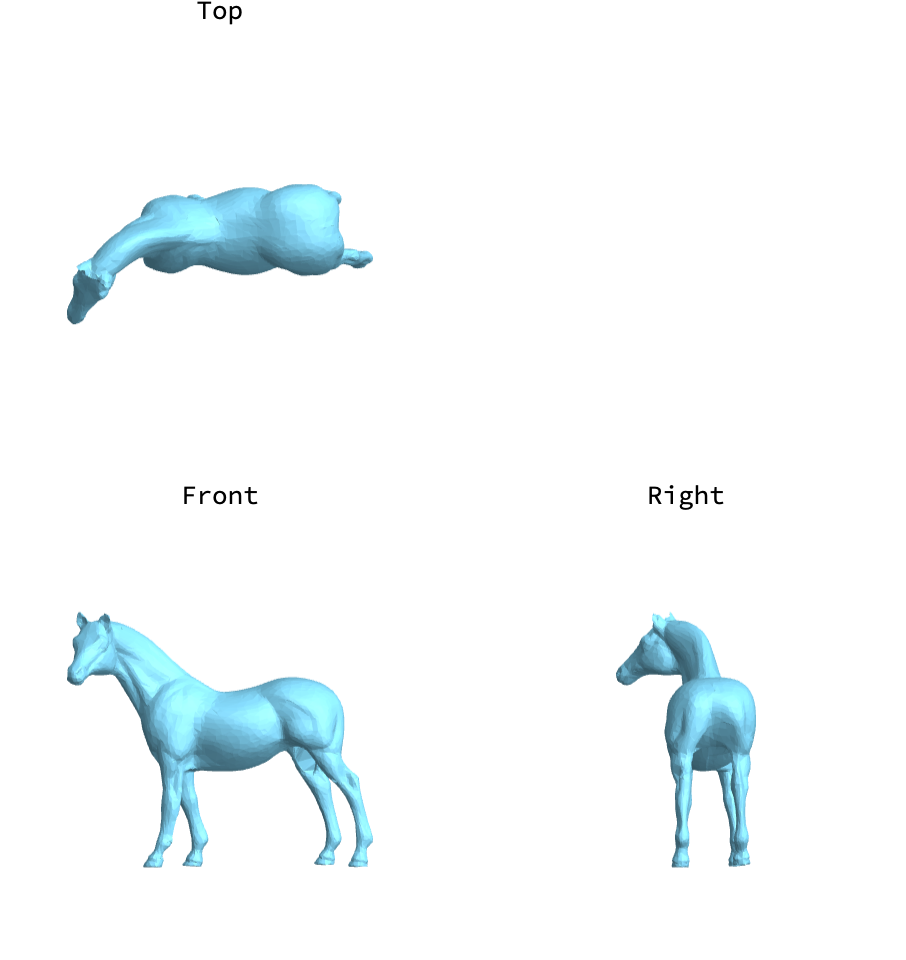 |
Show a 3D image:
| In[10]:= |  |
| Out[10]= | 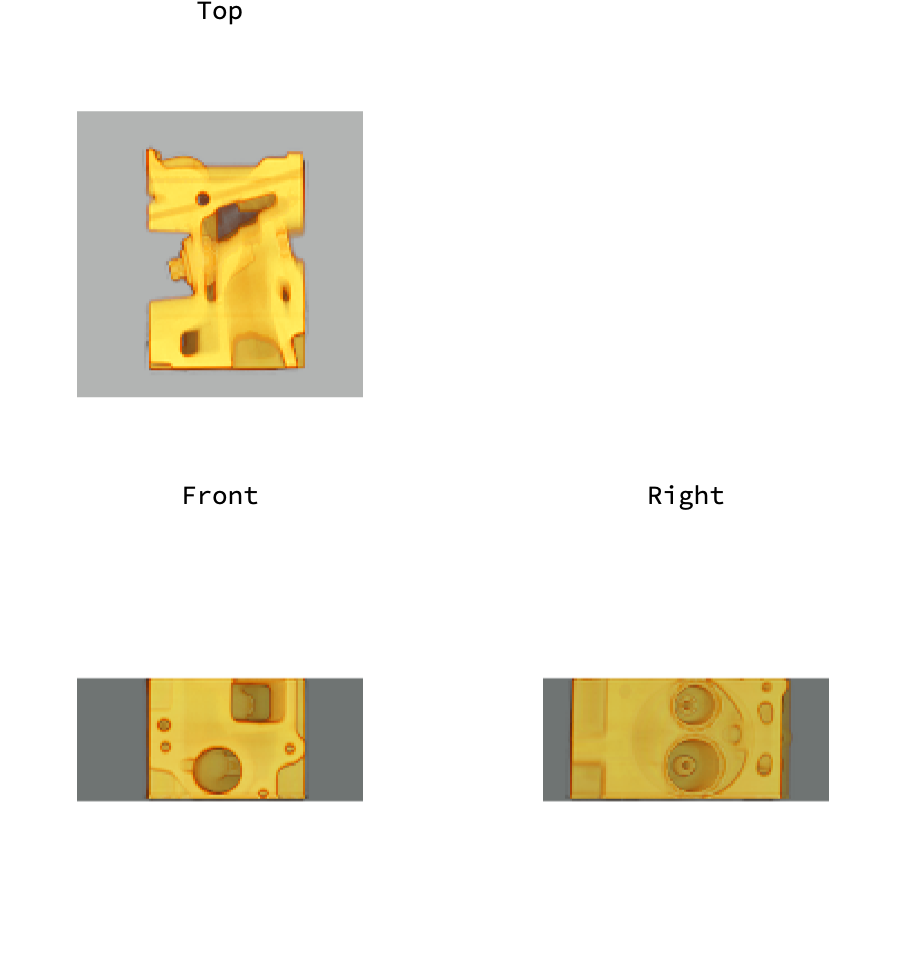 |
Show a 3D plot:
| In[11]:= |  |
| Out[11]= | 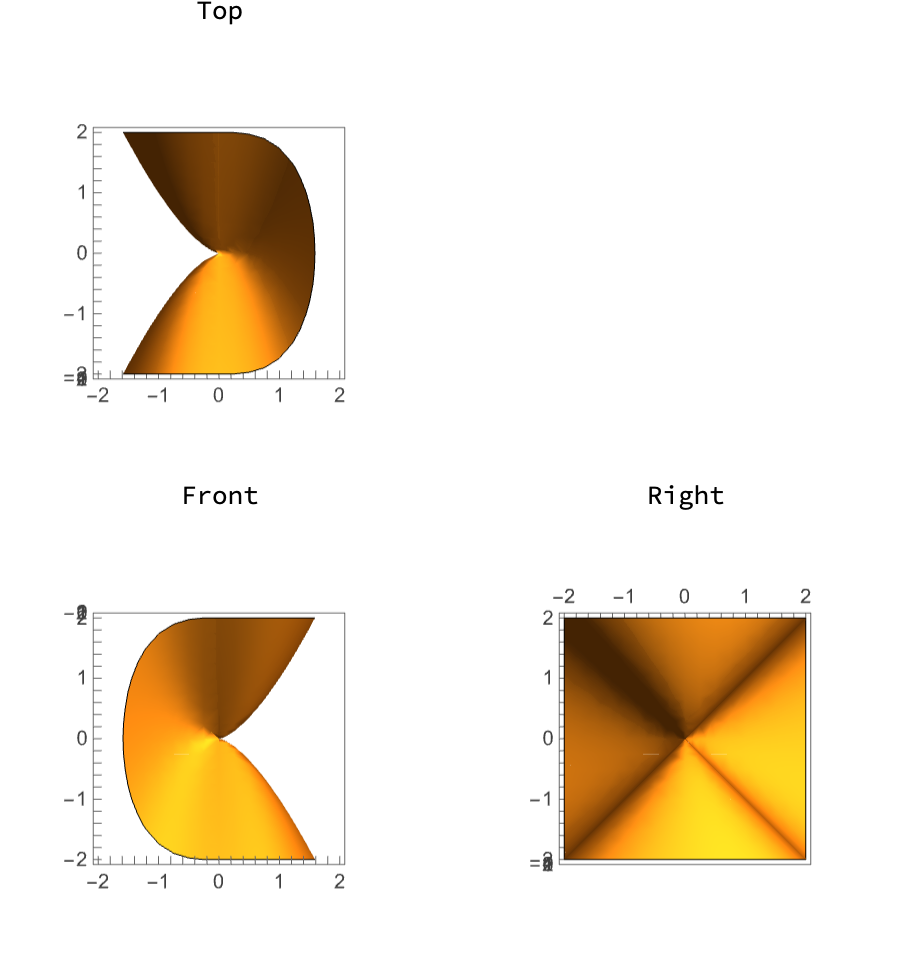 |
Label the whole figure:
| In[12]:= |  |
| Out[12]= | 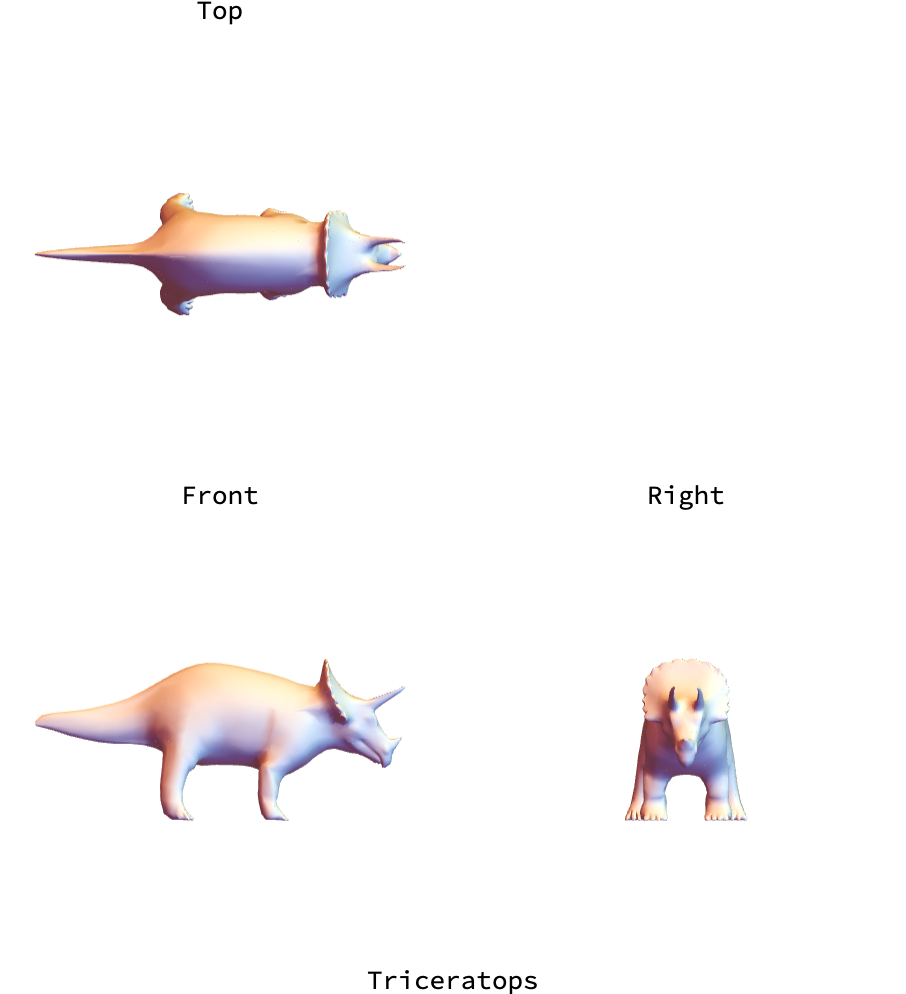 |
By default, the panes are linked for panning and zooming. Pan with Shift-drag, or zoom with Alt-drag (Cmd-drag on macOS), in any pane, and the other panes follow. Only the free pane rotates when you drag it:
| In[13]:= |  |
| Out[13]= | 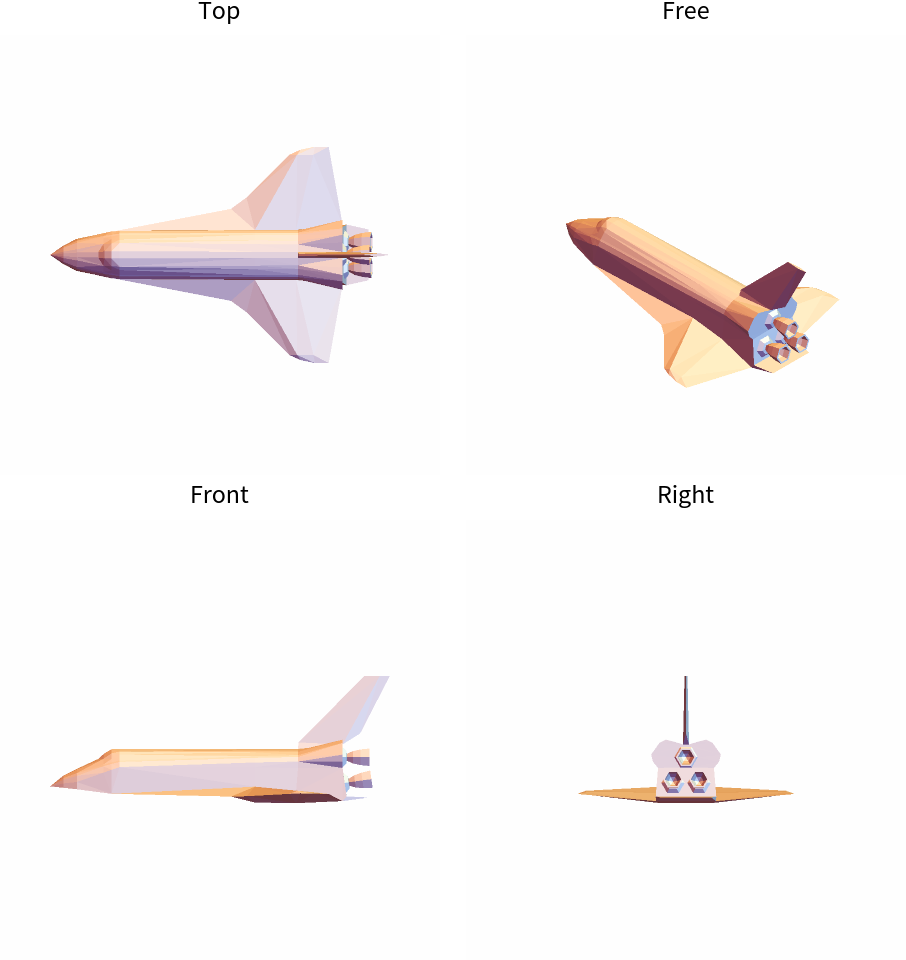 |
With "RigLocked", dragging any pane rotates all panes together, so the views keep their relative directions:
| In[14]:= |  |
| Out[14]= | 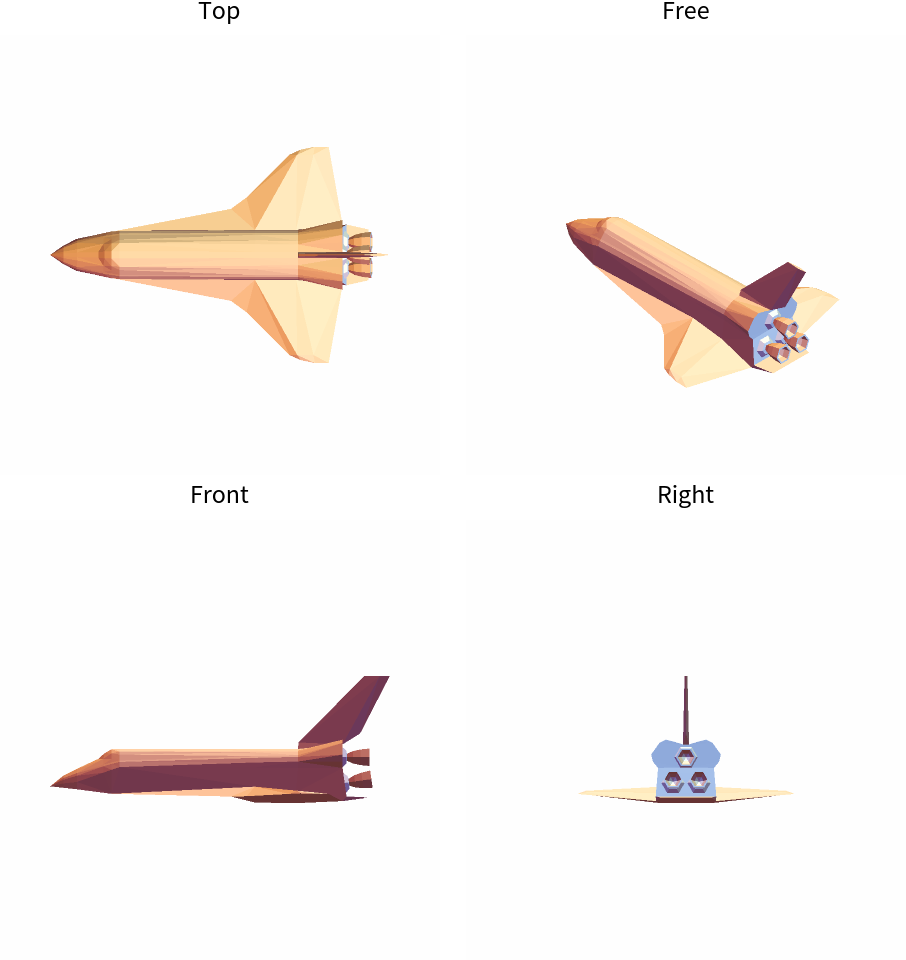 |
Make a static figure:
| In[15]:= |  |
| Out[15]= | 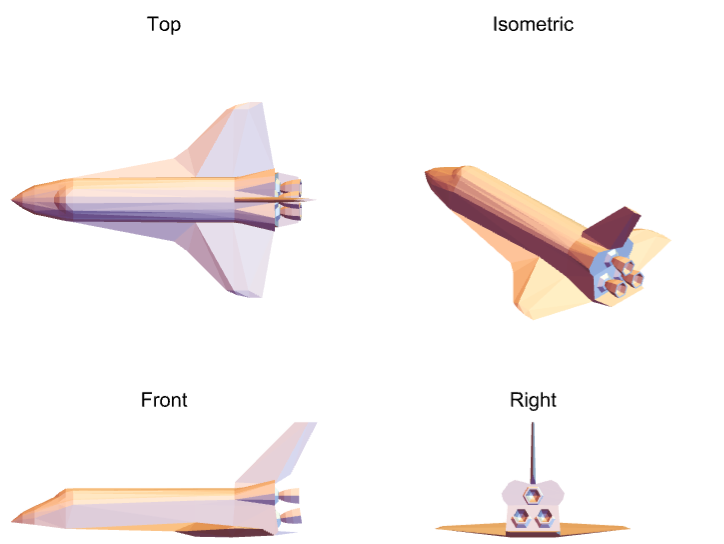 |
Compare third-angle and first-angle projection:
| In[16]:= | ![Table[Framed[
ResourceFunction["MultiviewGraphics3D"][
ExampleData[{"Geometry3D", "SedanCar"}], "ThreeView", "ProjectionConvention" -> c, PlotLabel -> c]], {c, {"ThirdAngle", "FirstAngle"}}]](https://www.wolframcloud.com/obj/resourcesystem/images/ef7/ef7535c9-3638-4982-ad09-4b53c1ef7924/351cf205ef084bd3.png) |
| Out[16]= | 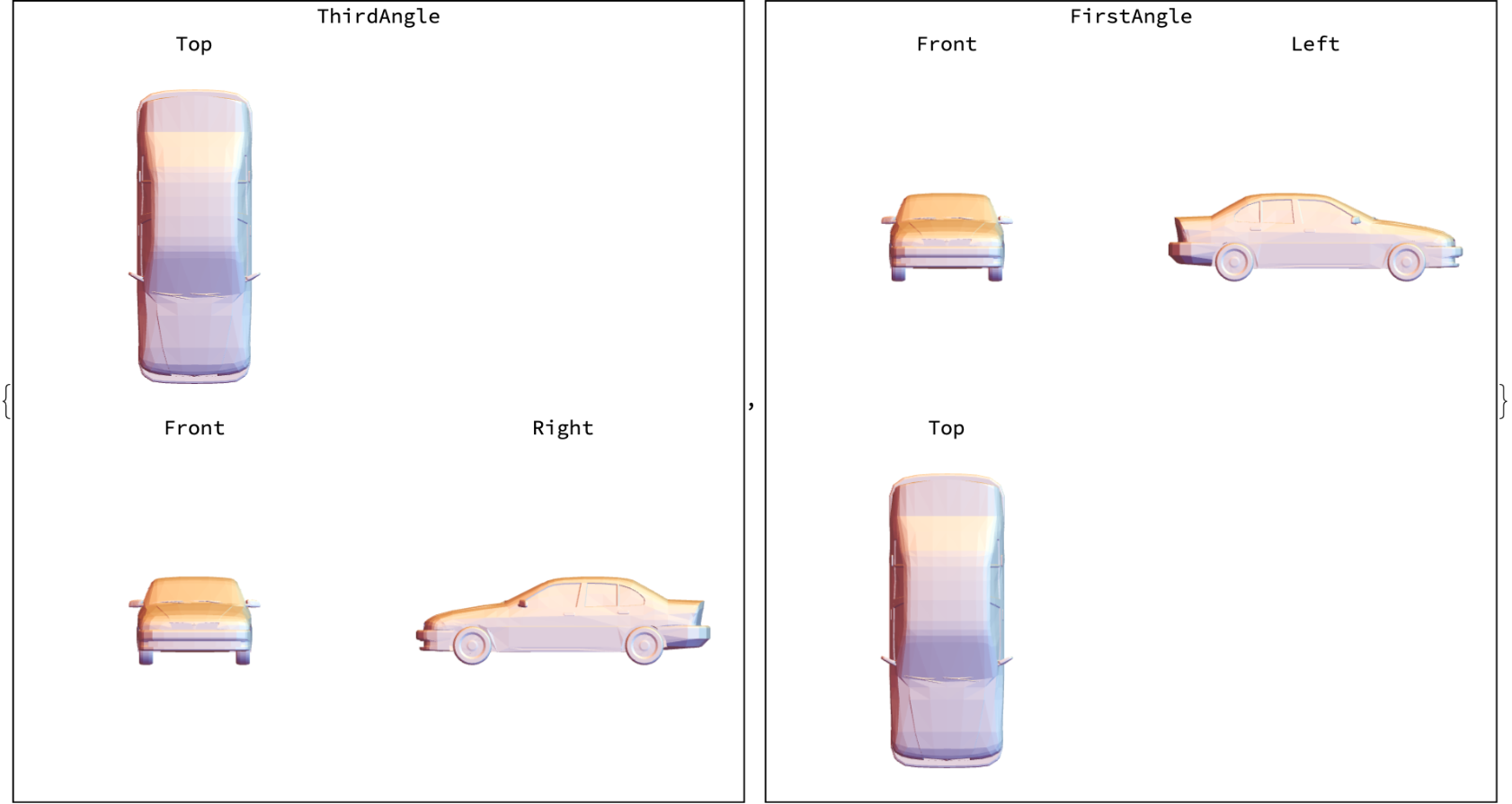 |
By default, each pane is lit from the viewer's side. Rotate the free pane, and the shading of each face changes with the rotation:
| In[17]:= |  |
| Out[17]= | 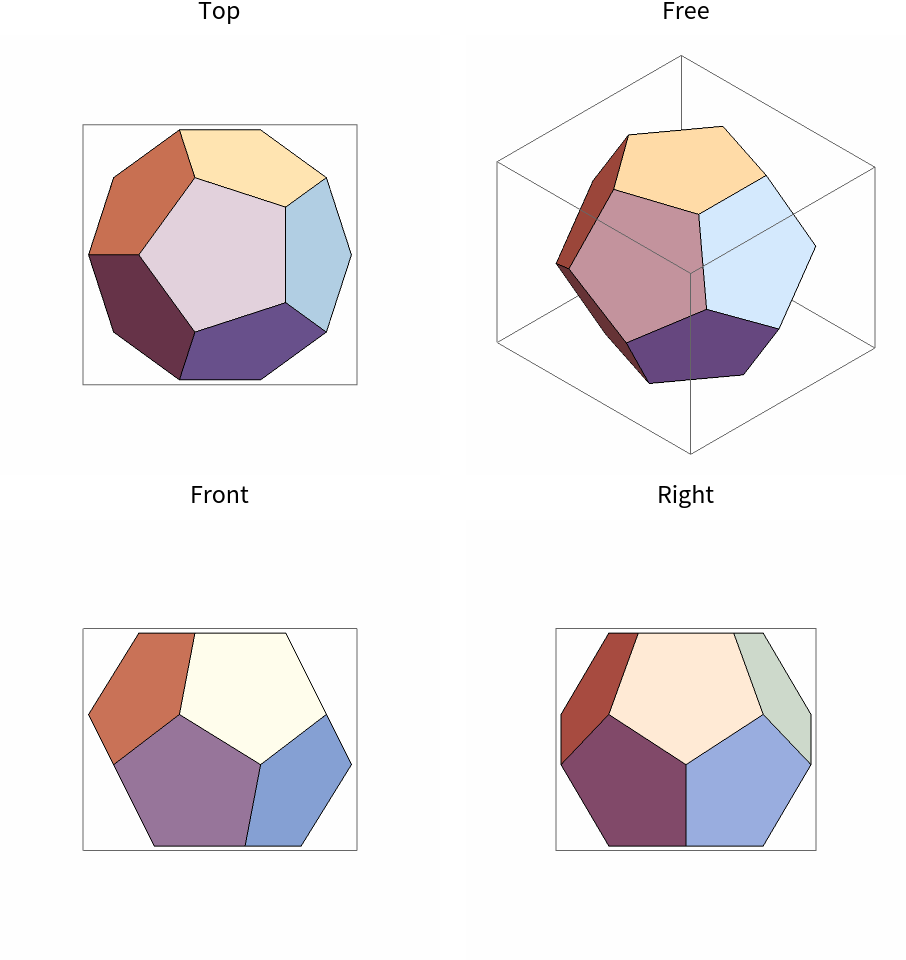 |
Fix the lights to the object, as they fall in the free view. Rotate the free pane, and each face keeps its shading:
| In[18]:= |  |
| Out[18]= | 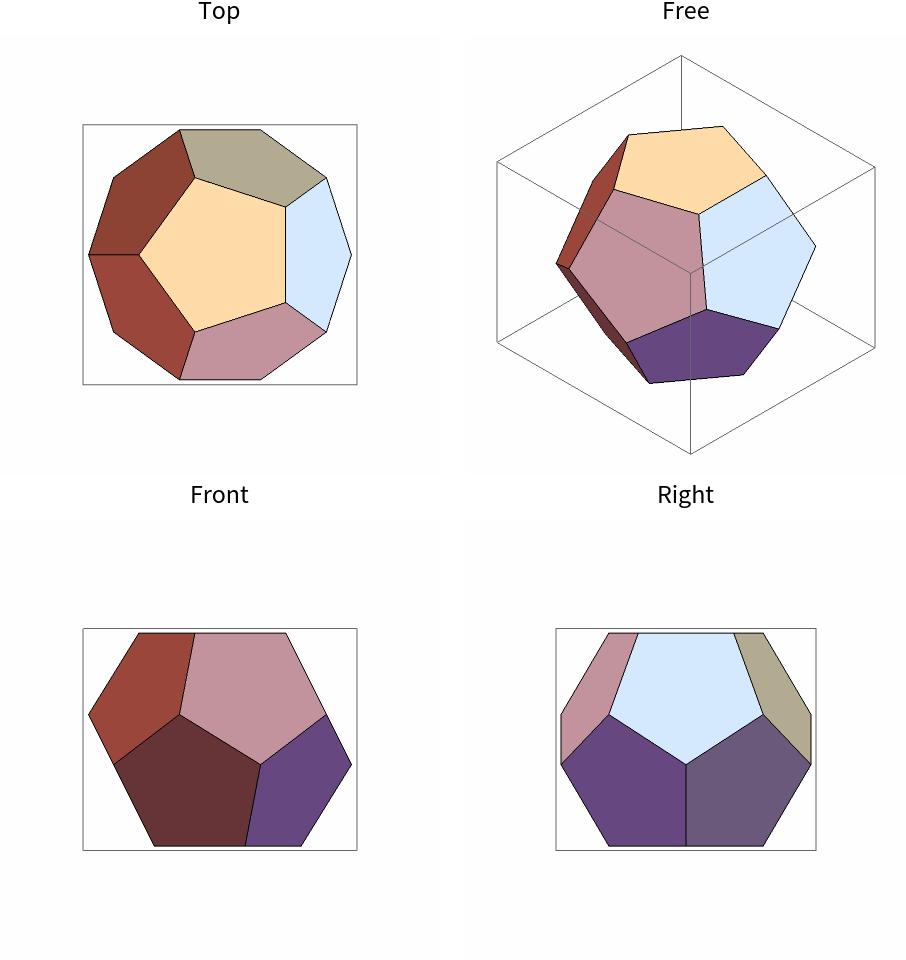 |
Specify custom labels:
| In[19]:= |  |
| Out[19]= | 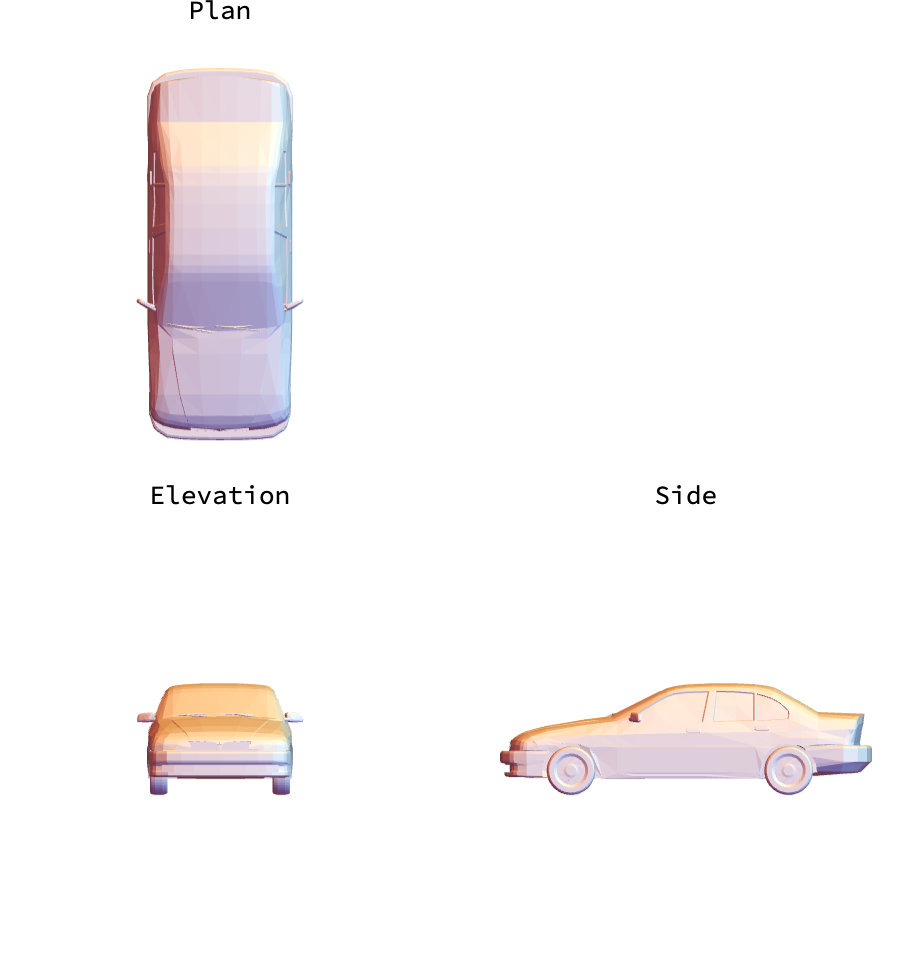 |
Label each view with its direction:
| In[20]:= |  |
| Out[20]= | 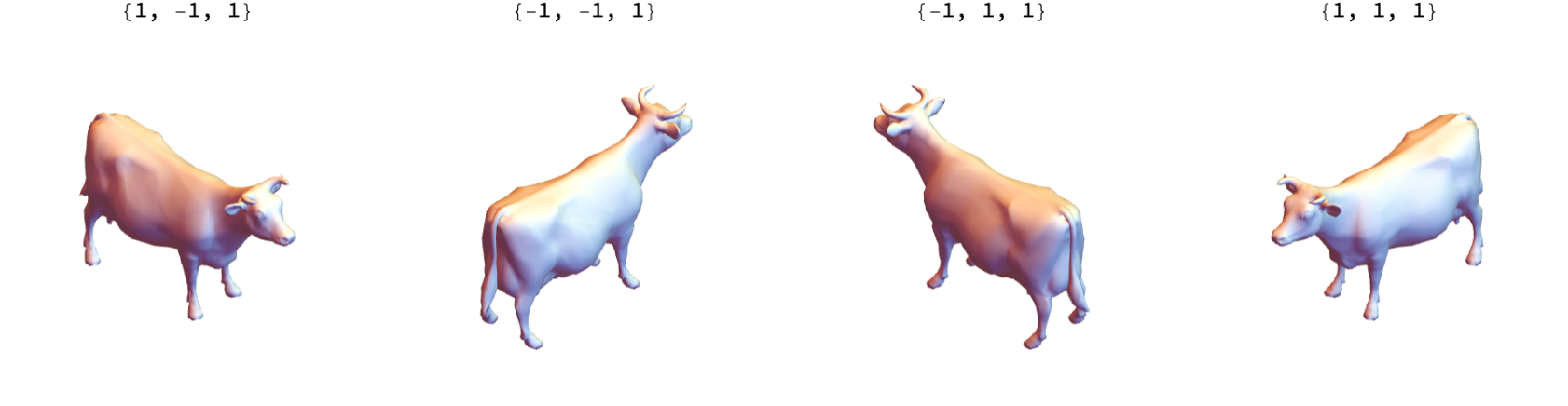 |
Omit labels:
| In[21]:= |  |
| Out[21]= | 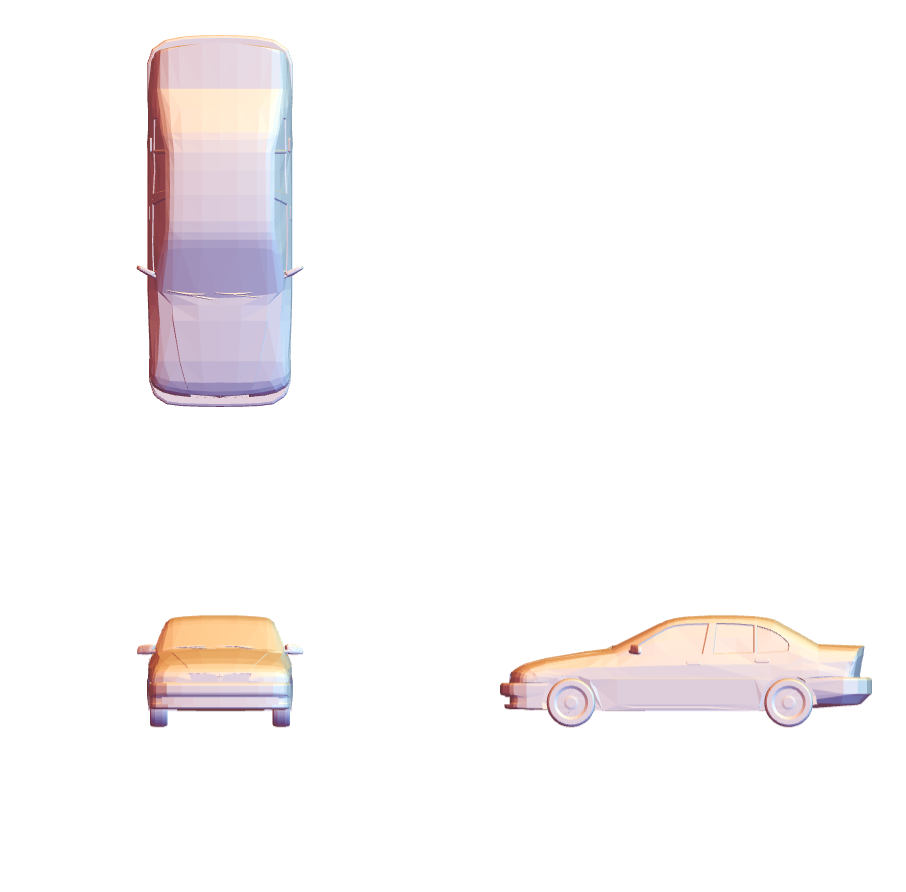 |
Style view labels:
| In[22]:= |  |
| Out[22]= | 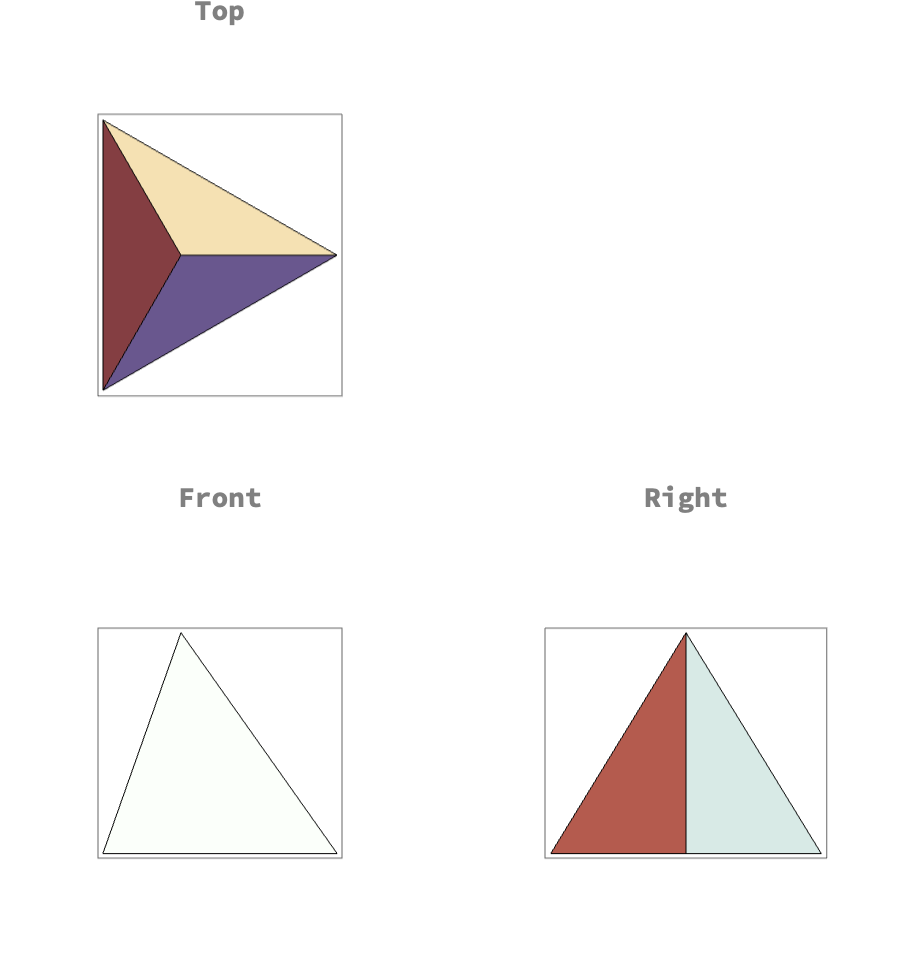 |
Start the free pane low and looking along a wall:
| In[23]:= |  |
| Out[23]= | 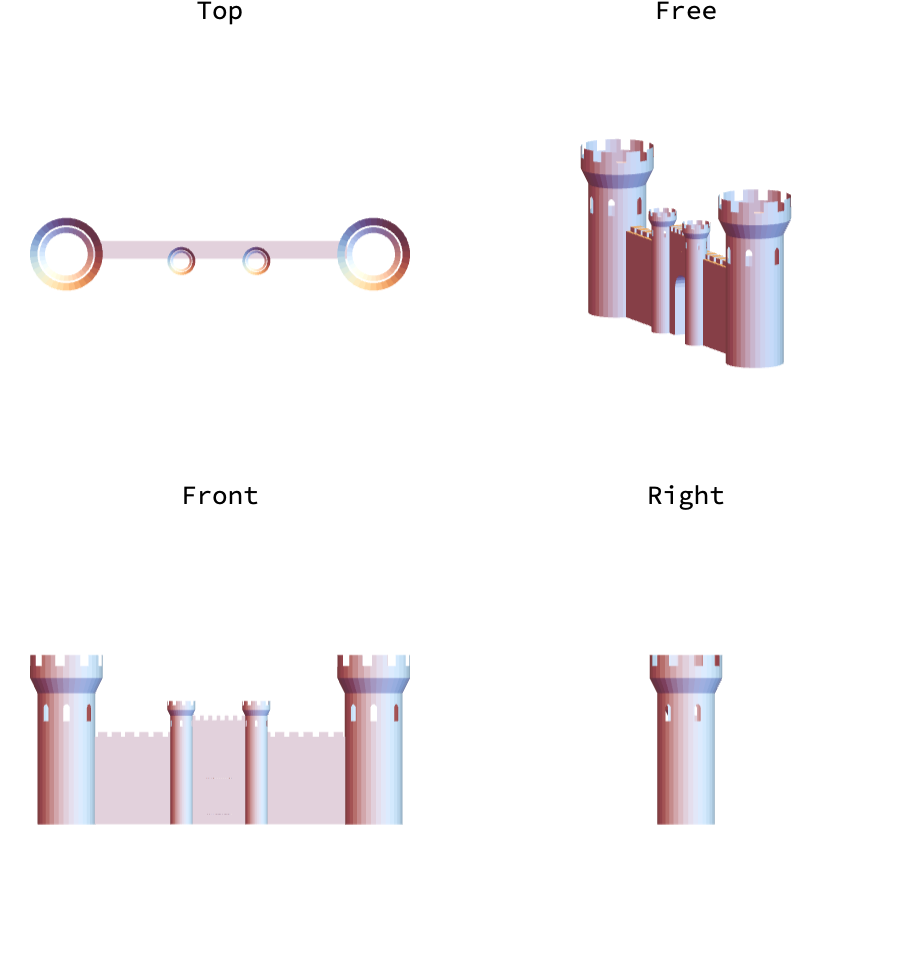 |
Switch the free pane to a perspective projection, so the near tower looks larger than the far one:
| In[24]:= |  |
| Out[24]= | 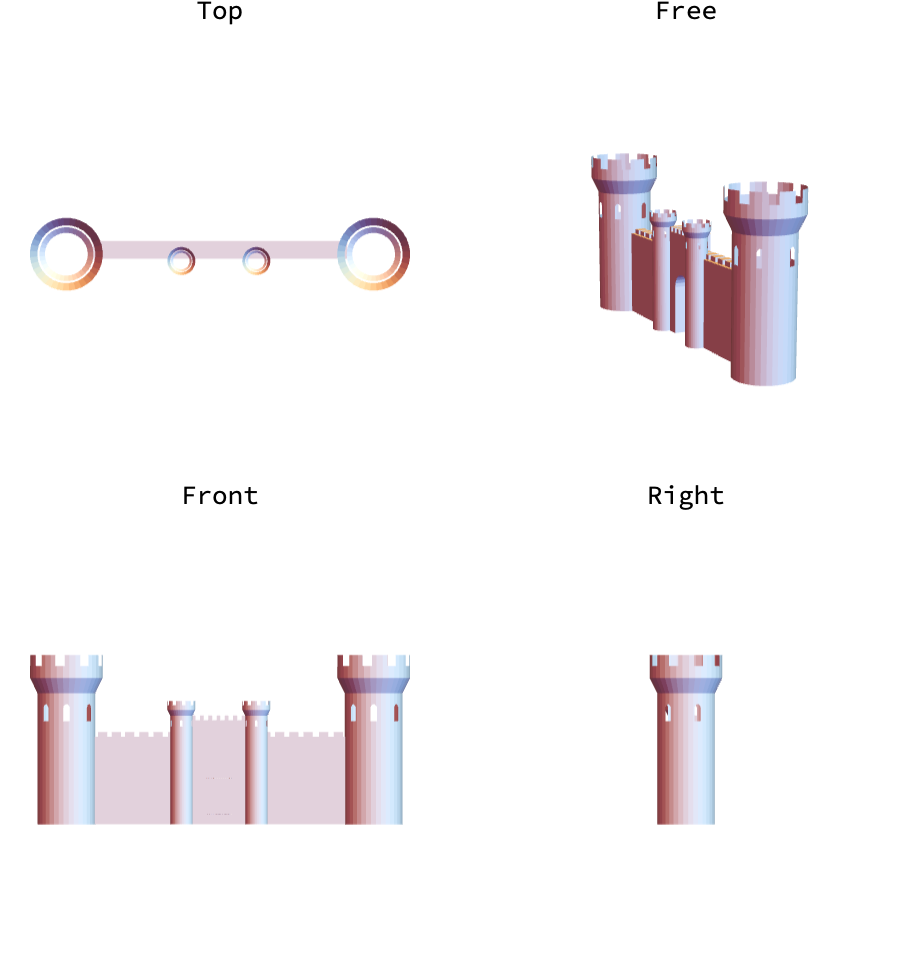 |
Other Graphics3D options apply to every pane:
| In[25]:= |  |
| Out[25]= | 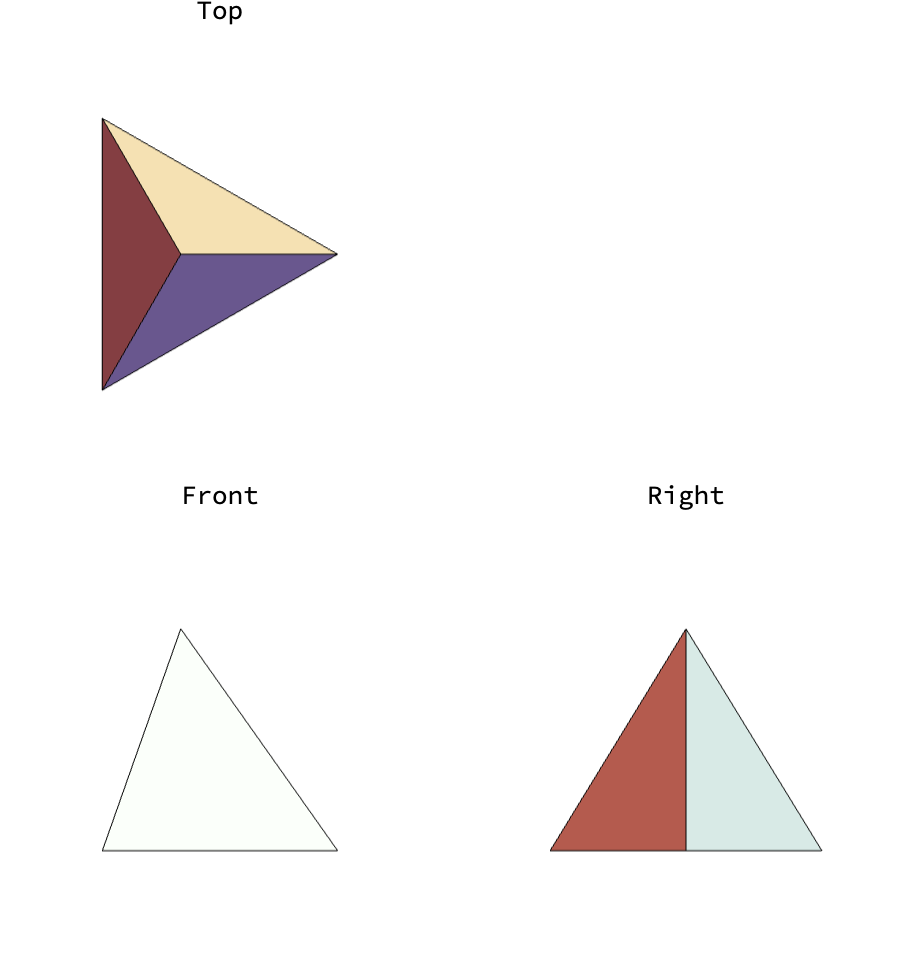 |
Set the size of the whole figure:
| In[26]:= |  |
| Out[26]= | 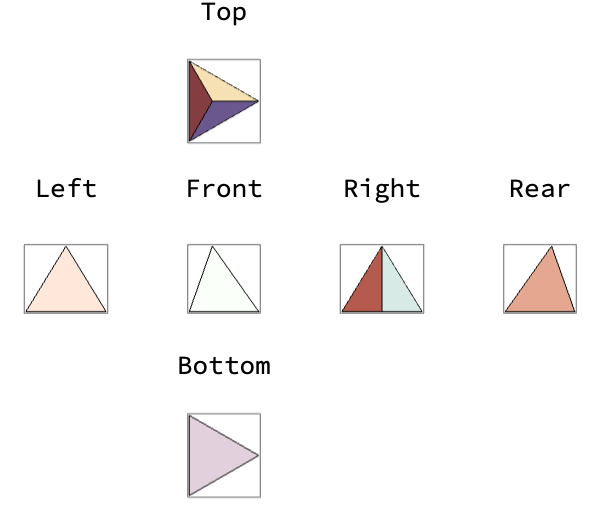 |
Model an angle bracket as a solid with holes:

Make a drawing with three views and a pictorial view:
| In[27]:= |  |
| Out[27]= | 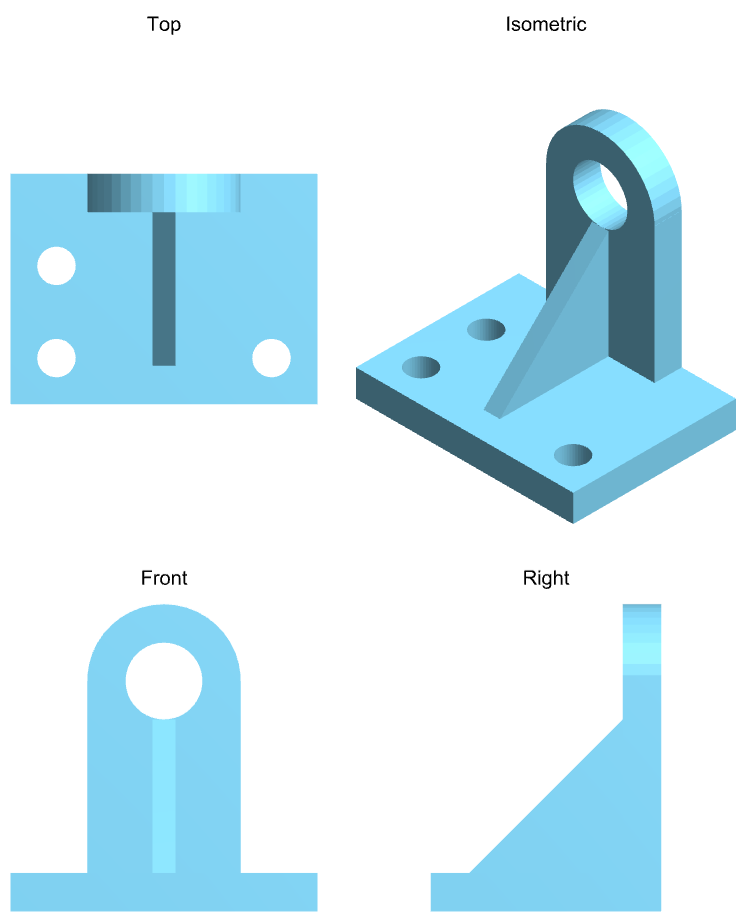 |
Export the drawing as a PDF:
| In[28]:= |  |
| Out[28]= |  |
Explore a family of surfaces from several views:
| In[29]:= | ![Manipulate[
ResourceFunction["MultiviewGraphics3D"][
Plot3D[Sin[a x] Cos[y], {x, -3, 3}, {y, -3, 3}, Mesh -> None]], {a, 0.5, 3}, SaveDefinitions -> True]](https://www.wolframcloud.com/obj/resourcesystem/images/ef7/ef7535c9-3638-4982-ad09-4b53c1ef7924/4f137ec50a504ba6.png) |
| Out[29]= | 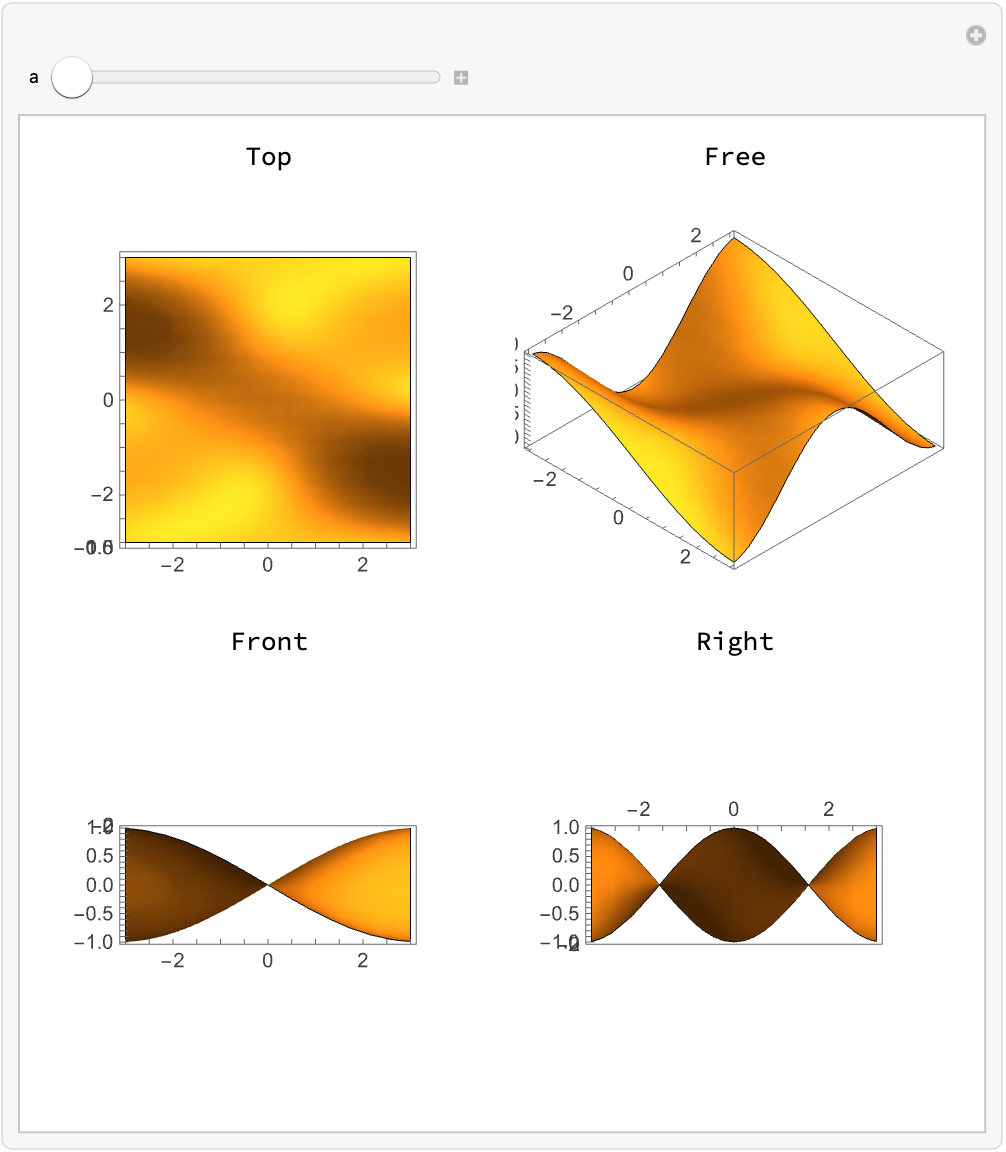 |
Views made with Show are each scaled to fill their space:
| In[30]:= |  |
| In[31]:= |  |
| Out[31]= | 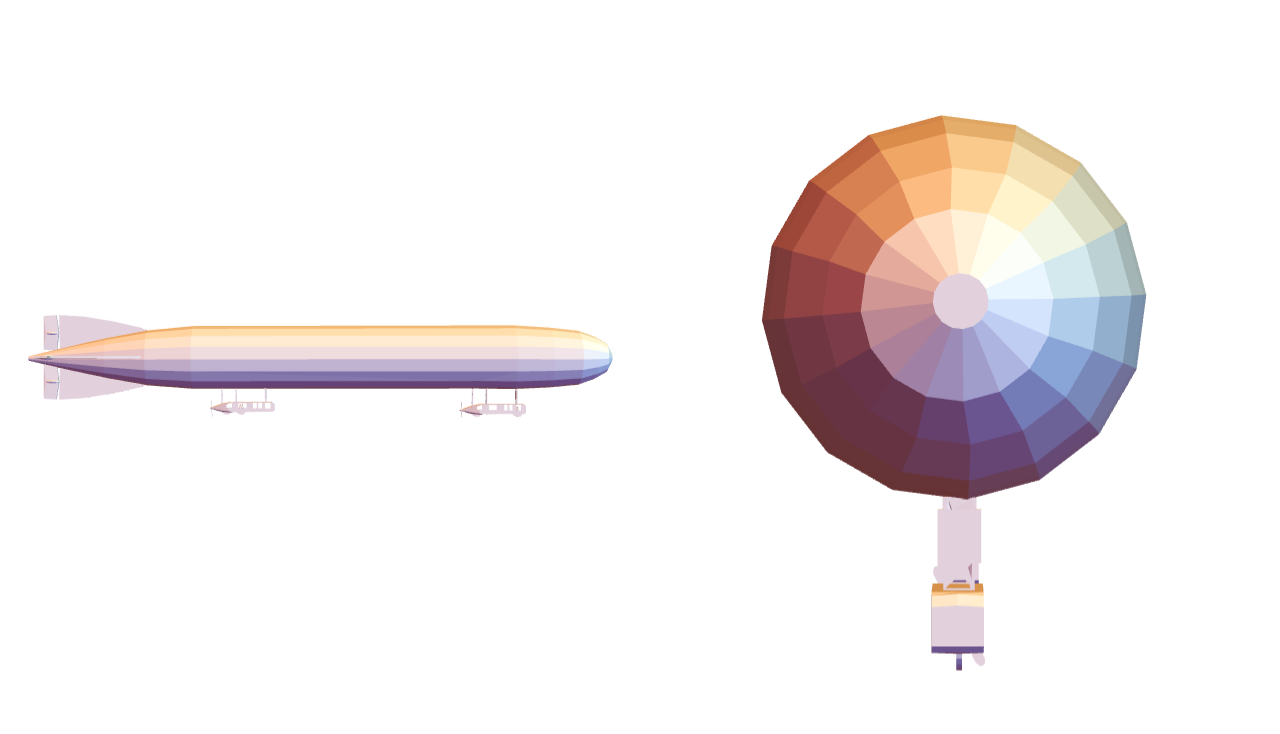 |
MultiviewGraphics3D shows all views at a common scale:
| In[32]:= |  |
| Out[32]= | 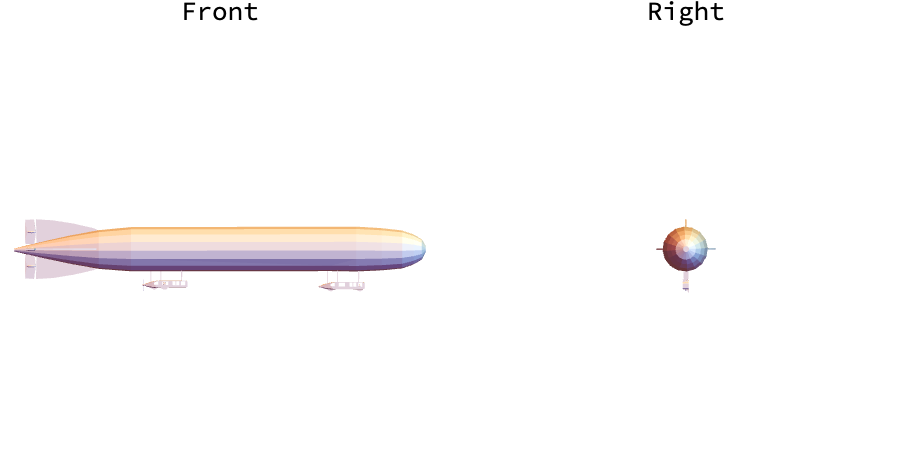 |
Camera options set in the input are ignored:
| In[33]:= |  |
| In[34]:= |  |
| Out[34]= | 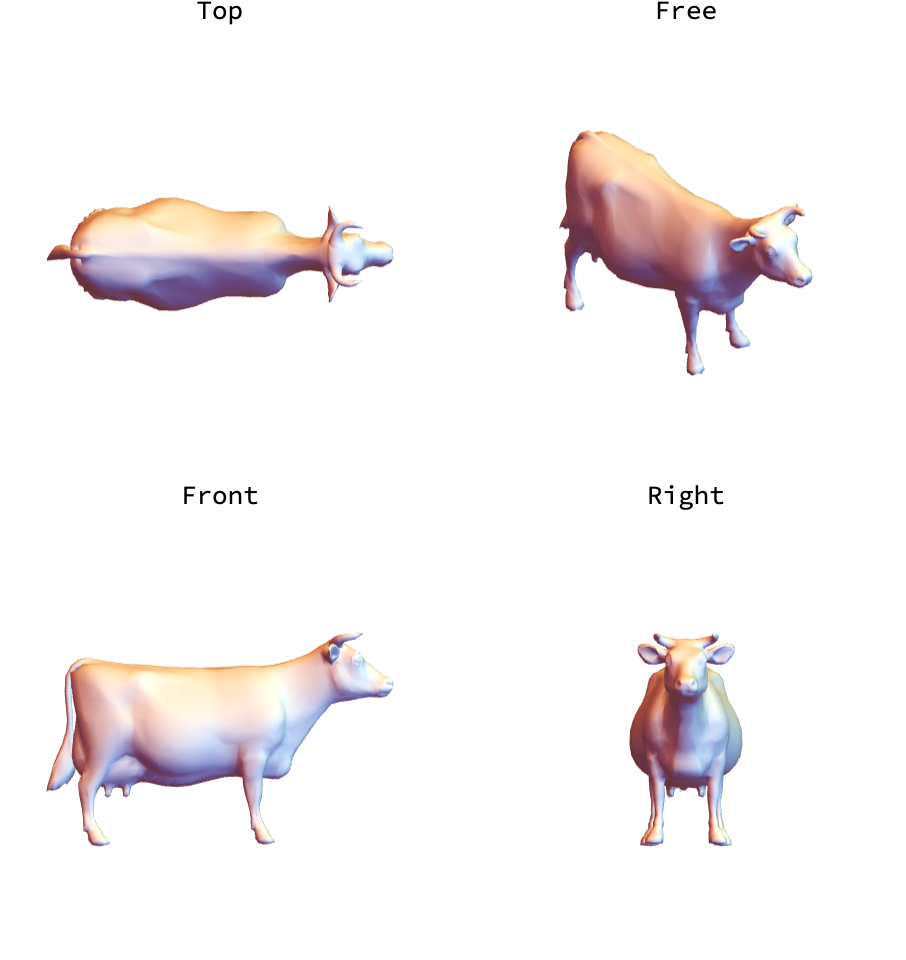 |
Set them in MultiviewGraphics3D instead:
| In[35]:= |  |
| Out[35]= | 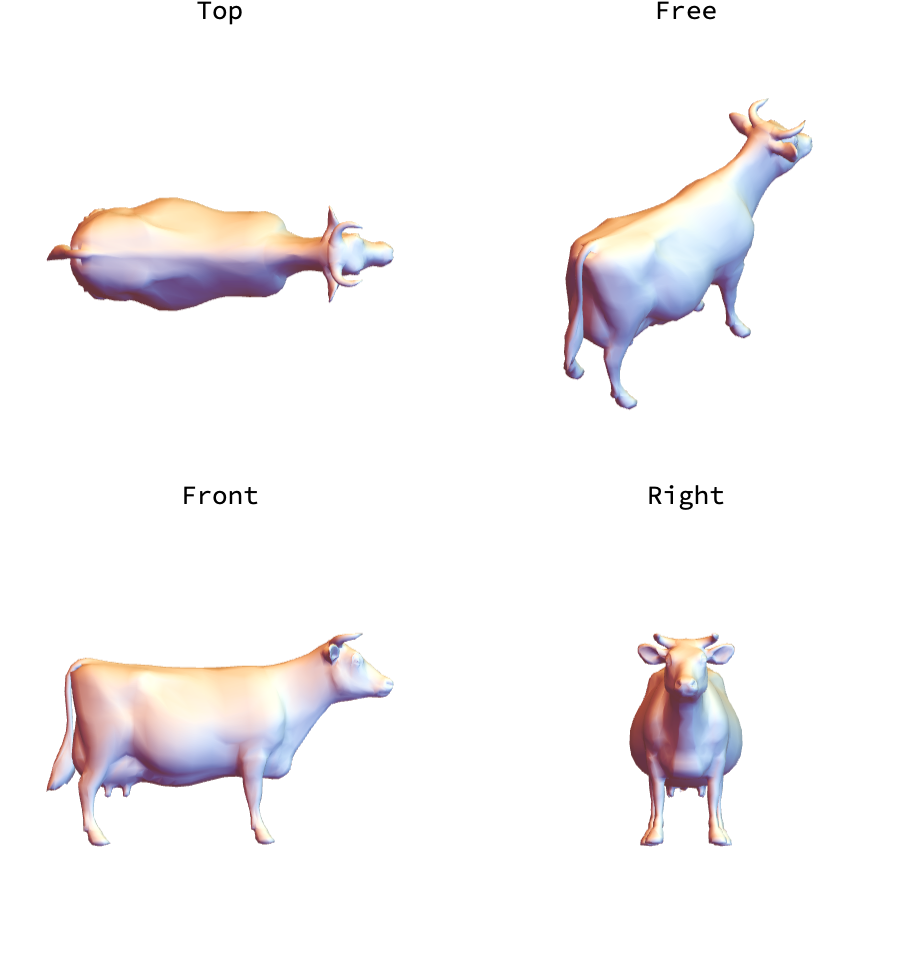 |
Make a solid whose top, front and right views are three different letters:
| In[36]:= | ![letter[c_] := ImageData[
Binarize[
ImageResize[
ImageCrop[
ColorNegate[
Rasterize[Style[c, 200, FontFamily -> "Arial Black"]]]], {20, 20}]]];
{front, right, top} = letter /@ {"G", "E", "B"};
ResourceFunction["MultiviewGraphics3D"][
ArrayMesh[
Table[front[[z, x]] right[[z, y]] top[[21 - y, x]], {x, 20}, {z, 20}, {y, 20}]], {{Front, Right}, {Above, "Free"}}]](https://www.wolframcloud.com/obj/resourcesystem/images/ef7/ef7535c9-3638-4982-ad09-4b53c1ef7924/2e838fcf2c6e7155.png) |
| Out[36]= | 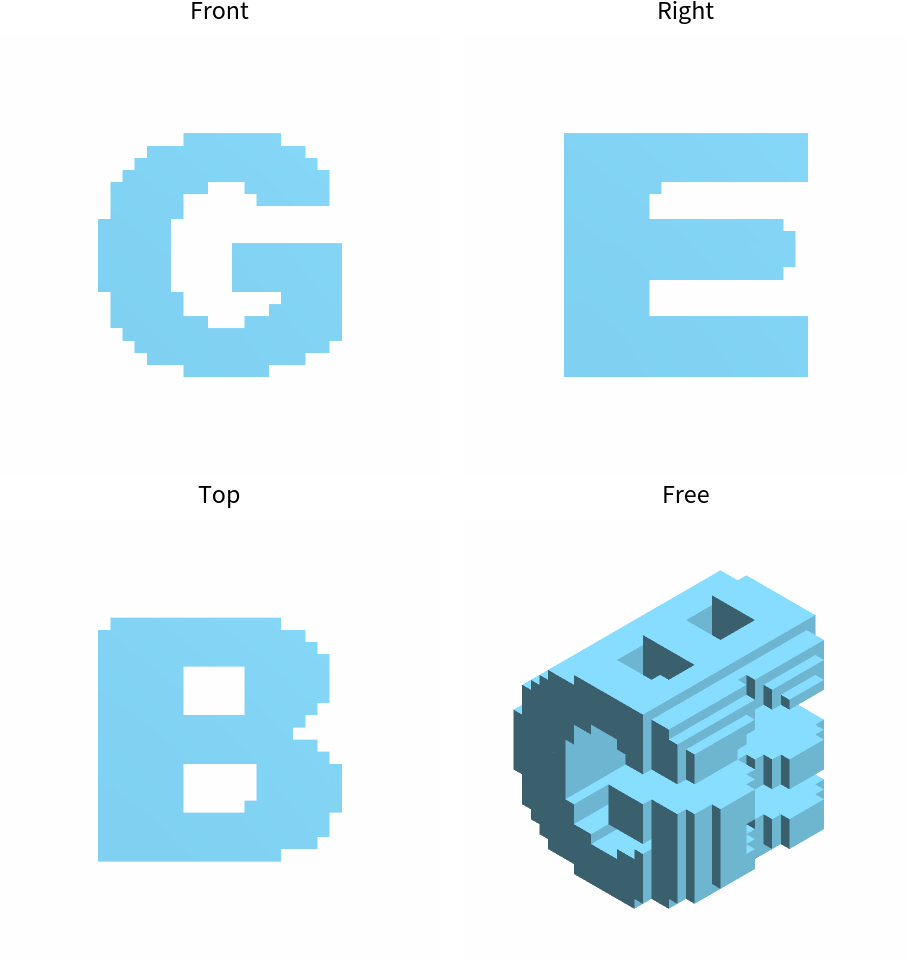 |
This work is licensed under a Creative Commons Attribution 4.0 International License