Basic Examples (2)
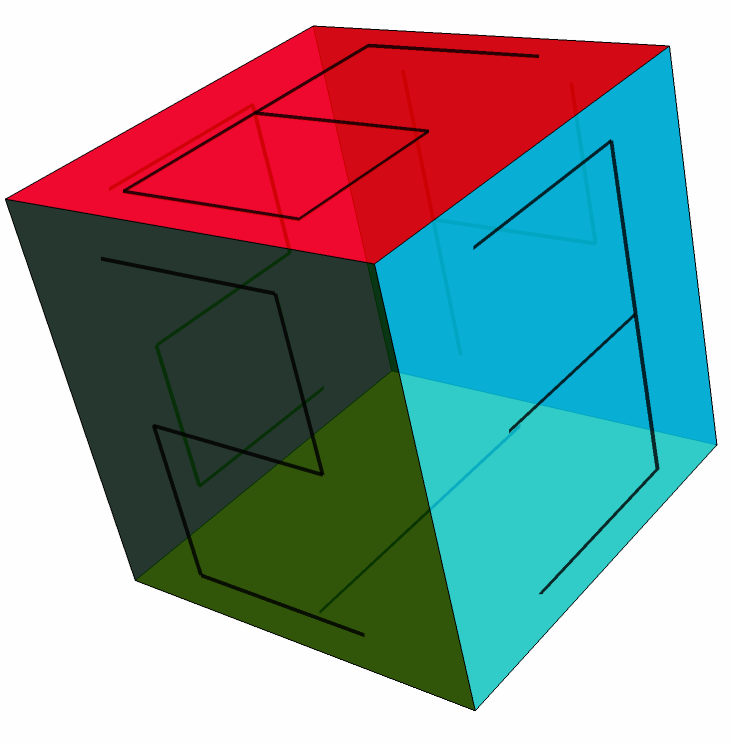
Number the faces of a cube:
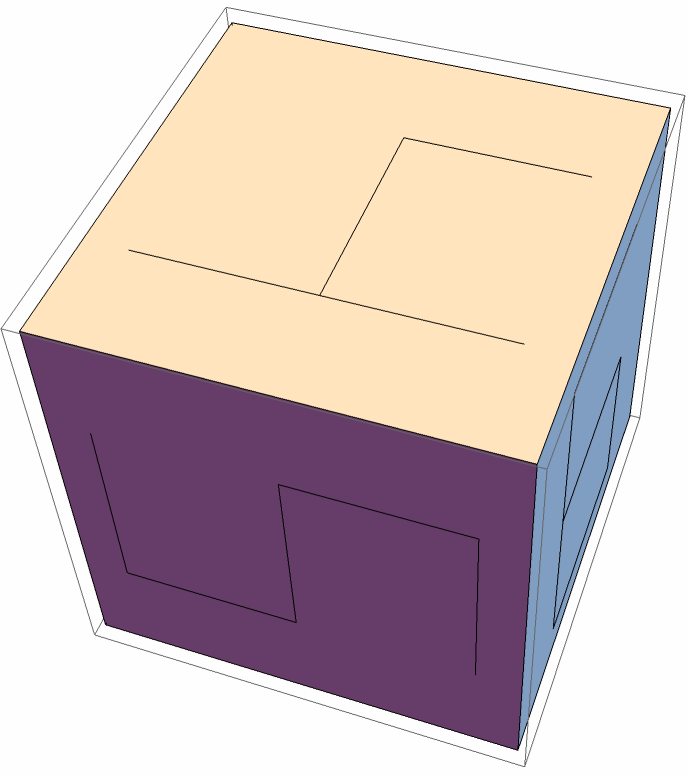
Color each cube face and its label independently:
Scope (5)
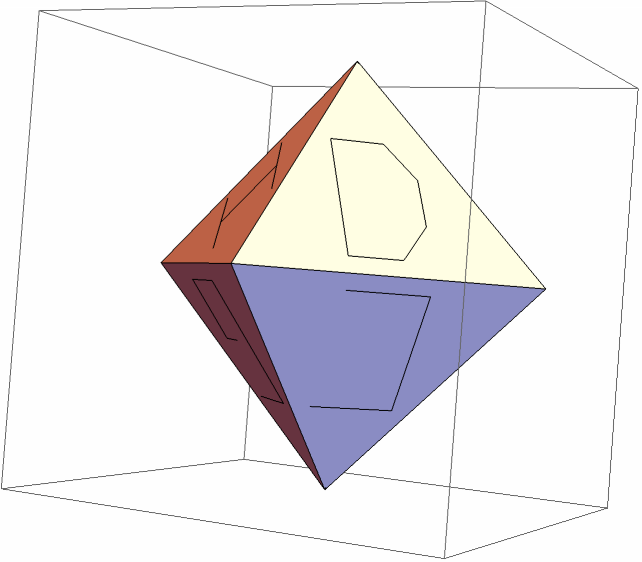
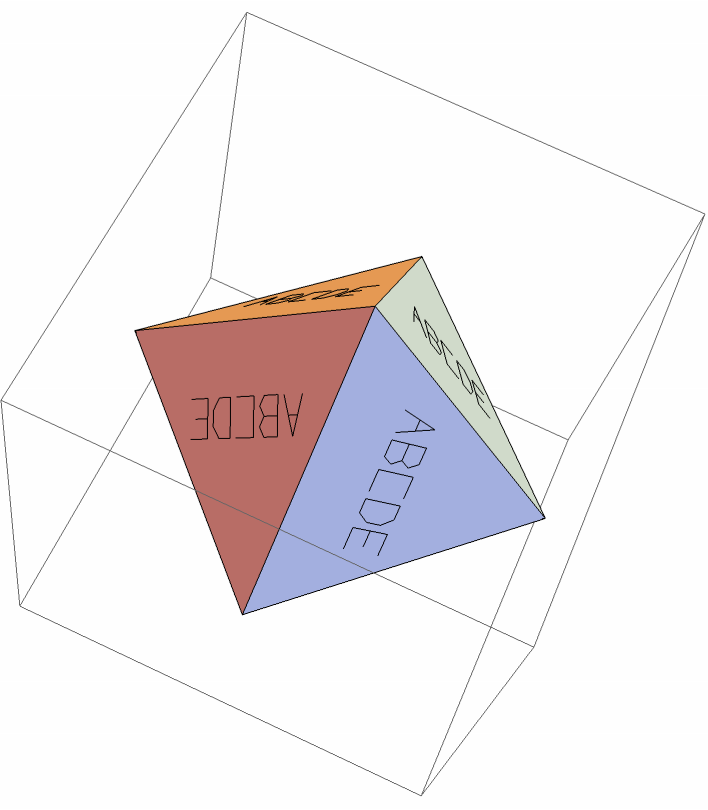
Letter the eight faces of an octahedron:
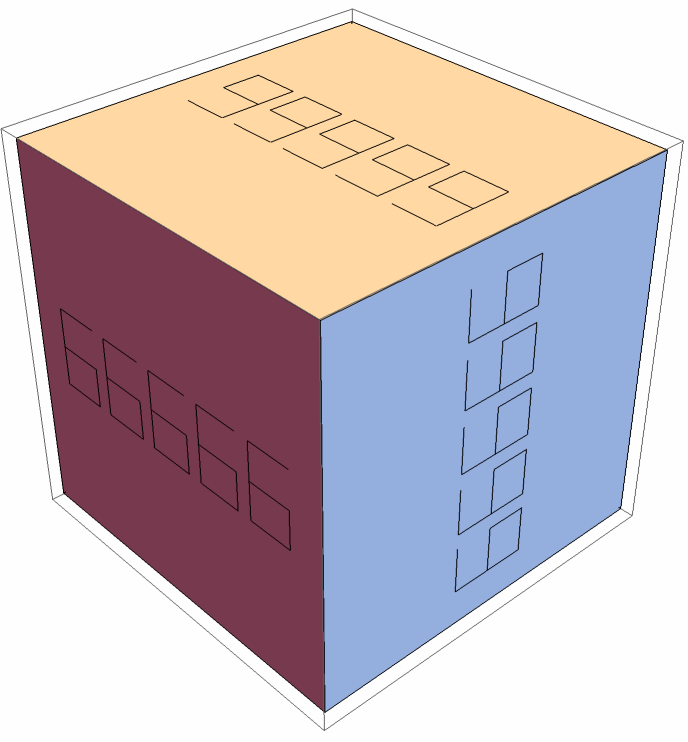
Fit a five-digit label on every cube face:
Label a polygon:
Long strings also fit within triangular faces:
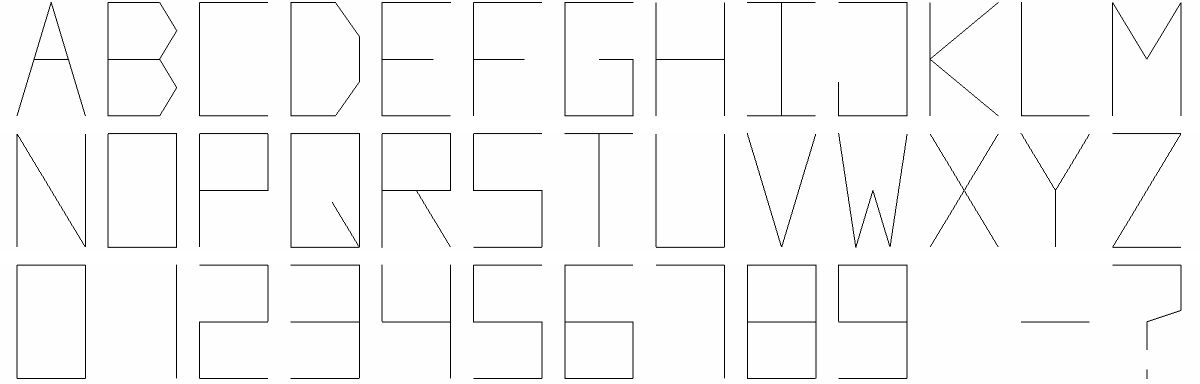
Display the supported letters and digits:
Options (2)
Compare three fit values. Each panel uses the same face and text:
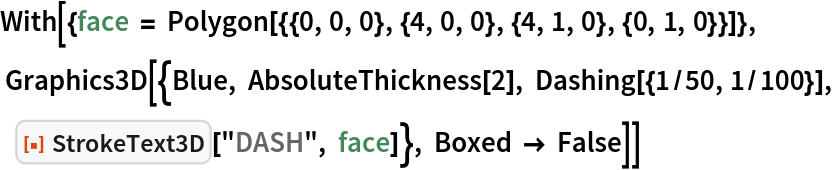
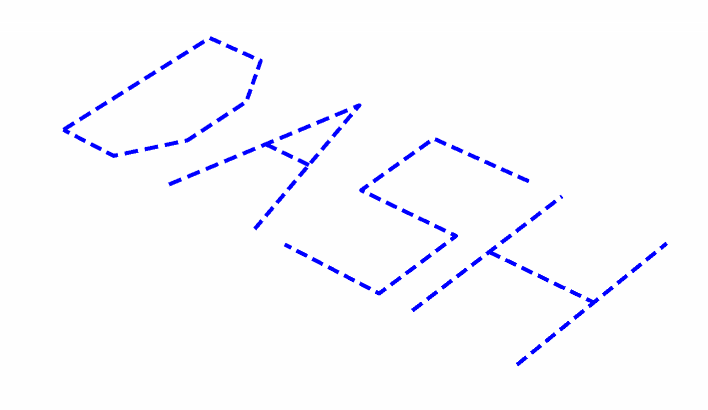
Use a dashed stroke style:
Applications (4)
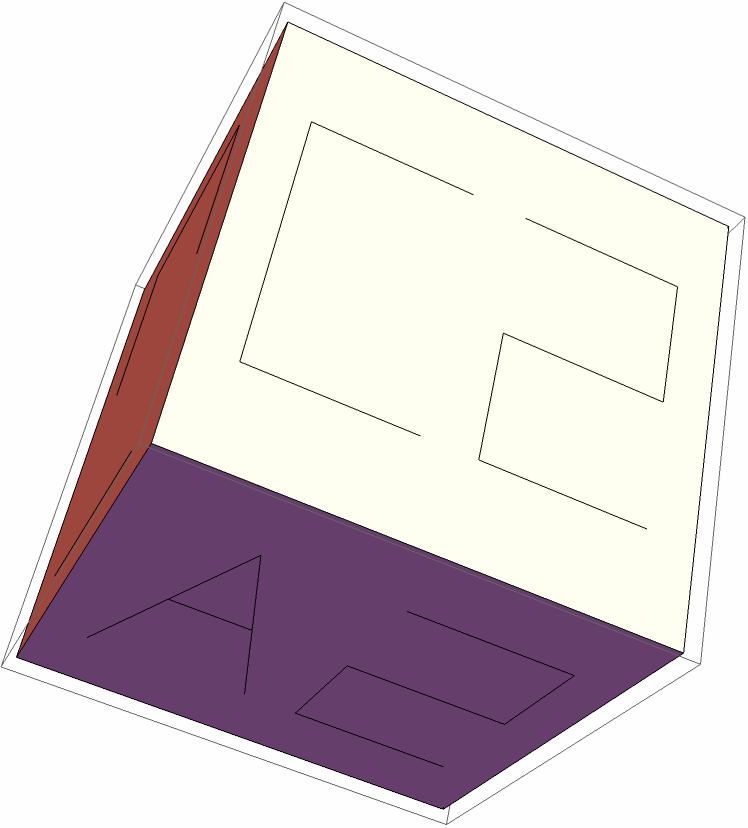
Use custom labels rather than face indices:
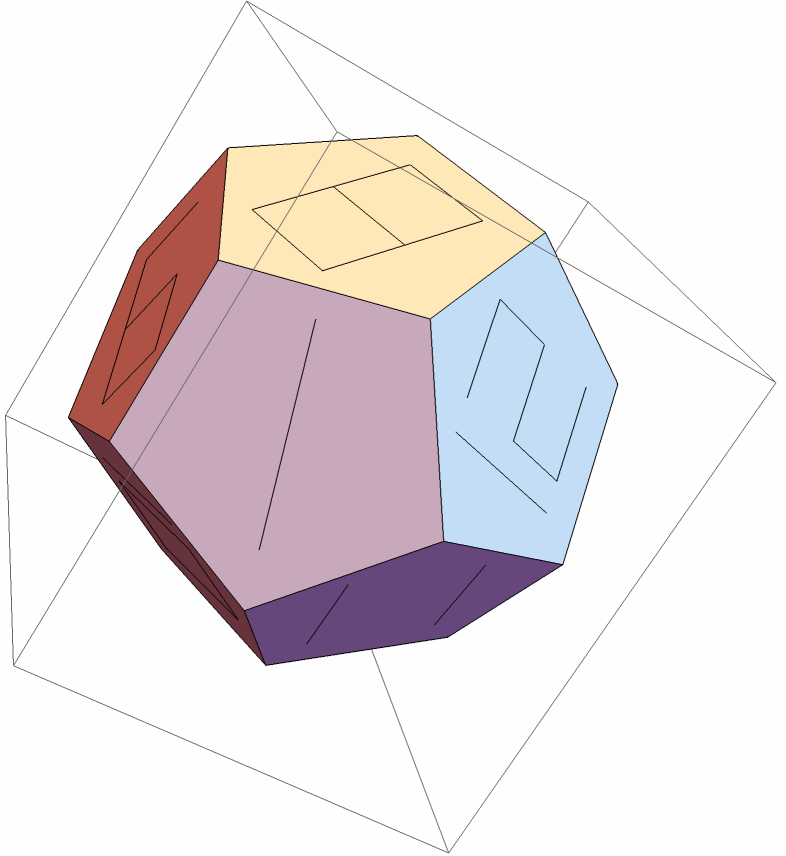
Number a larger collection of faces:
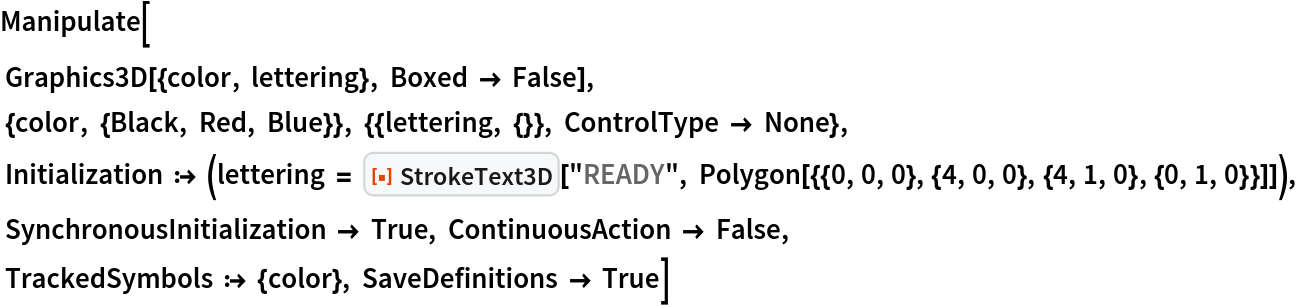
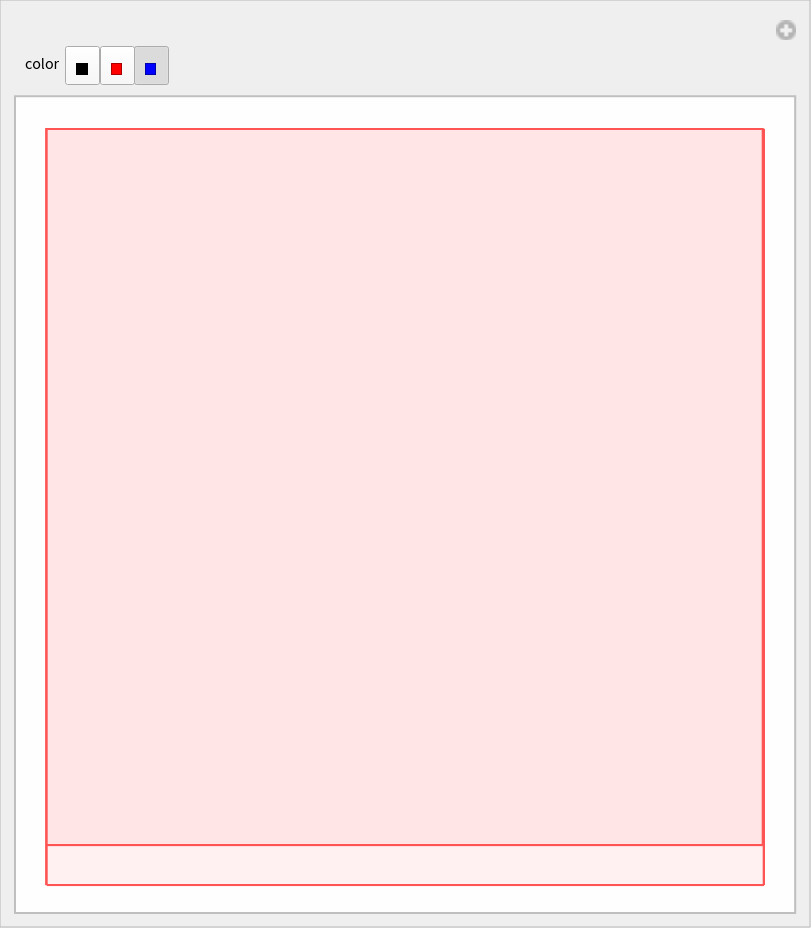
For interactive styling, construct the lettering in Initialization. Changing the control only changes its color:
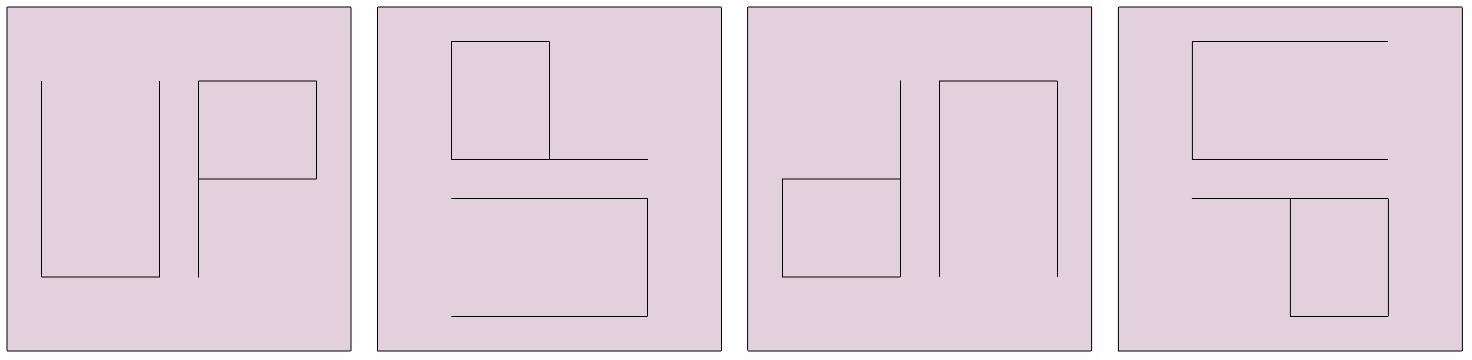
Choose a different baseline by cycling the face vertices:
Properties and Relations (2)
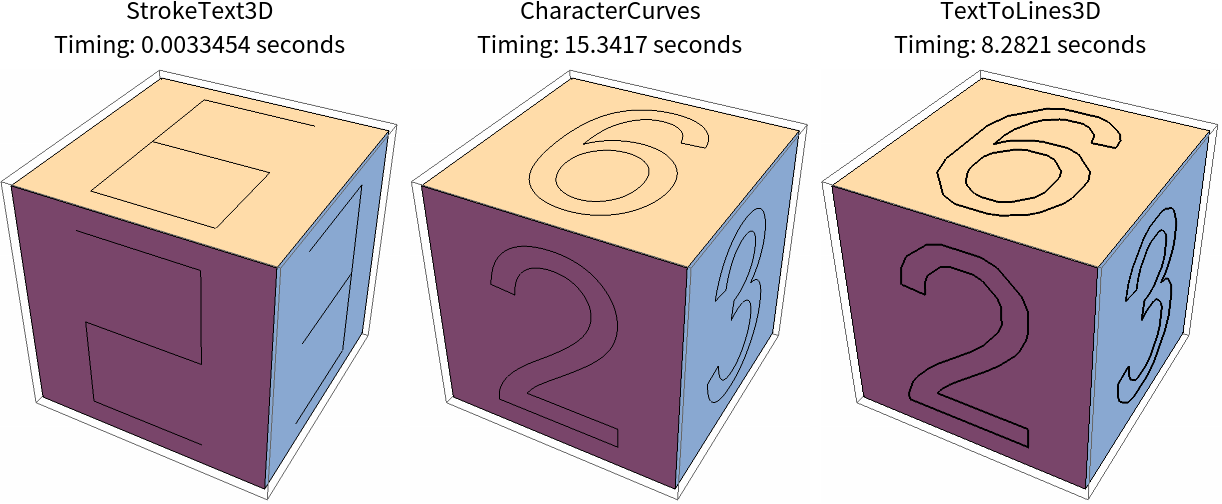
The time to render characters in 3D was a main driver for making this function:
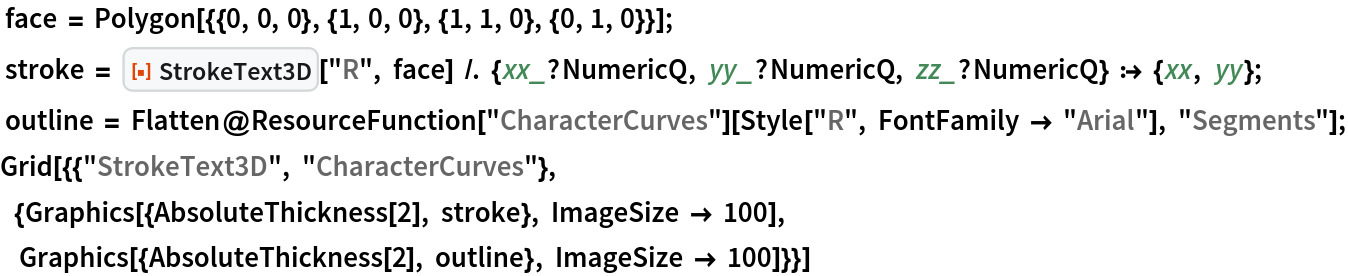
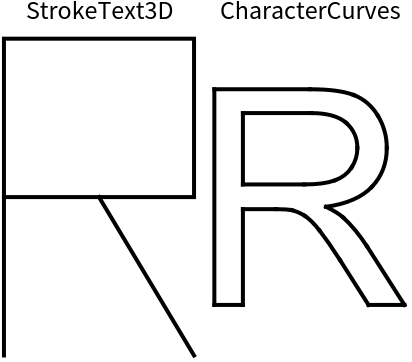
Whereas ResourceFunction "CharacterCurves" extracts from an installed font, StrokeText3D uses simple fixed strokes, such as with the letter R:
Inspect the primitive types returned by each method:
Possible Issues (4)
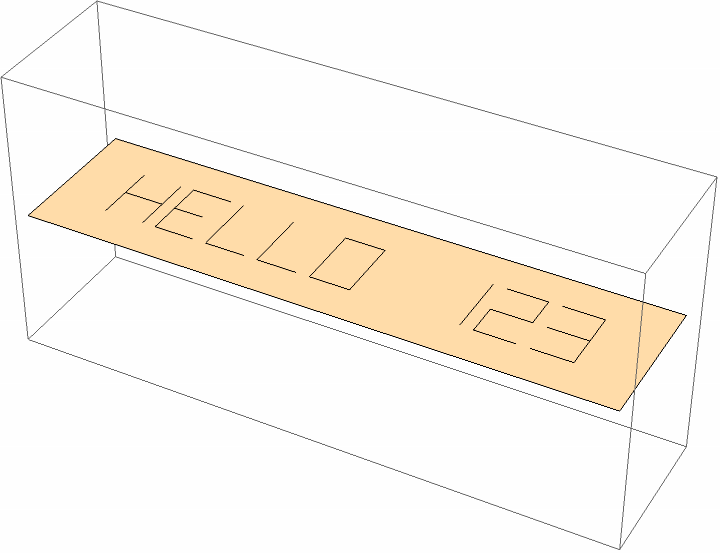
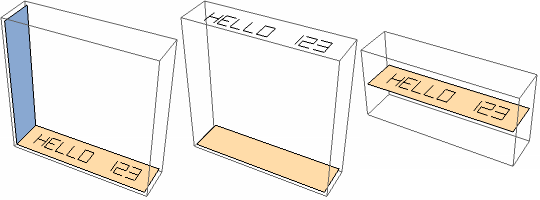
Text on a face with zero depth can appear to float:
Unsupported punctuation becomes a question mark:
Concave, self-intersecting, nonplanar and degenerate faces are outside the supported domain:
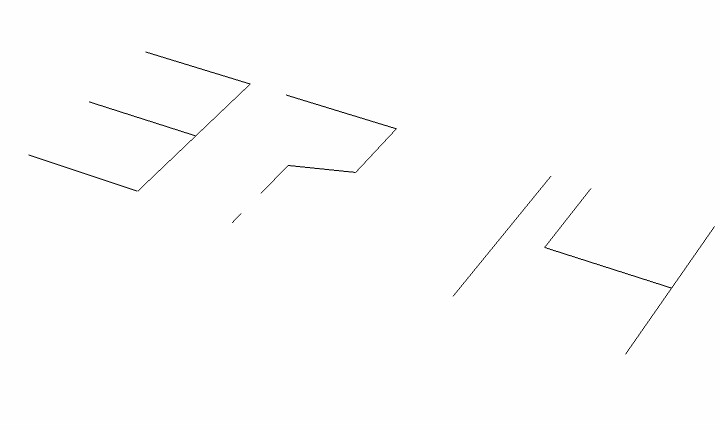
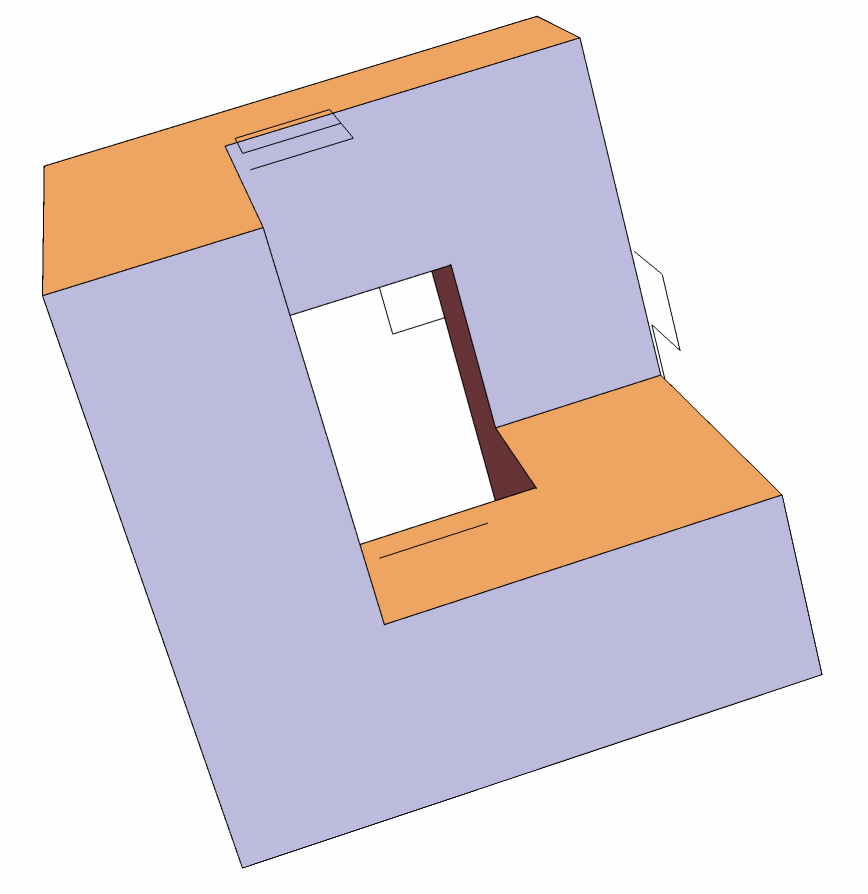
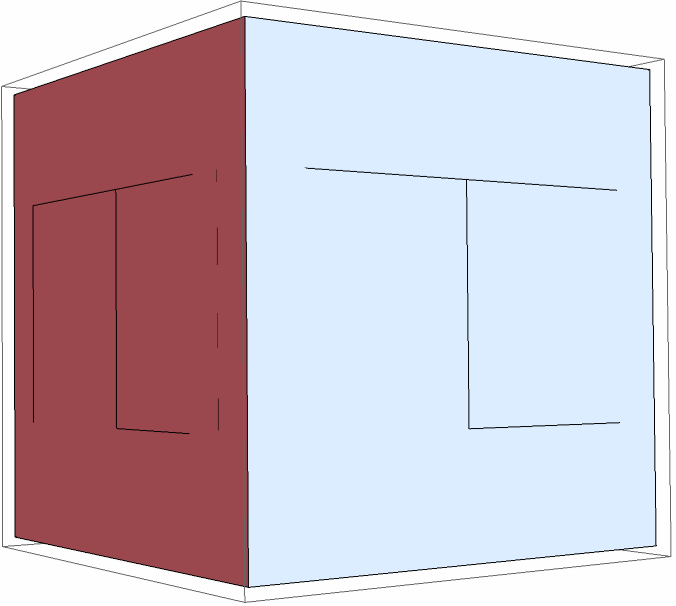
Vertex winding determines the front side, allowing mirror forms for numbers like 4 and 6:
Neat Examples (3)
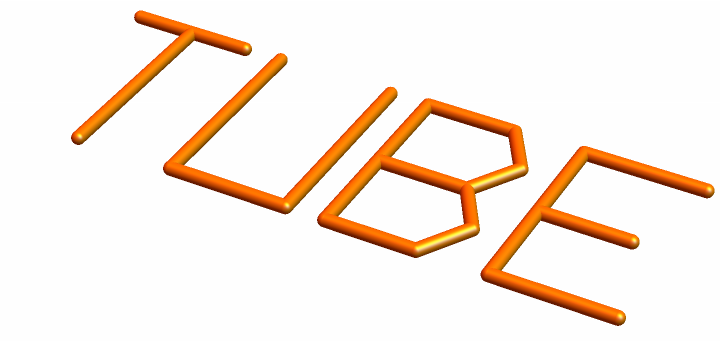
Replace each polyline by a tube to make solid lettering:
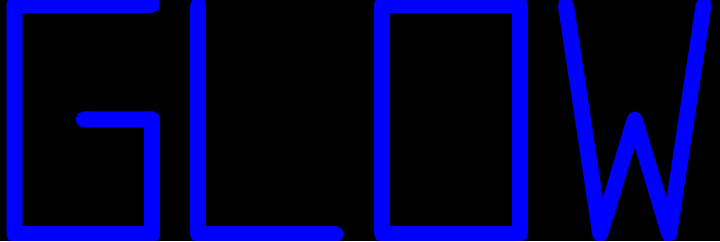
Draw two stroke widths to give the text a contrasting outline:
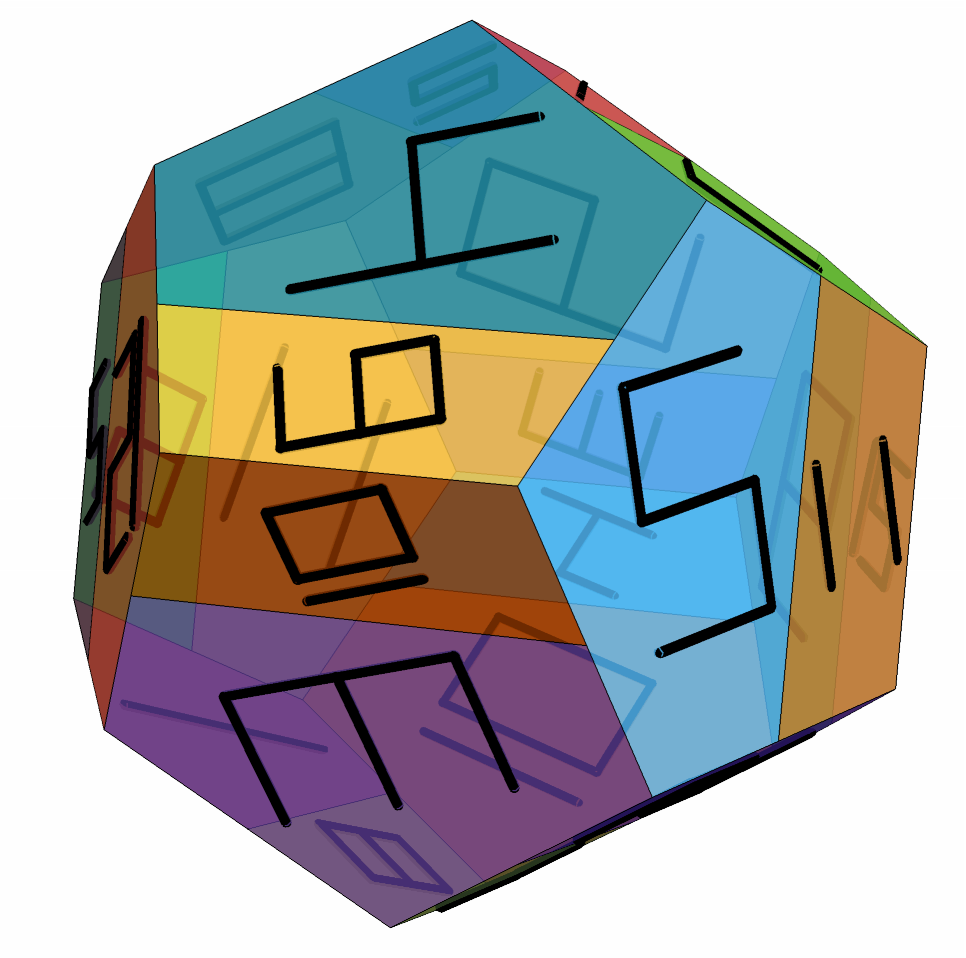
Make a labeled empire map, where each of twelve empires has two regions and every empire neighbor all the others:
![Graphics3D[
MapIndexed[{#1, ResourceFunction["StrokeText3D"][First[#2], #1]} &, MeshPrimitives[Cuboid[], 2]]]](https://www.wolframcloud.com/obj/resourcesystem/images/cf2/cf2b87ac-a5bb-43de-8b84-483ab994a9d7/00170dc61df7e263.png)
![Graphics3D[MapIndexed[
{Opacity[.8], Hue[First[#2]/6], #1, Black, AbsoluteThickness[2],
ResourceFunction["StrokeText3D"][First[#2], #1]} &, MeshPrimitives[Cuboid[], 2]], Boxed -> False]](https://www.wolframcloud.com/obj/resourcesystem/images/cf2/cf2b87ac-a5bb-43de-8b84-483ab994a9d7/16e43f558ebe9c8b.png)
![Graphics3D[
MapIndexed[{#1, ResourceFunction["StrokeText3D"][
FromCharacterCode[64 + First[#2]], #1]} &, MeshPrimitives[Octahedron[], 2]]]](https://www.wolframcloud.com/obj/resourcesystem/images/cf2/cf2b87ac-a5bb-43de-8b84-483ab994a9d7/056218a30ff8b083.png)



![Grid[Table[
With[{face = Polygon[{{0, 0, 0}, {8, 0, 0}, {8, 1, 0}, {0, 1, 0}}]},
{Graphics3D[ResourceFunction["StrokeText3D"][text, face], ViewPoint -> {0, 0, Infinity},
Boxed -> False, ImageSize -> 600]}],
{text, {"ABCDEFGHIJKLM", "NOPQRSTUVWXYZ", "0123456789 -?"}}]]](https://www.wolframcloud.com/obj/resourcesystem/images/cf2/cf2b87ac-a5bb-43de-8b84-483ab994a9d7/3c65ea6ce6e8ad59.png)
![With[{face = Polygon[{{0, 0, 0}, {3, 0, 0}, {3, 1, 0}, {0, 1, 0}}]},
Grid[{Table[
Graphics3D[{face, ResourceFunction["StrokeText3D"]["123", face, fit]},
ViewPoint -> {0, 0, Infinity}, Boxed -> False,
PlotLabel -> fit, ImageSize -> 220], {fit, {2/5, 4/5, .95}}]}]]](https://www.wolframcloud.com/obj/resourcesystem/images/cf2/cf2b87ac-a5bb-43de-8b84-483ab994a9d7/289590dd1682398c.png)

![With[{faces = MeshPrimitives[Cuboid[], 2]},
Graphics3D[
MapThread[{#1, ResourceFunction["StrokeText3D"][#2, #1]} &,
{faces, {"A1", "A2", "B1", "B2", "C1", "C2"}}]]]](https://www.wolframcloud.com/obj/resourcesystem/images/cf2/cf2b87ac-a5bb-43de-8b84-483ab994a9d7/75f69f555b665835.png)
![Graphics3D[
MapIndexed[{#1, ResourceFunction["StrokeText3D"][First[#2], #1]} &,
MeshPrimitives[PolyhedronData["Dodecahedron", "BoundaryMeshRegion"], 2]]]](https://www.wolframcloud.com/obj/resourcesystem/images/cf2/cf2b87ac-a5bb-43de-8b84-483ab994a9d7/5c360fdaefddaee6.png)
![With[{vertices = {{0, 0, 0}, {1, 0, 0}, {1, 1, 0}, {0, 1, 0}}},
Grid[{Table[With[{face = Polygon[RotateLeft[vertices, shift]]}, Graphics3D[{face, ResourceFunction["StrokeText3D"]["UP", face]}, ViewPoint -> {0, 0, Infinity},
Boxed -> False, ImageSize -> 180]], {shift, 0, 3}]}]]](https://www.wolframcloud.com/obj/resourcesystem/images/cf2/cf2b87ac-a5bb-43de-8b84-483ab994a9d7/067a78c446ee3b18.png)
![With[{faces = MeshPrimitives[Cuboid[], 2]}, With[{results = {AbsoluteTiming[
Graphics3D[
MapIndexed[{#1, ResourceFunction["StrokeText3D"][First[#2], #1]} &, faces], ImageSize -> 200]], AbsoluteTiming[
Graphics3D[
MapIndexed[
Function[{face, index}, Module[{vertices = First[face], curves, bounds, right, up}, curves = ResourceFunction["CharacterCurves"][
Style[ToString[First[index]], FontFamily -> "Arial"], "Segments"]; bounds = MinMax /@ Transpose[
Cases[curves, {_?NumericQ, _?NumericQ}, Infinity]];
right = vertices[[2]] - vertices[[1]];
up = vertices[[-1]] - vertices[[1]];
{face, curves /. {xx_?NumericQ, yy_?NumericQ} :> Mean[vertices] + Cross[right, up]/1000 + 4/5 (({xx, yy} - (Mean /@ bounds)) . {right, up})/
Max[Subtract @@@ Reverse[bounds, 2]]}]], faces], ImageSize -> 200]], AbsoluteTiming[
Graphics3D[
MapIndexed[
Function[{face, index}, Module[{vertices = First[face], curves, bounds, right, up}, curves = ResourceFunction["TextToLines3D"][ToString[First[index]], FontFamily -> "Arial", "LineColor" -> Black]; bounds = (MinMax /@ Transpose[
Cases[curves, {_?NumericQ, _?NumericQ, _?NumericQ}, Infinity]])[[{1, 3}]];
right = vertices[[2]] - vertices[[1]];
up = vertices[[-1]] - vertices[[1]];
{face, curves /. {xx_?NumericQ, yy_?NumericQ, zz_?NumericQ} :> Mean[vertices] + Cross[right, up]/1000 + 4/5 (({xx, zz} - (Mean /@ bounds)) . {right, up})/
Max[Subtract @@@ Reverse[bounds, 2]]}]], faces], ImageSize -> 200]]}}, Grid[{{"StrokeText3D", "CharacterCurves", "TextToLines3D"}, Row[{"Timing: ", First[#], " seconds"}] & /@ results, Last /@ results}]]]](https://www.wolframcloud.com/obj/resourcesystem/images/cf2/cf2b87ac-a5bb-43de-8b84-483ab994a9d7/1a19bd969b2da11c.png)
![Grid[Prepend[MapThread[{#1,
Count[#2, _Line, Infinity], Count[#2, _BezierCurve, Infinity]} &,
{{"StrokeText3D", "CharacterCurves"}, {{stroke}, outline}}],
{"Method", "Line primitives", "BezierCurve primitives"}], Frame -> All]](https://www.wolframcloud.com/obj/resourcesystem/images/cf2/cf2b87ac-a5bb-43de-8b84-483ab994a9d7/79756c24c3bd32af.png)

![With[{face = {{0, 0, 0}, {4, 0, 0}, {4, 1, 0}, {0, 1, 0}}}, Row[{
Graphics3D[{Polygon[face], ResourceFunction["StrokeText3D"]["HELLO 123", face], Polygon[Reverse /@ face]}],
Graphics3D[{Polygon[face], ResourceFunction["StrokeText3D"]["HELLO 123", face]}],
Graphics3D[{Polygon[face], ResourceFunction["StrokeText3D"]["HELLO 123", face]}, PlotRange -> {All, All, {-1, 1}}]}]]](https://www.wolframcloud.com/obj/resourcesystem/images/cf2/cf2b87ac-a5bb-43de-8b84-483ab994a9d7/3c6d421a1931a8b0.png)

![With[{layers = {Reverse[{{0, 2, 0}, {2, 2, 0}, {2, 0, 0}, {3, 0, 0}, {3, 3, 0}, {0, 3, 0}}], {{1, 2, 1}, {2, 2, 1}, {2, 1, 1}, {3, 1, 1}, {3, 3, 1}, {1, 3, 1}}, Reverse[{{0, 0, 2}, {2, 0, 2}, {2, 1, 2}, {1, 1, 2}, {1, 2, 2}, {0, 2, 2}}], {{0, 0, 3}, {3, 0, 3}, {3, 1, 3}, {1, 1, 3}, {1, 3, 3}, {0, 3, 3}}}}, With[{faces = Polygon /@ Join[layers, Map[RotateLeft, layers, {2}], Map[RotateRight, layers, {2}]]}, Graphics3D[
MapIndexed[{#1, ResourceFunction["StrokeText3D"][First[#2], #1]} &,
faces], Boxed -> False, ImageSize -> 450]]]](https://www.wolframcloud.com/obj/resourcesystem/images/cf2/cf2b87ac-a5bb-43de-8b84-483ab994a9d7/275326a24a496469.png)
![Graphics3D[
MapIndexed[{#1, ResourceFunction["StrokeText3D"][First[#2], Reverse[First[#1]]]} &,
MeshPrimitives[Cuboid[], 2]]]](https://www.wolframcloud.com/obj/resourcesystem/images/cf2/cf2b87ac-a5bb-43de-8b84-483ab994a9d7/38080f2e24828fbb.png)


![Module[{phi = GoldenRatio, bigface, smallface, rotations, pairs}, bigface = {{1, 1, 1}, {phi/2, phi^2/2, 1/2}, {-phi/2, phi^2/2, 1/2}, {-1, 1, 1}, {0, 1/phi, phi}};
smallface = {{phi/2, phi^2/2, 1/2}, {1/phi, phi, 0}, {-1/phi, phi, 0}, {-phi/2, phi^2/2, 1/2}};
rotations = Flatten[NestList[RotateLeft /@ # &, DiagonalMatrix /@ {{1, 1, 1}, {-1, 1, -1}, {1, -1, -1}, {-1, -1, 1}}, 2], 1][[{1, 2, 10, 12, 6, 7, 3, 4, 11, 9, 5, 8}]];
pairs = Transpose[{(Polygon[N[bigface . #]] & /@ rotations), (Polygon[N[smallface . #]] & /@ rotations[[{7, 8, 9, 10, 12, 11, 2, 1, 4, 3, 5, 6}]])}];
Graphics3D[
MapIndexed[
Function[{faces, index}, {{Opacity[4/5], ColorData["BrightBands"][First[index]/12],
faces}, {Opacity[1], Black, (ResourceFunction["StrokeText3D"][First[index], #] /. Line[paths_] :> (Tube[#, 1/50] & /@ paths)) & /@ faces}}], pairs], Boxed -> False, ImageSize -> 500]]](https://www.wolframcloud.com/obj/resourcesystem/images/cf2/cf2b87ac-a5bb-43de-8b84-483ab994a9d7/0f5ddaad8fbcbf5e.png)