Wolfram Function Repository
Instant-use add-on functions for the Wolfram Language
Function Repository Resource:
Create a square-symmetric image from a long string of text
ResourceFunction["TextToKaleidoscope"][str] converts the string str into a square image with rotational and reflectional symmetries. | |
ResourceFunction["TextToKaleidoscope"][str,level] converts the string str into a square image of dimensions 2level×2level. |
Create an image from a modern English version of Beowulf:
| In[1]:= | ![texB = ExampleData[{"Text", "BeowulfModern"}];
ResourceFunction["TextToKaleidoscope"][texB]](https://www.wolframcloud.com/obj/resourcesystem/images/301/301c4e90-b209-4a15-b3a6-a4b5682ba32d/2595f3835e6593bf.png) |
| Out[2]= | 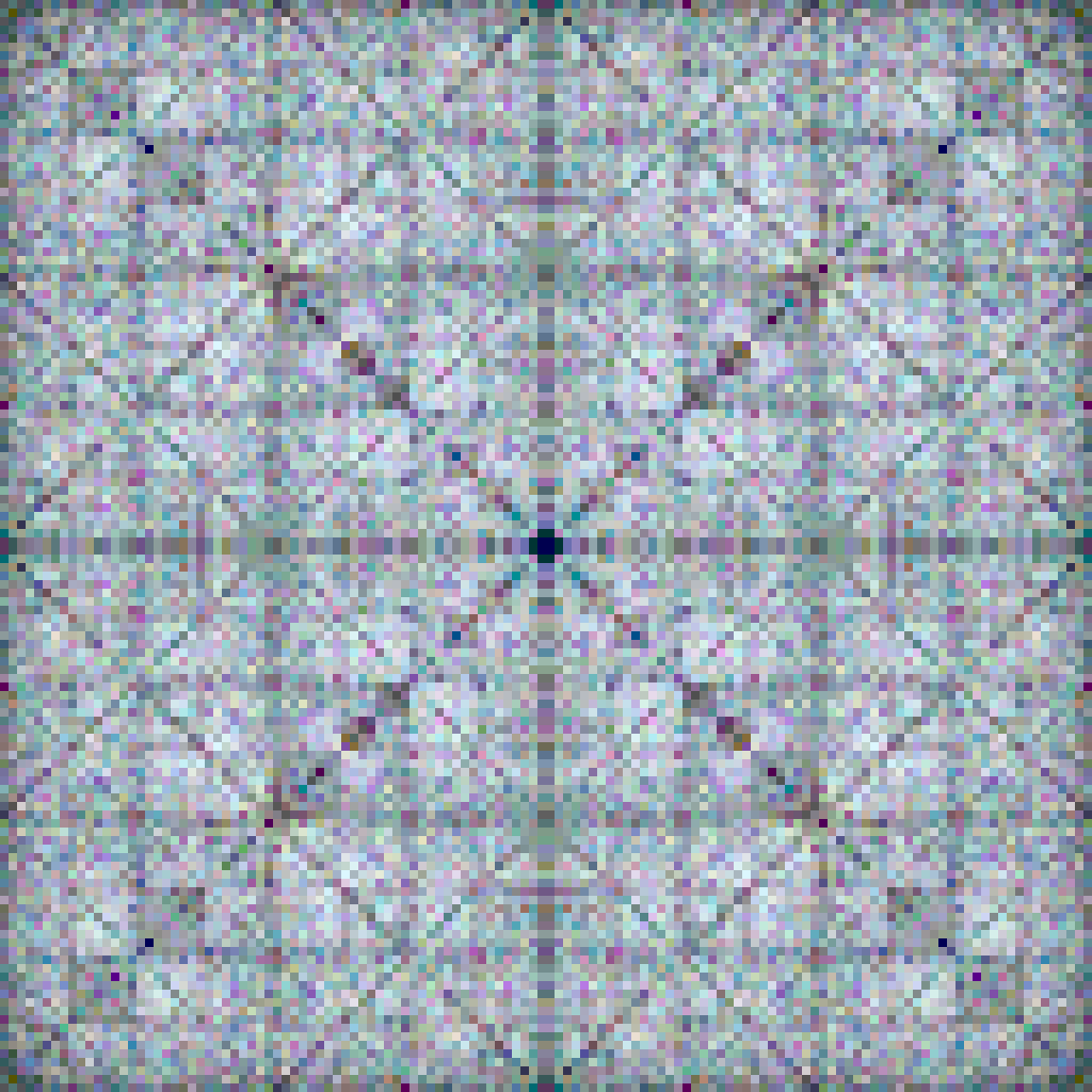 |
Here are the prebuilt color schemes, as applied to Alice in Wonderland:
| In[3]:= | ![texA = ExampleData[{"Text", "AliceInWonderland"}];
schemes = Map["K" ~~ ToString[#] &, Range[9]];
GraphicsGrid[
Partition[
Table[ResourceFunction["TextToKaleidoscope"][texA, 5, ColorScheme -> s], {s, schemes}], 3]]](https://www.wolframcloud.com/obj/resourcesystem/images/301/301c4e90-b209-4a15-b3a6-a4b5682ba32d/60fda112ba231289.png) |
| Out[5]= | 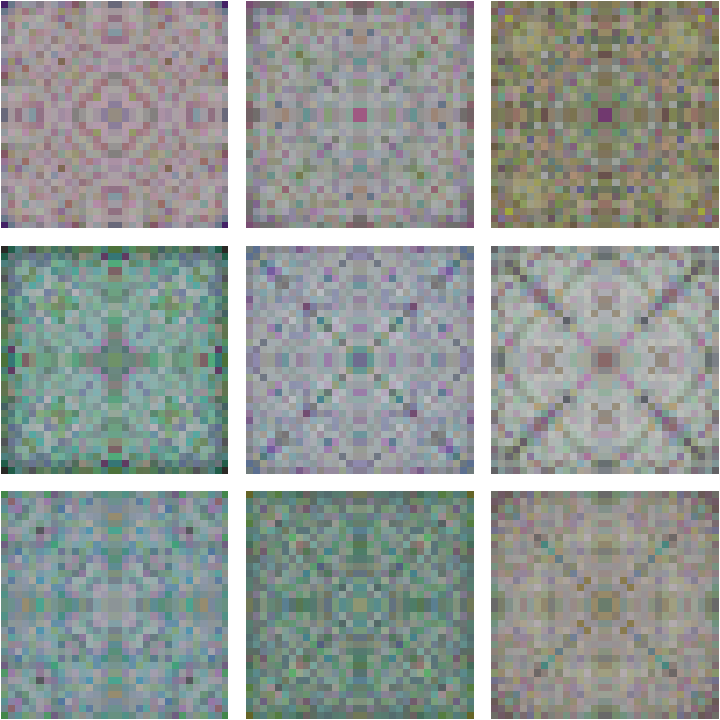 |
A similar but more detailed set of images is shown at pixelation level 9:
| In[6]:= | ![GraphicsGrid[
Partition[
Table[ResourceFunction["TextToKaleidoscope"][texA, 9, ColorScheme -> s], {s, schemes}], 3]]](https://www.wolframcloud.com/obj/resourcesystem/images/301/301c4e90-b209-4a15-b3a6-a4b5682ba32d/0680cf4631c6d655.png) |
| Out[6]= | 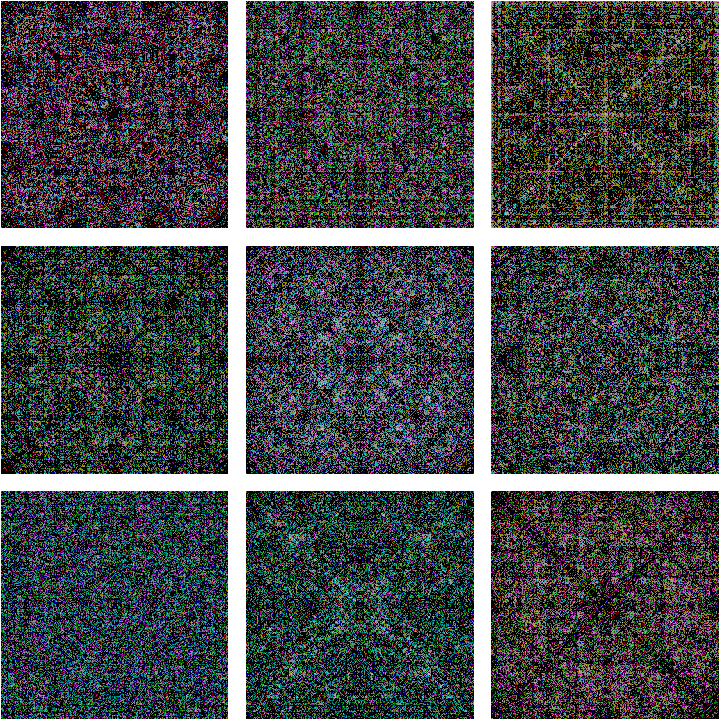 |
Here is an unsymmetrized image computed from Beowulf:
| In[7]:= | ![ResourceFunction["TextToKaleidoscope"][texB, 8, Symmetrized -> False]](https://www.wolframcloud.com/obj/resourcesystem/images/301/301c4e90-b209-4a15-b3a6-a4b5682ba32d/537014bbf8e03af5.png) |
| Out[7]= | 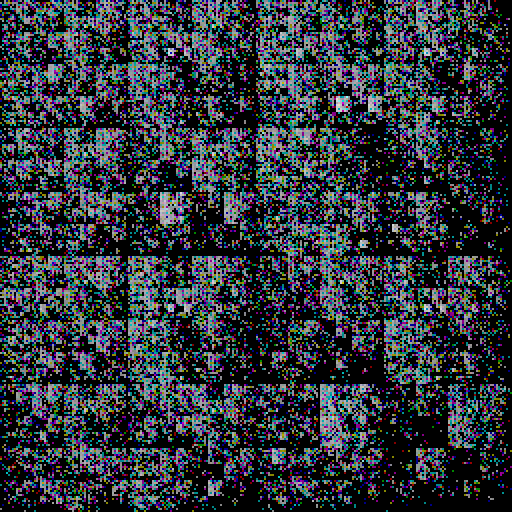 |
TextToKaleidoscope will automatically create a random color scheme if so desired:
| In[8]:= | ![ResourceFunction["TextToKaleidoscope"][texA, 9, ColorScheme -> Automatic]](https://www.wolframcloud.com/obj/resourcesystem/images/301/301c4e90-b209-4a15-b3a6-a4b5682ba32d/5b65939ccda33f81.png) |
| Out[8]= | 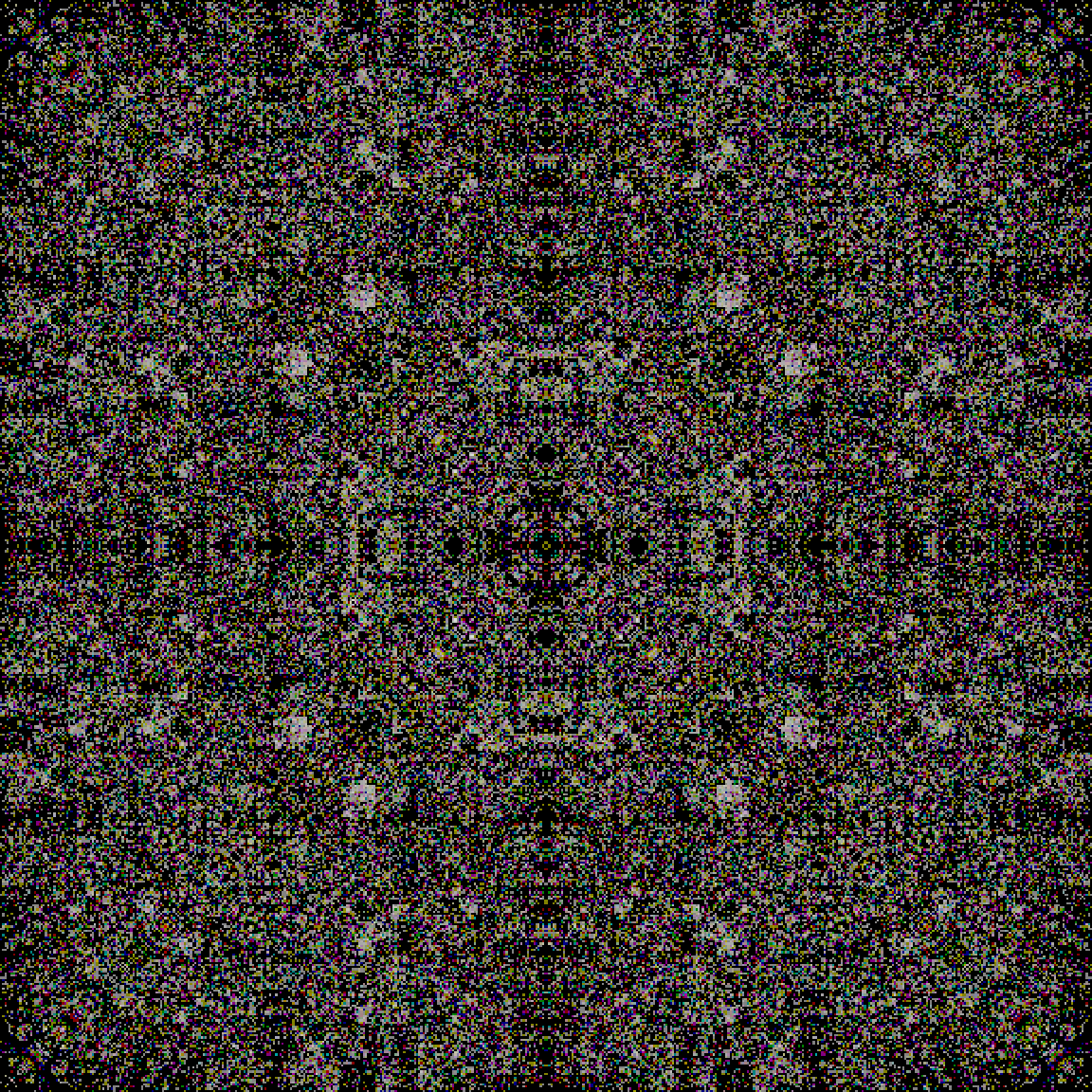 |
TextToKaleidoscope does not change the internal state of the random generators, so repeating the above results in the same image:
| In[9]:= | ![ResourceFunction["TextToKaleidoscope"][texA, 9, ColorScheme -> Automatic]](https://www.wolframcloud.com/obj/resourcesystem/images/301/301c4e90-b209-4a15-b3a6-a4b5682ba32d/1533b688796b6a2b.png) |
| Out[9]= | 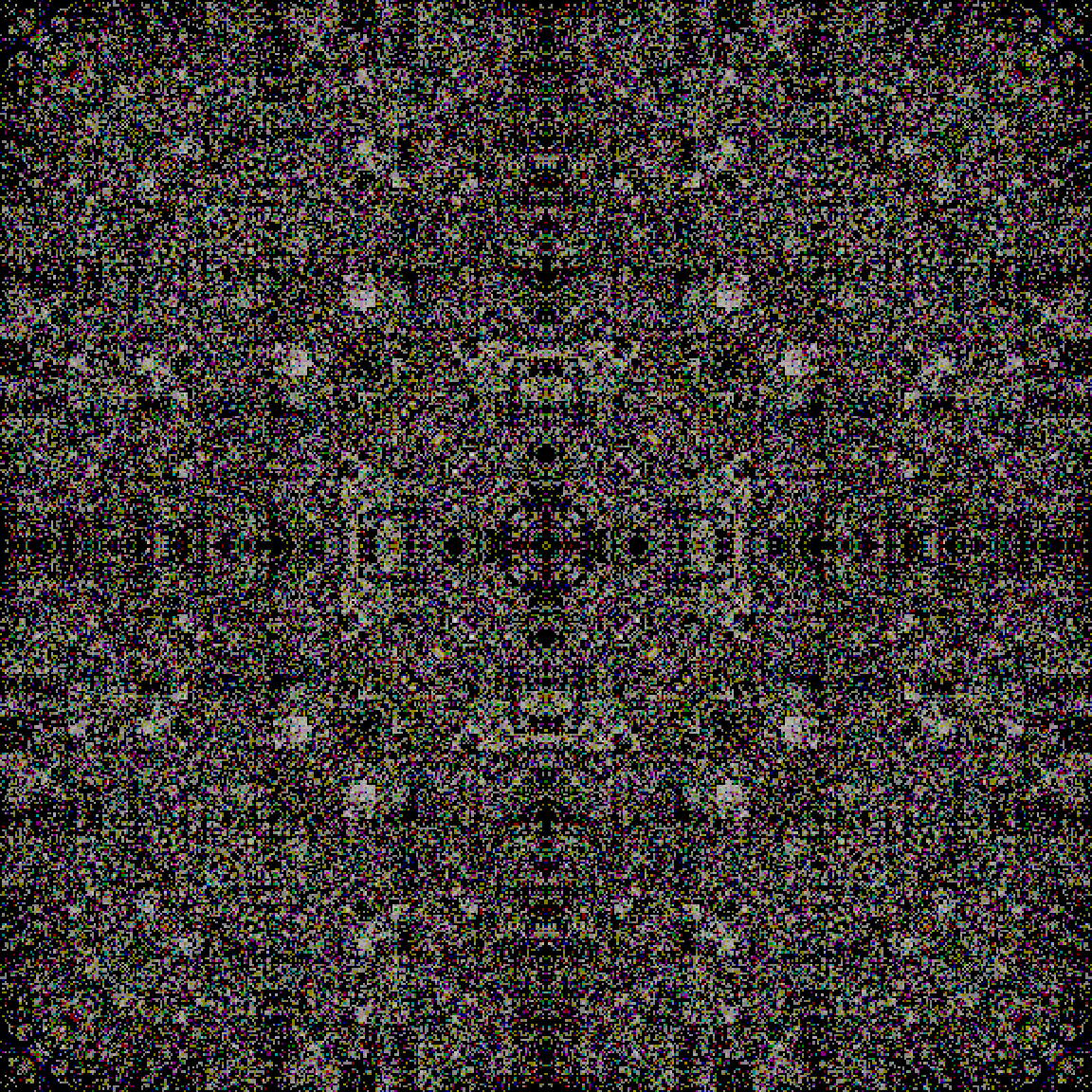 |
Explicitly change the internal random state to get a new randomized color scheme:
| In[10]:= | ![RandomInteger[10^6];
ResourceFunction["TextToKaleidoscope"][texA, 9, ColorScheme -> Automatic]](https://www.wolframcloud.com/obj/resourcesystem/images/301/301c4e90-b209-4a15-b3a6-a4b5682ba32d/77f83b99a0a771e2.png) |
| Out[11]= | 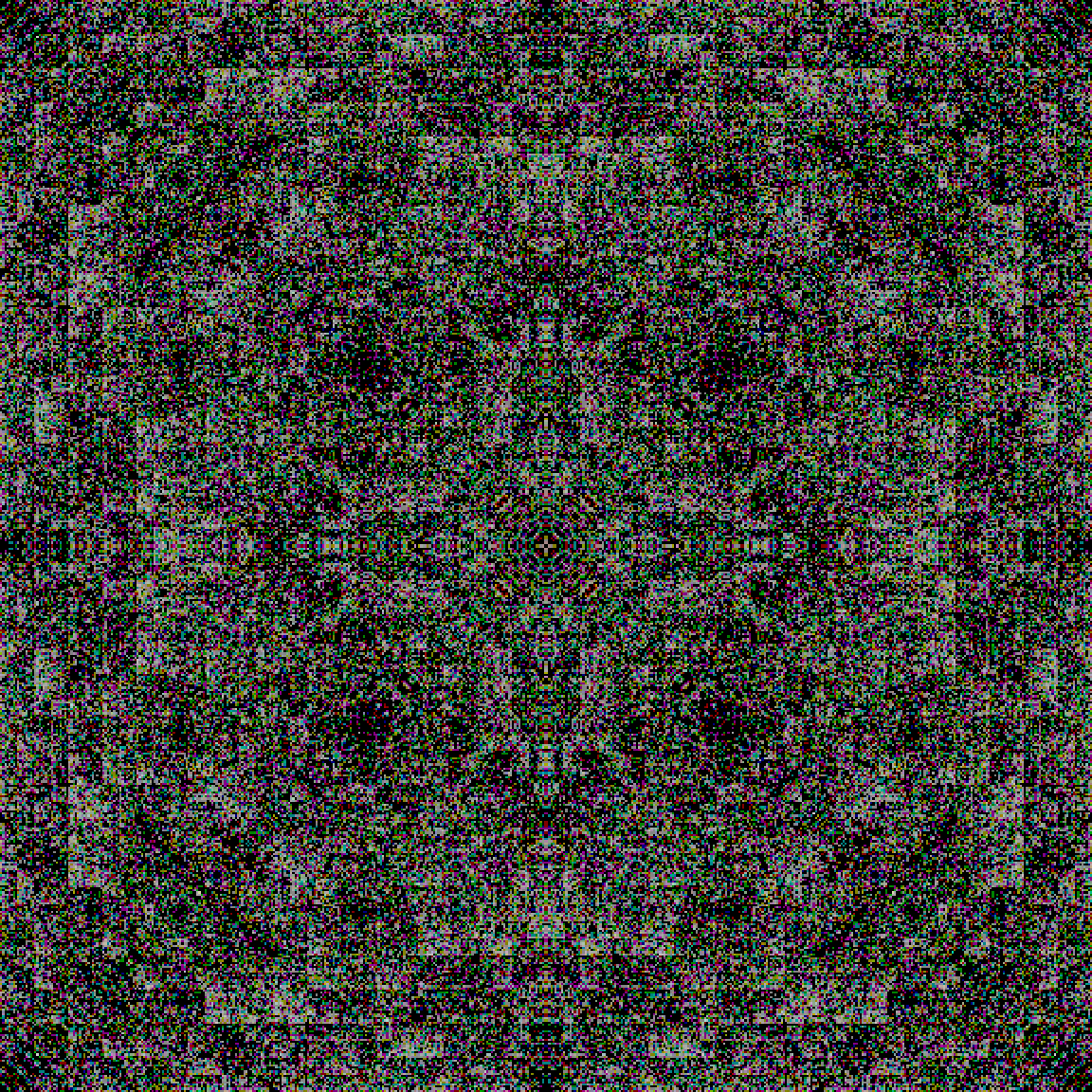 |
By default, TextToKaleidoscope will produce very dark images if given a short text:
| In[12]:= | ![ResourceFunction[
"TextToKaleidoscope"]["Now is the time for all good seasons of our discontent to gather round the campfire and roast celebrities by the marsh meadows (or words to that effect)"]](https://www.wolframcloud.com/obj/resourcesystem/images/301/301c4e90-b209-4a15-b3a6-a4b5682ba32d/5b0a8508999ddf54.png) |
| Out[12]= | 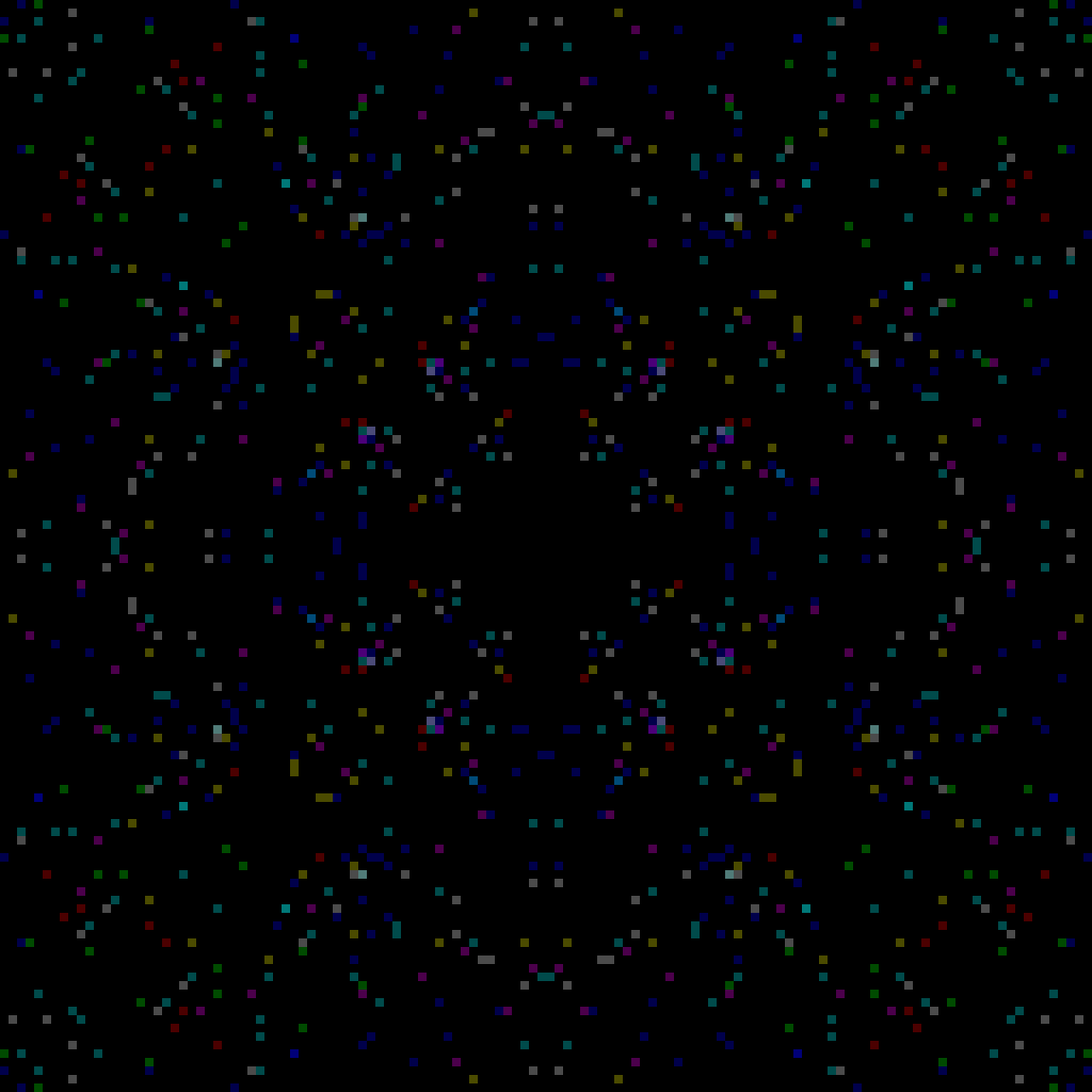 |
Using a lower pixelation value for short text can produce brighter images:
| In[13]:= | ![ResourceFunction[
"TextToKaleidoscope"]["Now is the time for all good seasons of our discontent to gather round the campfire and roast celebrities by the marsh meadows (or words to that effect)", 3]](https://www.wolframcloud.com/obj/resourcesystem/images/301/301c4e90-b209-4a15-b3a6-a4b5682ba32d/6124527370a4dce9.png) |
| Out[13]= |  |
Images can be lightened explicitly using Lighter:
| In[14]:= | ![Lighter[ResourceFunction["TextToKaleidoscope"][
"Sometimes I live in the country, sometimes I live in the town, and sometimes I take a great notion, to jump in the river and drown (from 'Goodnight Irene' by Huddie Ledbetter)", 4], .9]](https://www.wolframcloud.com/obj/resourcesystem/images/301/301c4e90-b209-4a15-b3a6-a4b5682ba32d/39cf778aae17fd3d.png) |
| Out[14]= | 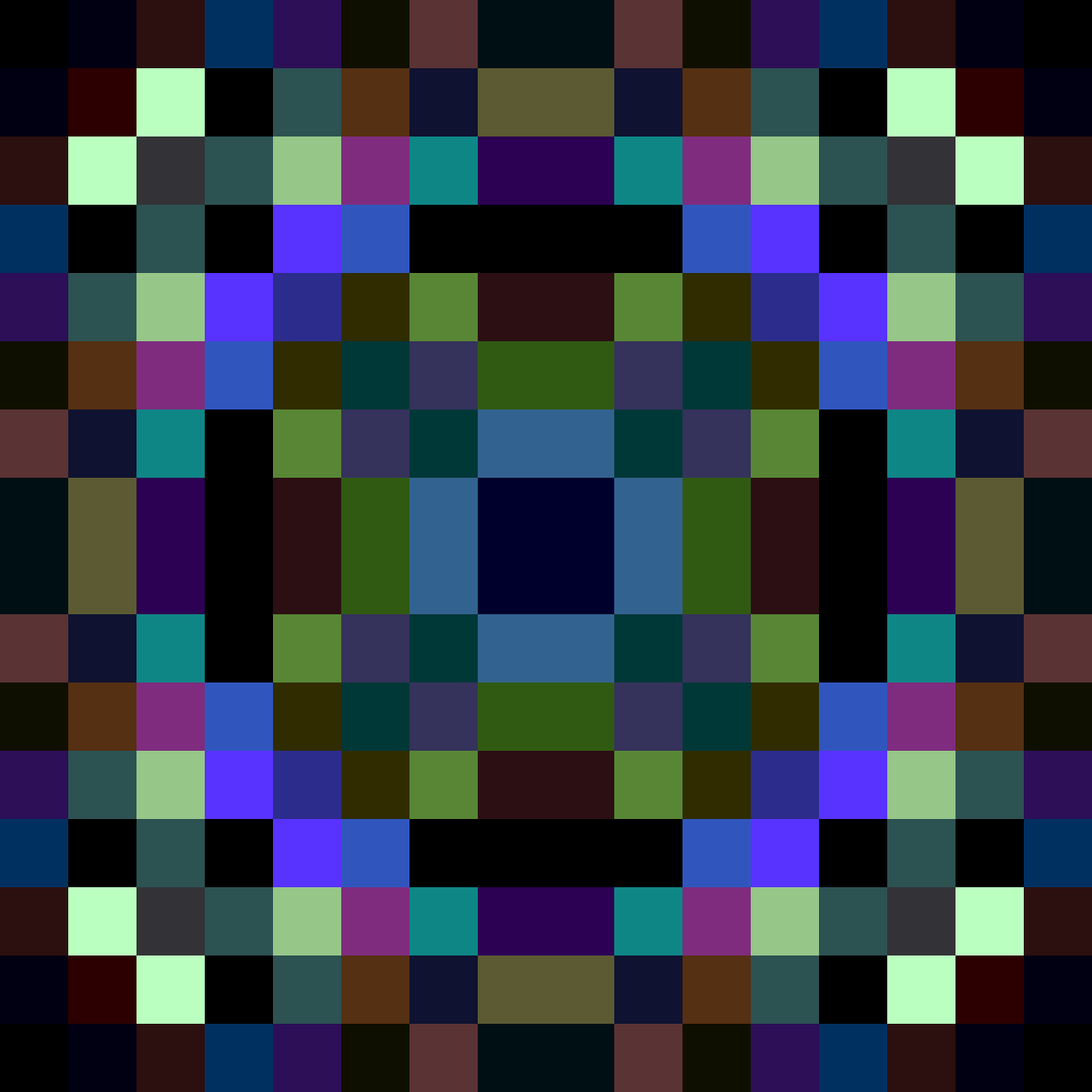 |
Wolfram Language 11.3 (March 2018) or above
This work is licensed under a Creative Commons Attribution 4.0 International License