Wolfram Function Repository
Instant-use add-on functions for the Wolfram Language
Function Repository Resource:
Retrieve NASA-provided tiles for geographical functions
ResourceFunction["NASALayerBackground"][] shows a list of all available layers. | |
ResourceFunction["NASALayerBackground"][layer]. creates the GeoServer option value for the given layer. |
List all available layers:
| In[1]:= | ![Short[ResourceFunction[
"NASALayerBackground", ResourceSystemBase -> "https://www.wolframcloud.com/obj/resourcesystem/api/1.0"][]]](https://www.wolframcloud.com/obj/resourcesystem/images/025/0253b2ee-8f65-4c21-ba5a-2aae38478956/3342efbdcfd60bf8.png) |
| Out[1]= |  |
Create the template for a given layer:
| In[2]:= | ![ResourceFunction[
"NASALayerBackground", ResourceSystemBase -> "https://www.wolframcloud.com/obj/resourcesystem/api/1.0"]["2-meter Air Temperature, (Monthly, MERRA2)"]](https://www.wolframcloud.com/obj/resourcesystem/images/025/0253b2ee-8f65-4c21-ba5a-2aae38478956/31aa5f0a029759f5.png) |
| Out[2]= |  |
Use the output as a the GeoServer option value to retrieve the requested tiles:
| In[3]:= | ![GeoGraphics[
GeoServer -> ResourceFunction[
"NASALayerBackground", ResourceSystemBase -> "https://www.wolframcloud.com/obj/resourcesystem/api/1.0"]["2-meter Air Temperature, (Monthly, MERRA2)"]]](https://www.wolframcloud.com/obj/resourcesystem/images/025/0253b2ee-8f65-4c21-ba5a-2aae38478956/1f9a008b76cb9cc3.png) |
| Out[3]= | 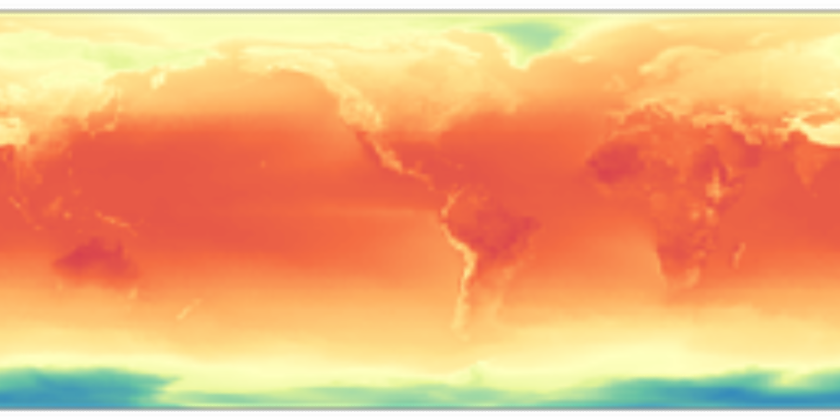 |
| In[4]:= | ![GeoImage[Entity["Country", "Peru"], GeoServer -> ResourceFunction[
"NASALayerBackground", ResourceSystemBase -> "https://www.wolframcloud.com/obj/resourcesystem/api/1.0"]["2-meter Air Temperature, (Monthly, MERRA2)"]]](https://www.wolframcloud.com/obj/resourcesystem/images/025/0253b2ee-8f65-4c21-ba5a-2aae38478956/0c39dbd91f624b1f.png) |
| Out[4]= |  |
The "Timestamp" option can be used to ask for the data from a specific date:
| In[5]:= | ![GeoGraphics[
GeoServer -> ResourceFunction[
"NASALayerBackground", ResourceSystemBase -> "https://www.wolframcloud.com/obj/resourcesystem/api/1.0"]["2-meter Air Temperature, (Monthly, MERRA2)",
"Timestamp" -> {1990}]]](https://www.wolframcloud.com/obj/resourcesystem/images/025/0253b2ee-8f65-4c21-ba5a-2aae38478956/5c7beaca668be259.png) |
| Out[5]= | 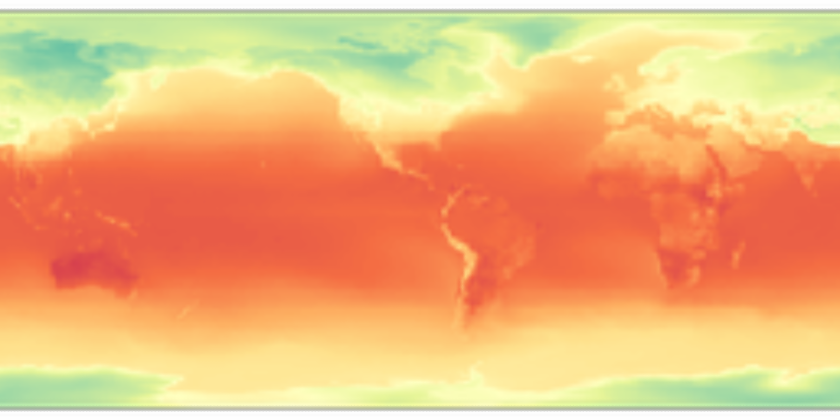 |
| In[6]:= | ![GeoGraphics[
GeoServer -> ResourceFunction[
"NASALayerBackground", ResourceSystemBase -> "https://www.wolframcloud.com/obj/resourcesystem/api/1.0"]["2-meter Air Temperature, (Monthly, MERRA2)",
"Timestamp" -> DateObject[{2025, 8}, "Month"]]]](https://www.wolframcloud.com/obj/resourcesystem/images/025/0253b2ee-8f65-4c21-ba5a-2aae38478956/531bf4d7f532a484.png) |
| Out[6]= | 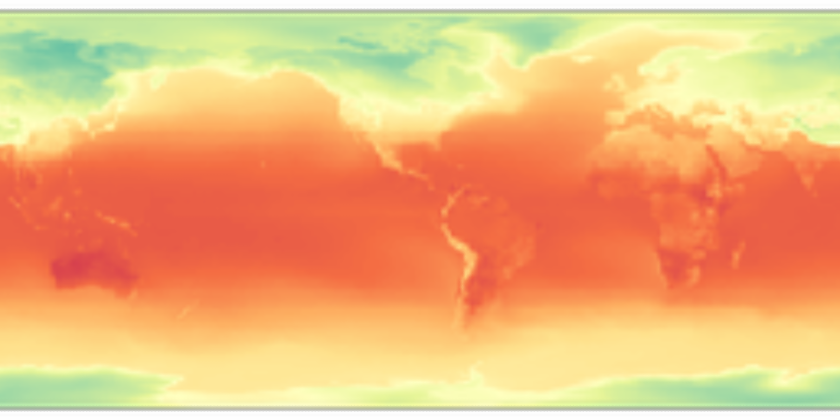 |
If not given a correct layer as input the function will return Automatic:
| In[7]:= | ![ResourceFunction[
"NASALayerBackground", ResourceSystemBase -> "https://www.wolframcloud.com/obj/resourcesystem/api/1.0"]["LAYER"]](https://www.wolframcloud.com/obj/resourcesystem/images/025/0253b2ee-8f65-4c21-ba5a-2aae38478956/21ac0dc7b1ad806a.png) |
| Out[7]= |  |
If given an incorrect date the function will use the default. The same is said if given a date outside the data range:
| In[8]:= | ![res = ResourceFunction[
"NASALayerBackground", ResourceSystemBase -> "https://www.wolframcloud.com/obj/resourcesystem/api/1.0"]["2-meter Air Temperature, (Monthly, MERRA2)",
"Timestamp" -> "ARG"]](https://www.wolframcloud.com/obj/resourcesystem/images/025/0253b2ee-8f65-4c21-ba5a-2aae38478956/008e8b7dda3e7c35.png) |
| Out[8]= |  |
| In[9]:= | ![GeoGraphics[GeoServer -> res]](https://www.wolframcloud.com/obj/resourcesystem/images/025/0253b2ee-8f65-4c21-ba5a-2aae38478956/2adef55dbdea6567.png) |
| Out[9]= | 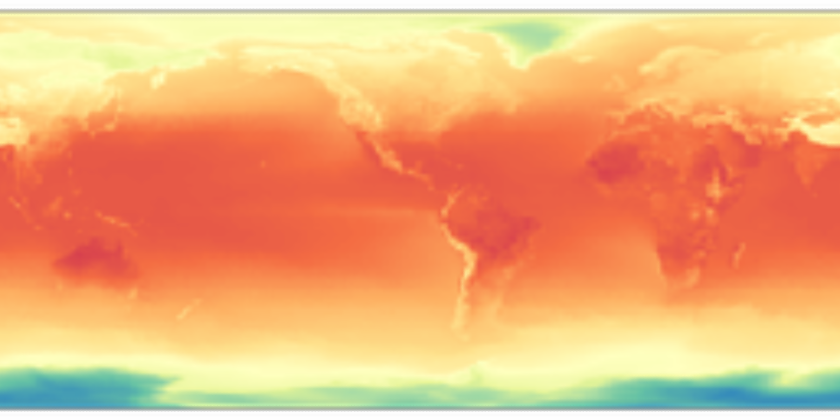 |
| In[10]:= | ![GeoGraphics[
GeoServer -> ResourceFunction[
"NASALayerBackground", ResourceSystemBase -> "https://www.wolframcloud.com/obj/resourcesystem/api/1.0"]["2-meter Air Temperature, (Monthly, MERRA2)",
"Timestamp" -> {1500}]]](https://www.wolframcloud.com/obj/resourcesystem/images/025/0253b2ee-8f65-4c21-ba5a-2aae38478956/48044098b9f90d2e.png) |
| Out[10]= | 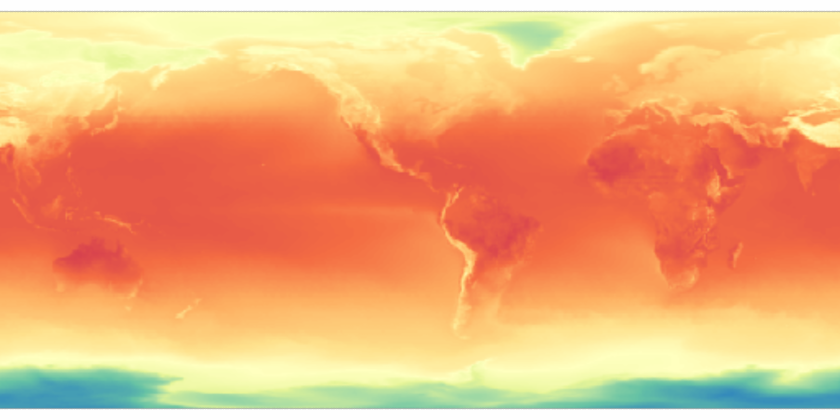 |
Wolfram Language 13.0 (December 2021) or above
This work is licensed under a Creative Commons Attribution 4.0 International License



