Wolfram Function Repository
Instant-use add-on functions for the Wolfram Language
Function Repository Resource:
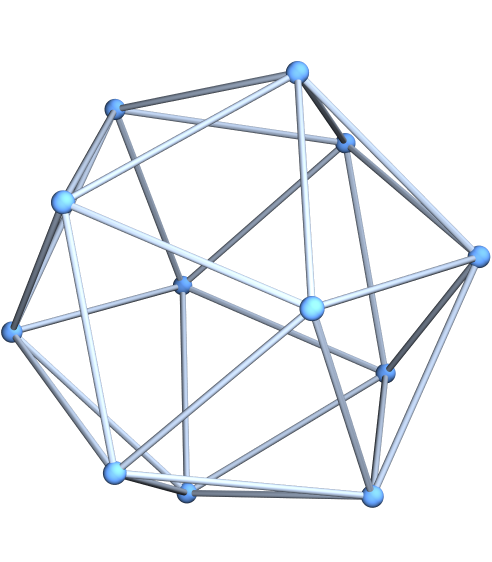
Create a graph of an order-n geodesic sphere
ResourceFunction["GeodesicSphereGraph"][n] gives a graph corresponding to an order-n geodesic sphere. | |
ResourceFunction["GeodesicSphereGraph"][base,n] gives a graph corresponding to an order-n geodesic sphere based on the polyhedron base. |
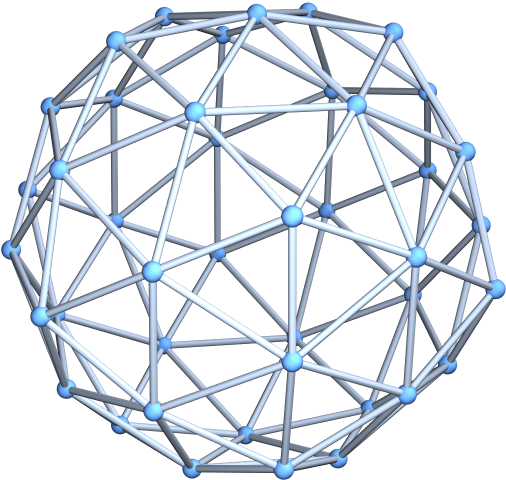
Generate an order-2 geodesic sphere:
| In[1]:= |
![ResourceFunction["GeodesicSphereGraph"][2]](https://www.wolframcloud.com/obj/resourcesystem/images/7f9/7f9616df-4484-4931-9b55-ad3b080fddd9/47c358e3ea87d1ea.png)
|
| Out[1]= |
|
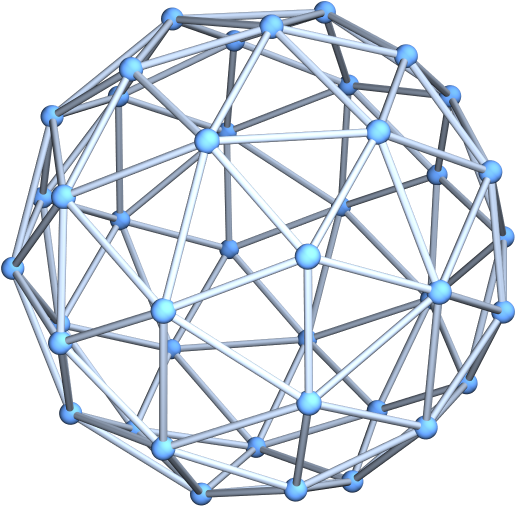
Generate an order-2 geodesic sphere with specially computed coordinates:
| In[2]:= |
![ResourceFunction["GeodesicSphereGraph"][2, VertexCoordinates -> "Embedded"]](https://www.wolframcloud.com/obj/resourcesystem/images/7f9/7f9616df-4484-4931-9b55-ad3b080fddd9/1e9c24a8932335f1.png)
|
| Out[2]= |
|
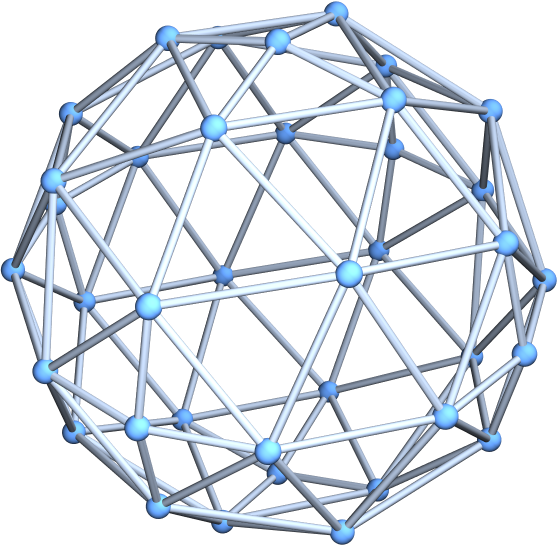
Generate an order-3 geodesic sphere with an octahedral base:
| In[3]:= |
![ResourceFunction["GeodesicSphereGraph"]["Octahedron", 3, VertexCoordinates -> "Embedded"]](https://www.wolframcloud.com/obj/resourcesystem/images/7f9/7f9616df-4484-4931-9b55-ad3b080fddd9/74a68f2b3f30c3b6.png)
|
| Out[3]= |
|
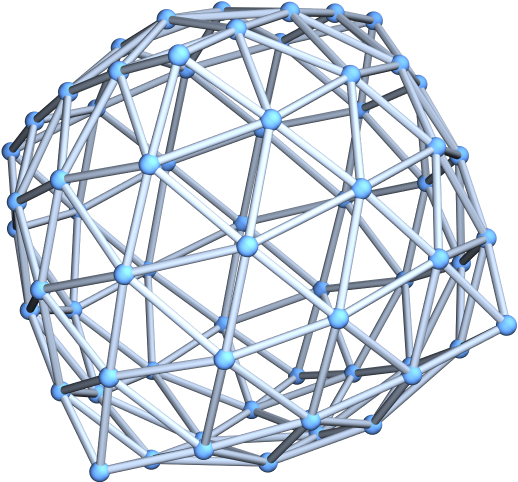
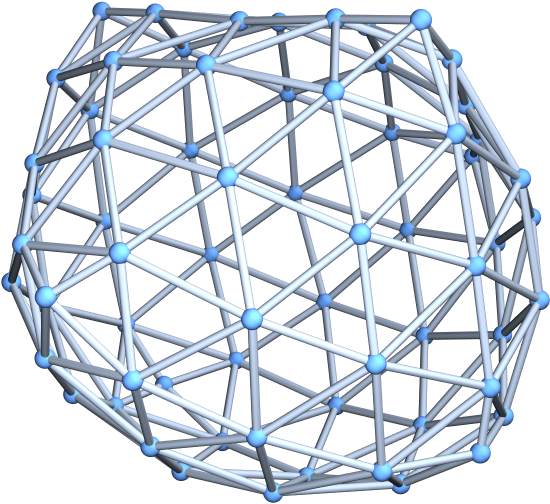
Specify various layouts for the geodesic sphere graph:
| In[6]:= |
![ResourceFunction["GeodesicSphereGraph"]["Octahedron", 4, GraphLayout -> "SpringEmbedding"]](https://www.wolframcloud.com/obj/resourcesystem/images/7f9/7f9616df-4484-4931-9b55-ad3b080fddd9/539caaaba661621e.png)
|
| Out[6]= |
|
| In[7]:= |
![ResourceFunction["GeodesicSphereGraph"]["Octahedron", 4, GraphLayout -> "HighDimensionalEmbedding"]](https://www.wolframcloud.com/obj/resourcesystem/images/7f9/7f9616df-4484-4931-9b55-ad3b080fddd9/3b0fed1fdeaba4c5.png)
|
| Out[7]= |
|
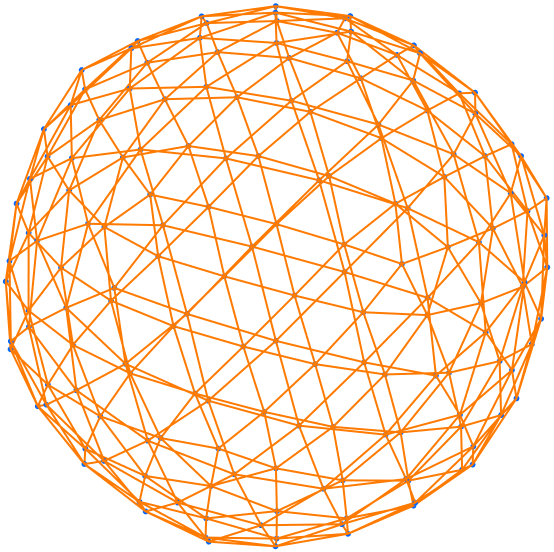
Use a large graph theme:
| In[8]:= |
![ResourceFunction["GeodesicSphereGraph"][4, PlotTheme -> "LargeGraph"]](https://www.wolframcloud.com/obj/resourcesystem/images/7f9/7f9616df-4484-4931-9b55-ad3b080fddd9/5ea38f29e1aac002.png)
|
| Out[8]= |
|
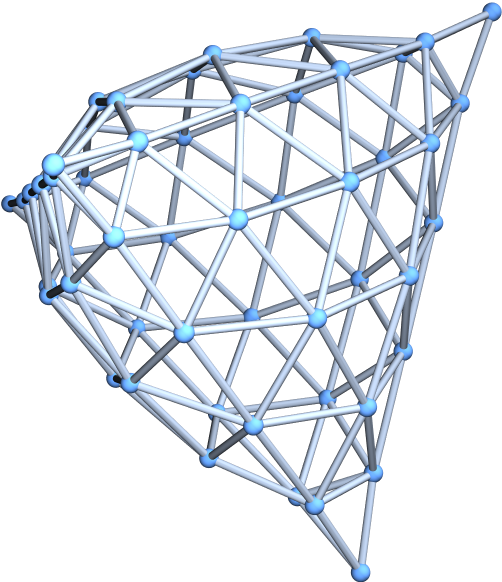
By default, vertex coordinates are computed automatically, depending on the setting for GraphLayout:
| In[9]:= |
![ResourceFunction["GeodesicSphereGraph"]["Tetrahedron", 5]](https://www.wolframcloud.com/obj/resourcesystem/images/7f9/7f9616df-4484-4931-9b55-ad3b080fddd9/254cf6affebb57cf.png)
|
| Out[9]= |
|
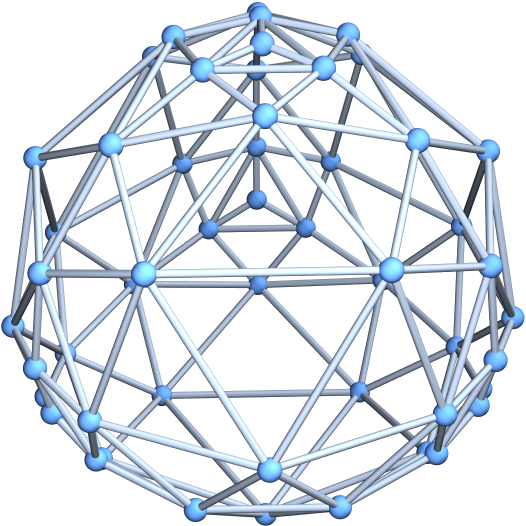
Use specially computed coordinates for the vertices:
| In[10]:= |
![ResourceFunction["GeodesicSphereGraph"]["Tetrahedron", 5, VertexCoordinates -> "Embedded"]](https://www.wolframcloud.com/obj/resourcesystem/images/7f9/7f9616df-4484-4931-9b55-ad3b080fddd9/655e08ff0e8bffb6.png)
|
| Out[10]= |
|
This work is licensed under a Creative Commons Attribution 4.0 International License
![ResourceFunction["GeodesicSphereGraph"][1, VertexCoordinates -> "Embedded"]](https://www.wolframcloud.com/obj/resourcesystem/images/7f9/7f9616df-4484-4931-9b55-ad3b080fddd9/17d604d62cf589e7.png)
![ResourceFunction["GeodesicSphereGraph"][4] // Graph](https://www.wolframcloud.com/obj/resourcesystem/images/7f9/7f9616df-4484-4931-9b55-ad3b080fddd9/48ae3736ba5c3b53.png)