Details and Options
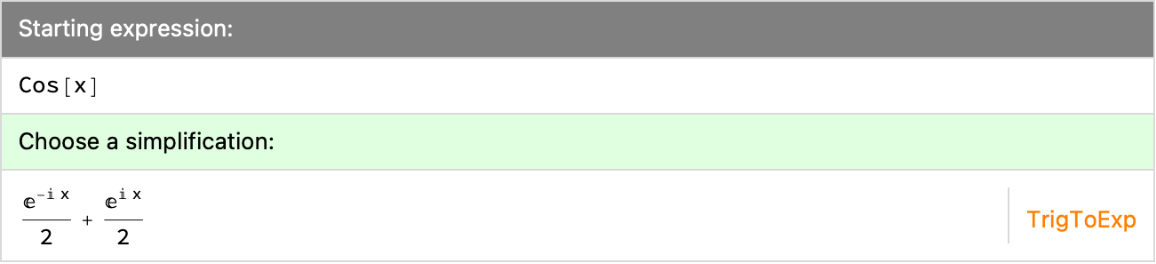
Available simplifications are ordered by
LeafCount.
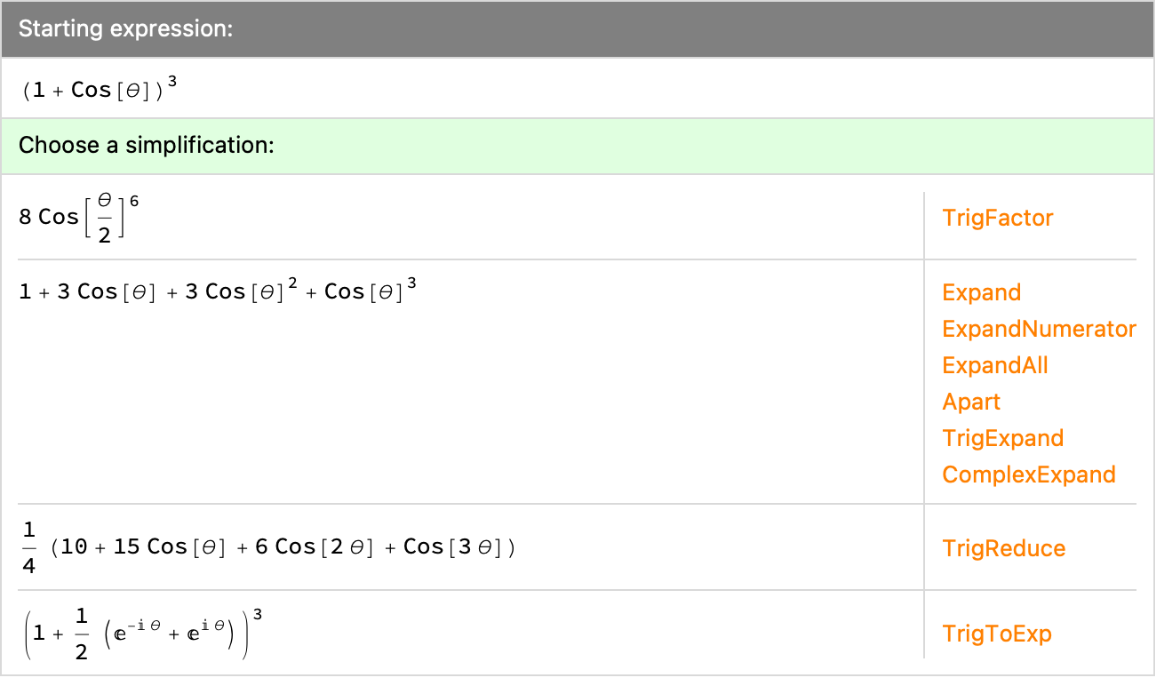
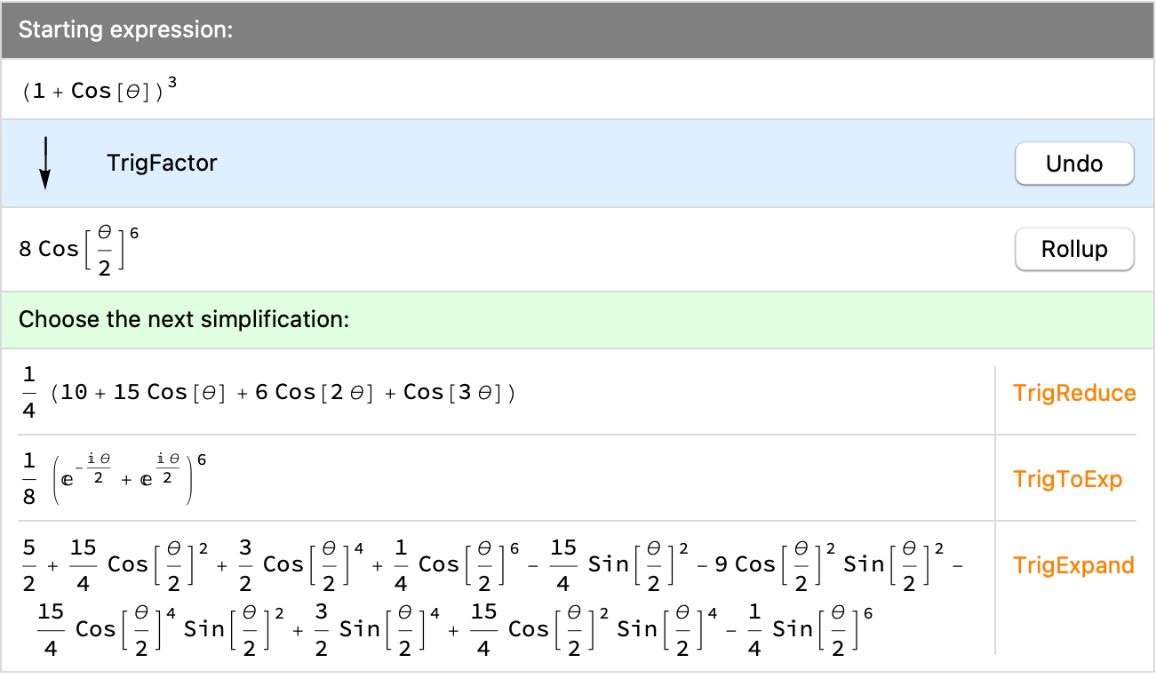
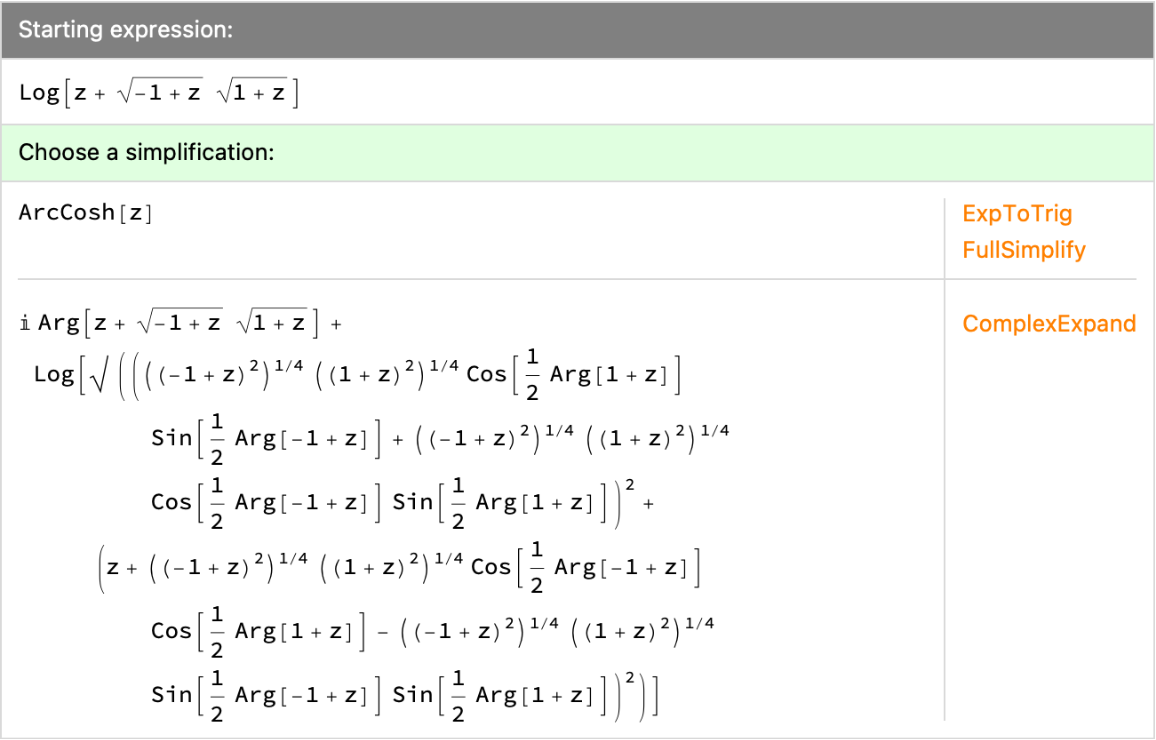
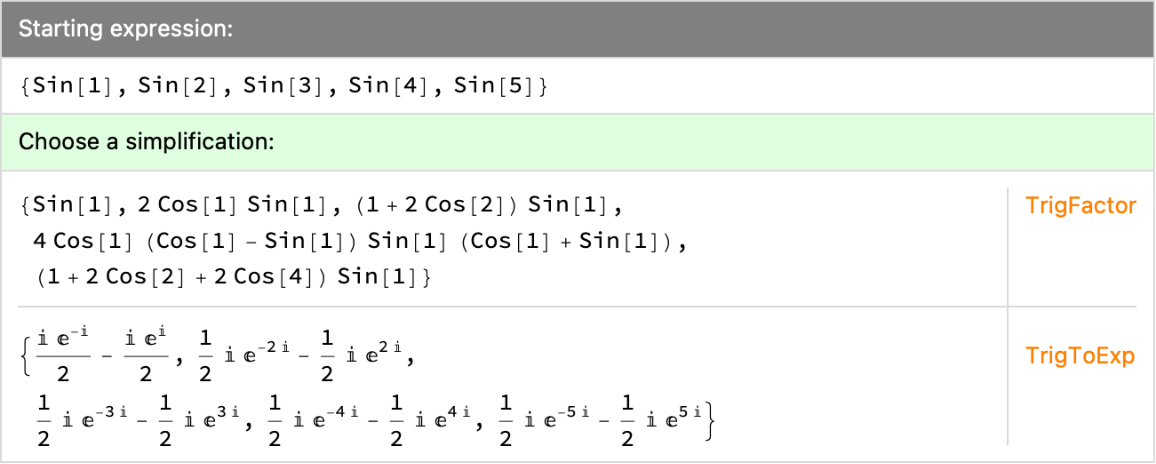
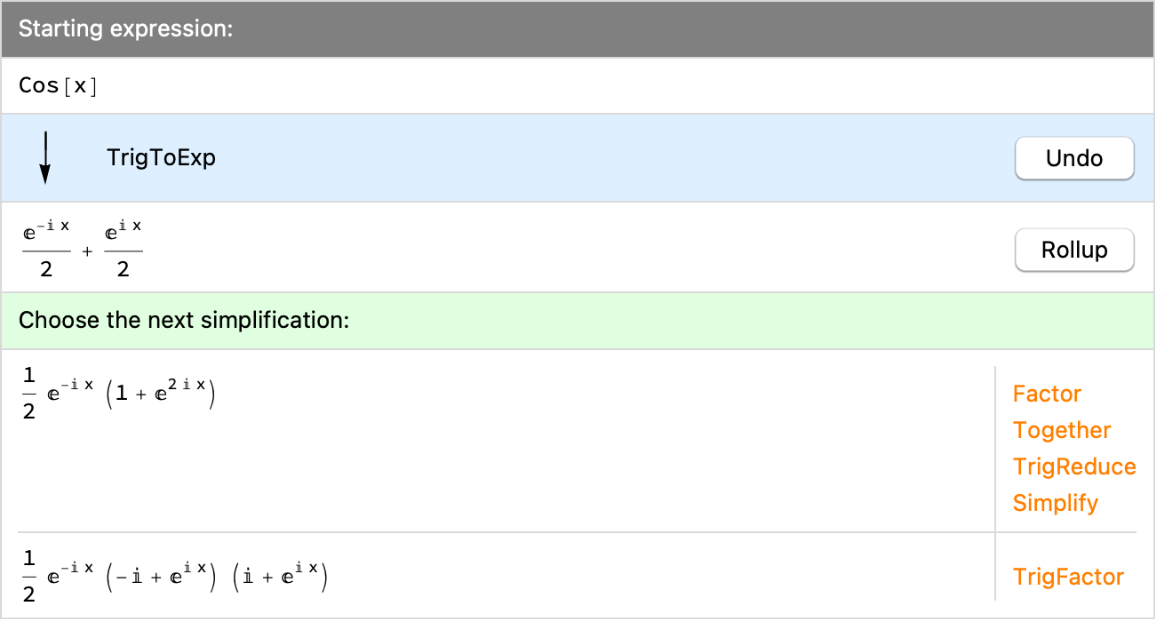
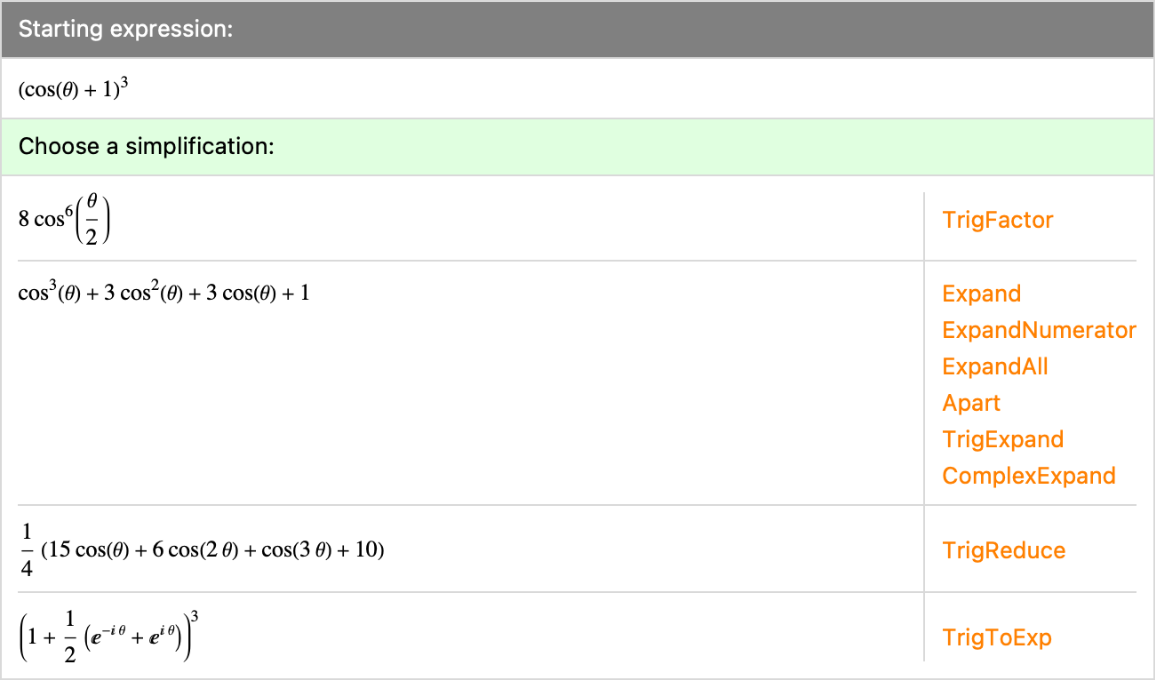
After choosing a simplification by clicking a function name, the ResourceFunction["SimplificationExplorer"] interface shows the resulting expression, along with additional simplifications for that expression, and so on.
The Undo button will undo simplifications up to a particular point in the chain of chosen simplifications.
The Rollup button replaces the interface with an input for generating the current simplification.
Evaluating a ResourceFunction["SimplificationExplorer"] interface cell will return a list containing the starting expression and the currently chosen chain of simplifications.
The following options can be given:
| DisplayFunction | Identity | a function to apply to every prospective simplification before displaying it |
| "RevisitExpressions" | False | whether to show simplifications that leave the current expression unchanged |
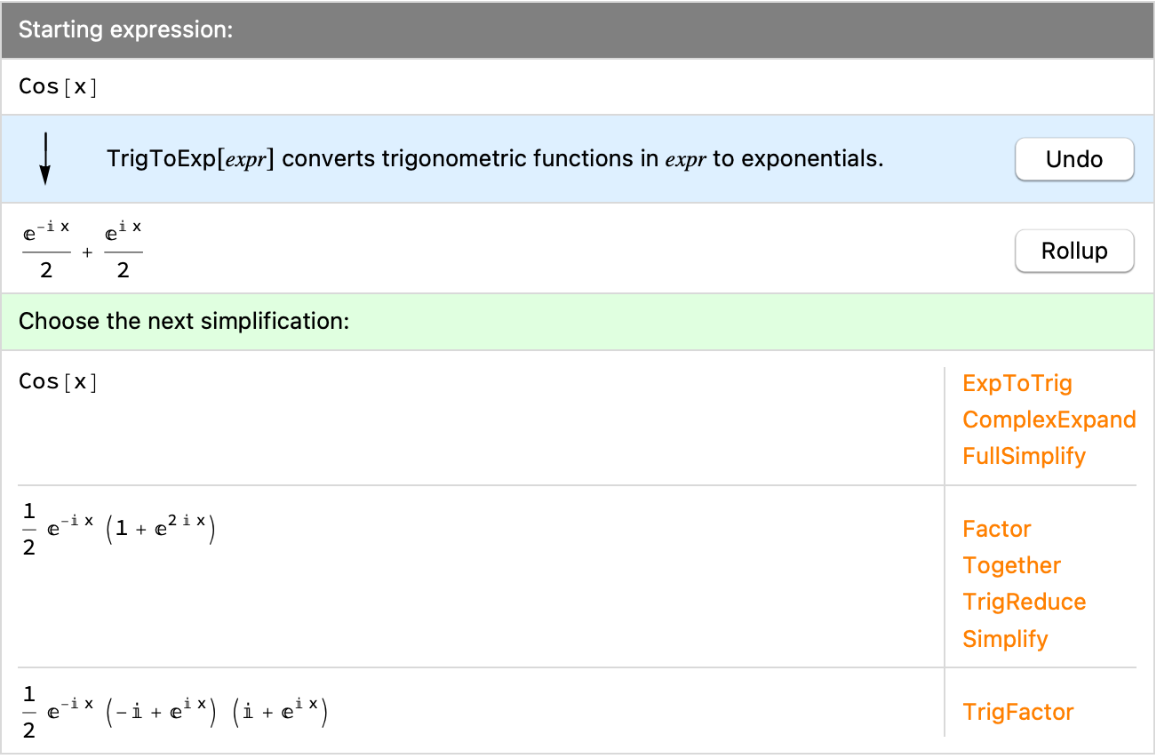
| "ShowUsage" | False | whether to show usage information for each chosen simplification |
| "SimplificationFunctions" | Automatic | the list of functions which are tried for every step in the chain of simplifications |
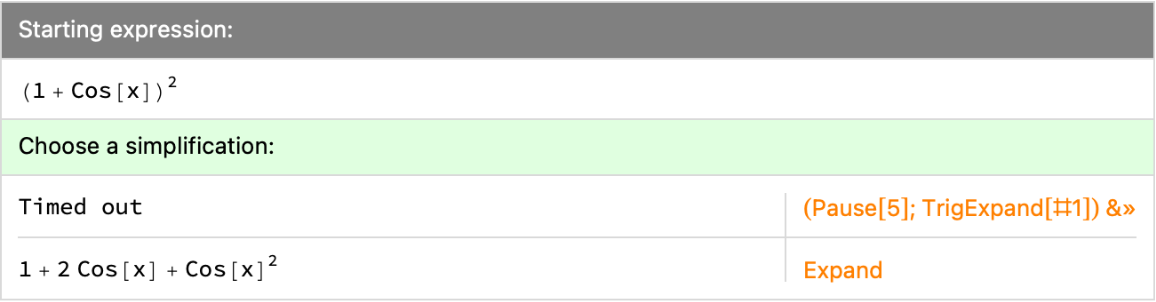
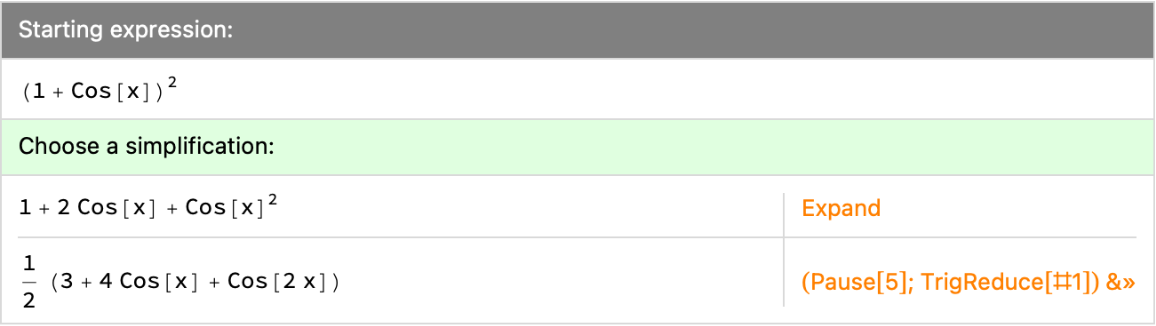
| TimeConstraint | 2 | how many seconds to allow for each attempted simplification |
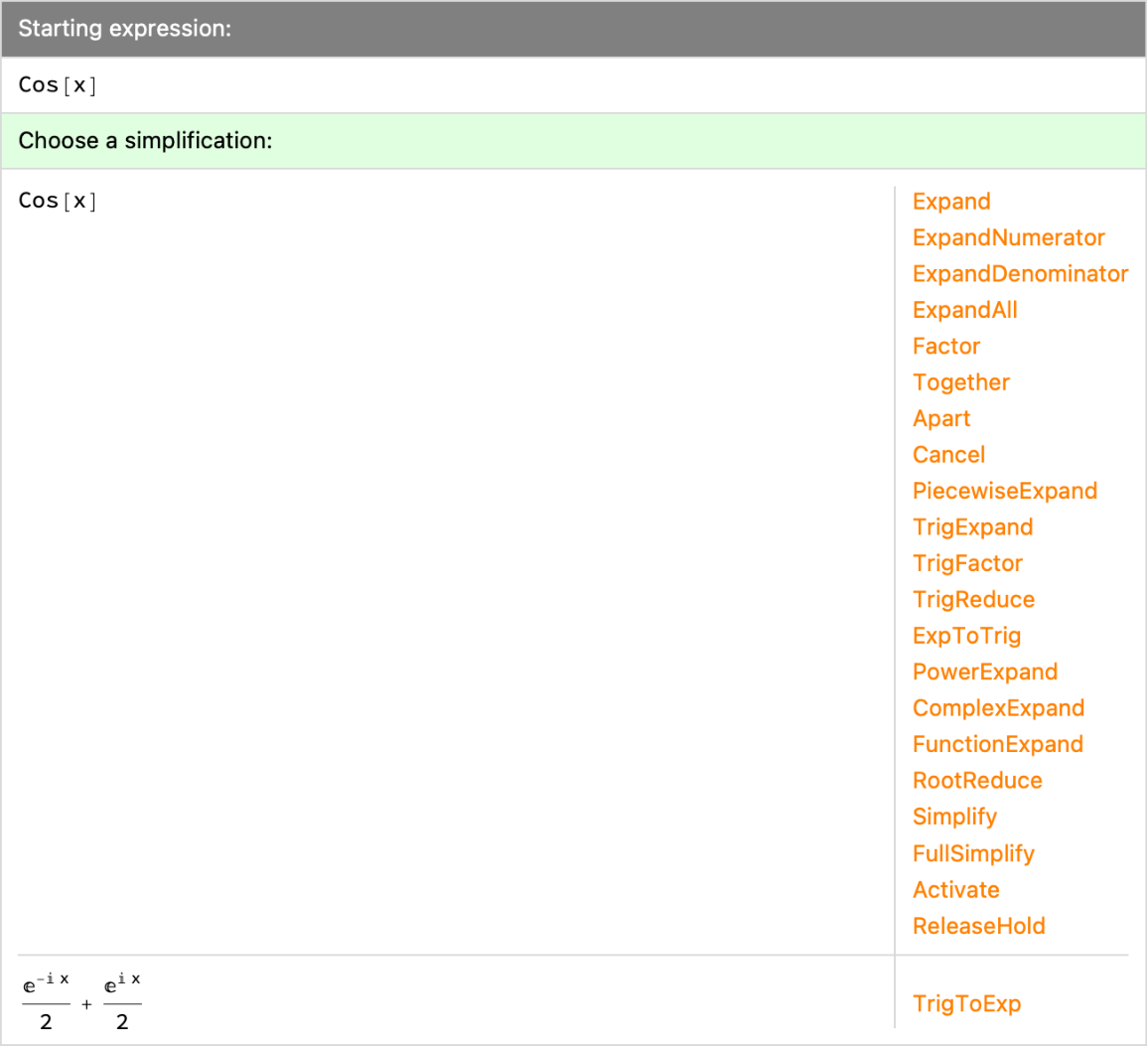
The default setting of
"RevisitExpressions"→False will hide simplifications in each step that leave the expression unchanged in that step.
"RevisitExpressions"→None will hide simplifications that have appeared anywhere in the currently chosen chain of simplifications.
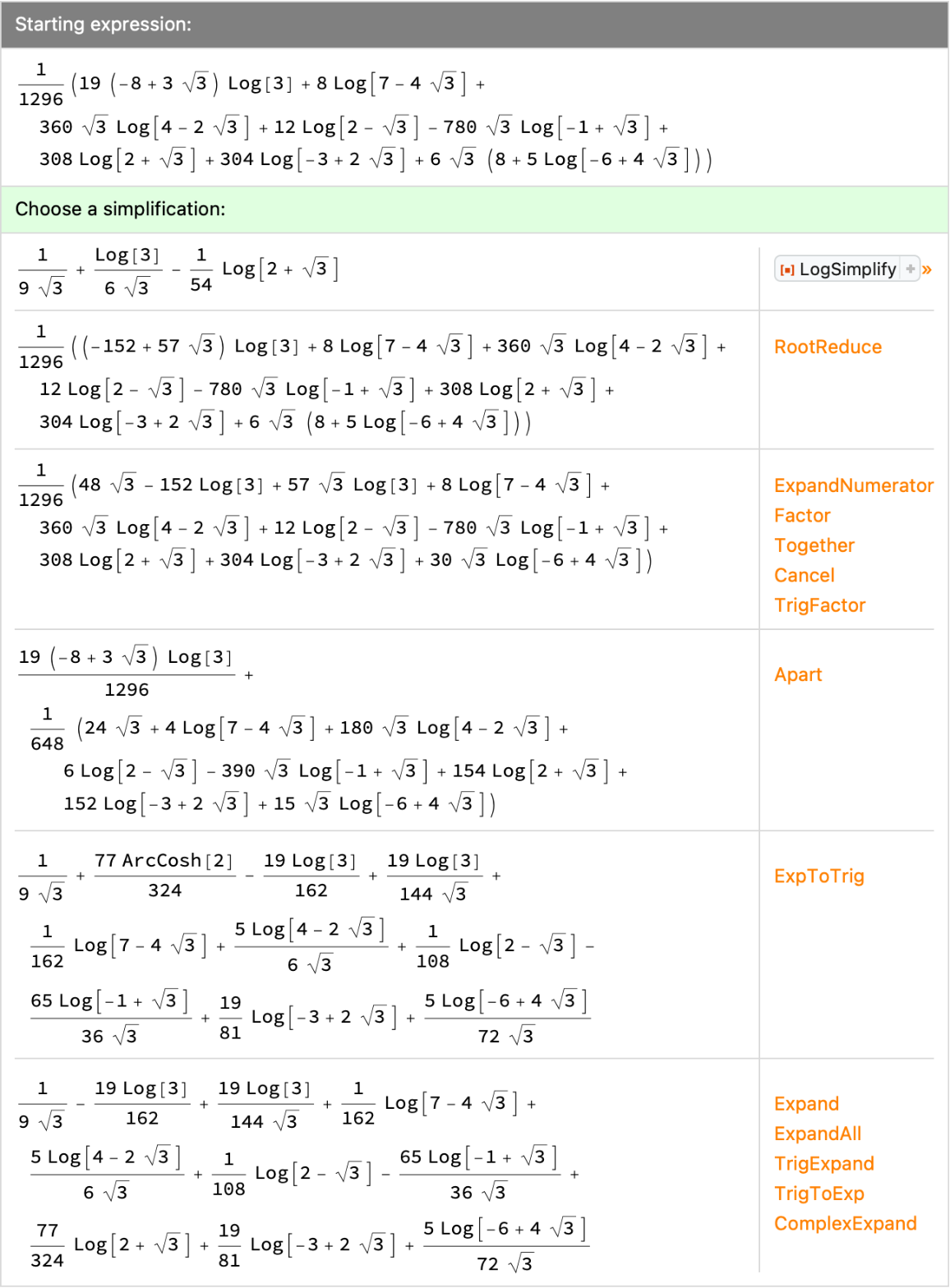
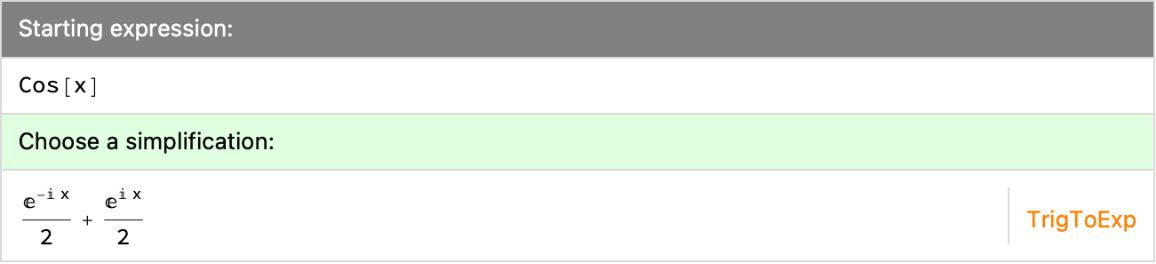
"SimplificationFunctions"→{f1,f2,…} will only attempt to simplify expr with the given functions.
"SimplificationFunctions"→{Automatic,f1,f2,…} will use the
fi functions in addition to functions in the default list.
By default,
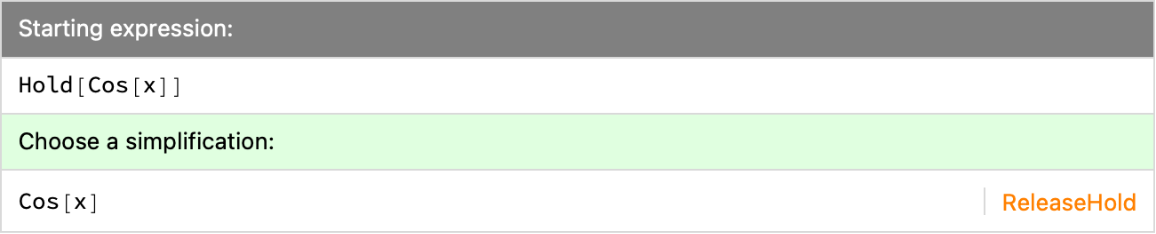
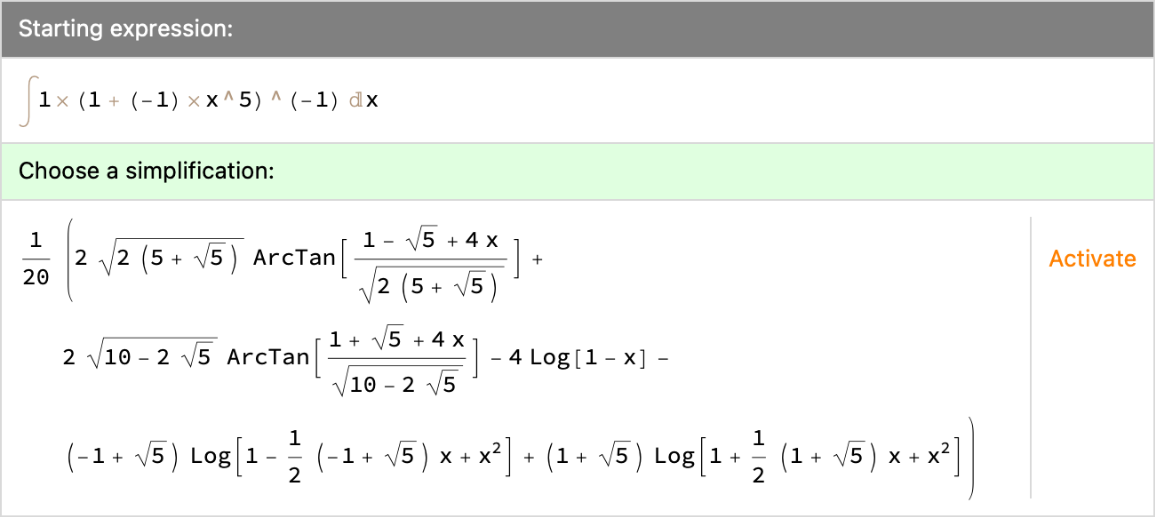
ResourceFunction["SimplificationExplorer"] works on held or inactivate expressions via
ReleaseHold and
Activate respectively.
![ResourceFunction["SimplificationExplorer"][(Cos[\[Theta]] + 1)^3]](https://www.wolframcloud.com/obj/resourcesystem/images/462/4620ae0d-2b65-4796-9f47-1bd478464c10/0f4e6660b21a9447.png)
![ResourceFunction["SimplificationExplorer"][(Cos[\[Theta]] + 1)^3]](https://www.wolframcloud.com/obj/resourcesystem/images/462/4620ae0d-2b65-4796-9f47-1bd478464c10/780ae7714f56f527.png)
![ResourceFunction["SimplificationExplorer"][
Log[z + Sqrt[z + 1] Sqrt[z - 1]]]](https://www.wolframcloud.com/obj/resourcesystem/images/462/4620ae0d-2b65-4796-9f47-1bd478464c10/77e9956608ddf1a1.png)
![ResourceFunction["SimplificationExplorer"][Sin[Range[5]]]](https://www.wolframcloud.com/obj/resourcesystem/images/462/4620ae0d-2b65-4796-9f47-1bd478464c10/1f3ab322c8af701d.png)
![ResourceFunction["SimplificationExplorer"][
\!\(\*SuperscriptBox[\(Zeta\),
TagBox[
RowBox[{"(",
RowBox[{"1", ",", "0"}], ")"}],
Derivative],
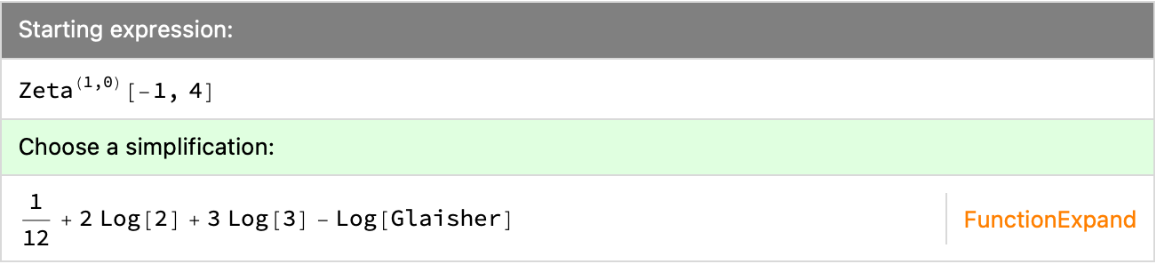
MultilineFunction->None]\)[-1, 4]]](https://www.wolframcloud.com/obj/resourcesystem/images/462/4620ae0d-2b65-4796-9f47-1bd478464c10/4bf3365139b81613.png)
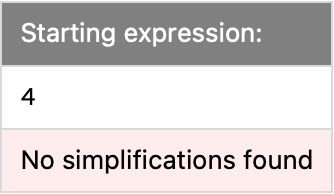
![ResourceFunction["SimplificationExplorer"][Sin[3]]](https://www.wolframcloud.com/obj/resourcesystem/images/462/4620ae0d-2b65-4796-9f47-1bd478464c10/0fa9277249973327.png)
![\!\(
TagBox[
DynamicModuleBox[{$CellContext`originalexpr$$ = Hold[
Sin[3]], $CellContext`chosenexprs$$ = {
Hold[(1 + 2 Cos[2]) Sin[1]],
Hold[3 Cos[1]^2 Sin[1] - Sin[
1]^3]}, $CellContext`chosenfuncs$$ = {TrigFactor, TrigExpand}, $CellContext`simplificationFunctions$$ = {Expand, ExpandNumerator, ExpandDenominator, ExpandAll, Factor, Together, Apart, Cancel, PiecewiseExpand, TrigExpand, TrigFactor, TrigReduce, ExpToTrig, TrigToExp, PowerExpand, ComplexExpand, FunctionExpand, RootReduce, Simplify, FullSimplify, Activate, ReleaseHold}, $CellContext`timeConstraint$$ = 2, $CellContext`displayFunction$$ = Identity, $CellContext`revisit$$ = False, $CellContext`showUsage$$ = False},
InterpretationBox[
DynamicBox[ToBoxes[
If[DownValues[$CellContext`simplificationDisplay] === {},
Framed["This interface requires a WFR that's not yet loaded.", BaseStyle -> "ControlStyle", FrameMargins -> 10, FrameStyle -> LightGray],
$CellContext`simplificationDisplay[
1, $CellContext`originalexpr$$, $CellContext`chosenexprs$$, $CellContext`chosenfuncs$$, $CellContext`simplificationFunctions$$, $CellContext`timeConstraint$$, $CellContext`displayFunction$$, $CellContext`revisit$$, $CellContext`showUsage$$]], StandardForm],
BaseStyle->{LightDarkAutoColorRules -> <|"AllColors" -> True|>},
ImageSizeCache->{294.74609375, {14.048828125, 18.701171875}},
SynchronousUpdating->False],
Prepend[
Replace[
Transpose[{$CellContext`chosenfuncs$$, $CellContext`chosenexprs$$}], {
Pattern[$CellContext`f,
Blank[]],
Hold[
Pattern[$CellContext`e,
Blank[]]]} :> ($CellContext`f :> $CellContext`e), {1}],
Replace[$CellContext`originalexpr$$, Hold[
Pattern[$CellContext`e,
Blank[]]] :> ("StartingExpression" :> $CellContext`e)]]],
DynamicModuleValues:>{}],
Setting[#, {0}]& ]\)](https://www.wolframcloud.com/obj/resourcesystem/images/462/4620ae0d-2b65-4796-9f47-1bd478464c10/5438a9c2bc74185f.png)

![ResourceFunction["SimplificationExplorer"][2 + 2]](https://www.wolframcloud.com/obj/resourcesystem/images/462/4620ae0d-2b65-4796-9f47-1bd478464c10/5bcb7d02576e1e91.png)
![ResourceFunction["SimplificationExplorer"][Hold[\!\(
\*SubscriptBox[\(\[PartialD]\), \(x\)]\((\[Integral]
\*SuperscriptBox[\(x\), \(a\)]\
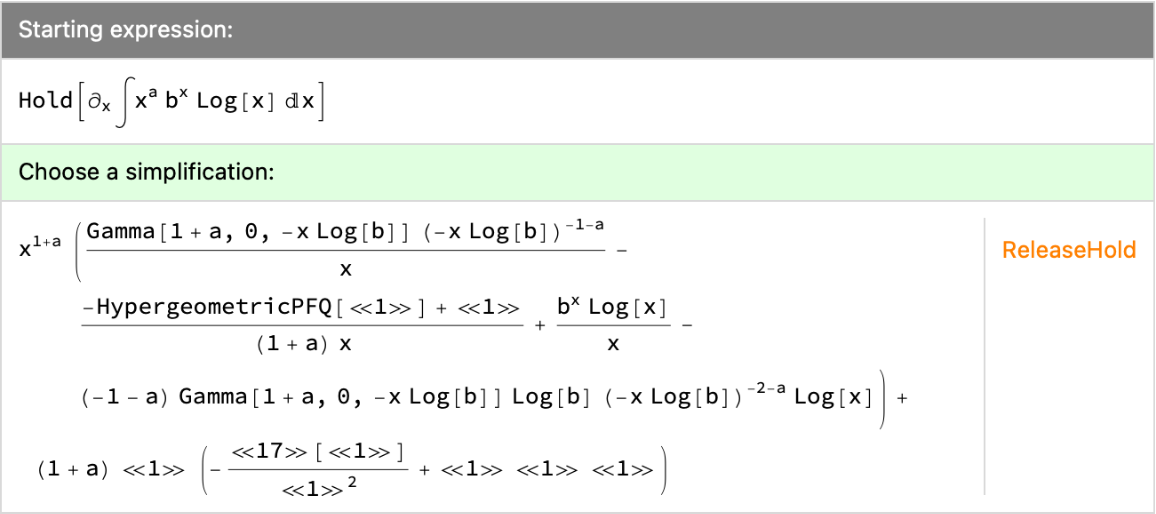
\*SuperscriptBox[\(b\), \(x\)]\ Log[x] \[DifferentialD]x)\)\)], DisplayFunction -> (Short[#, 3] &)]](https://www.wolframcloud.com/obj/resourcesystem/images/462/4620ae0d-2b65-4796-9f47-1bd478464c10/1cc5e5cf42496c54.png)
![ResourceFunction["SimplificationExplorer"][Hold[\!\(
\*SubscriptBox[\(\[PartialD]\), \(x\)]\((\[Integral]
\*SuperscriptBox[\(x\), \(a\)]\
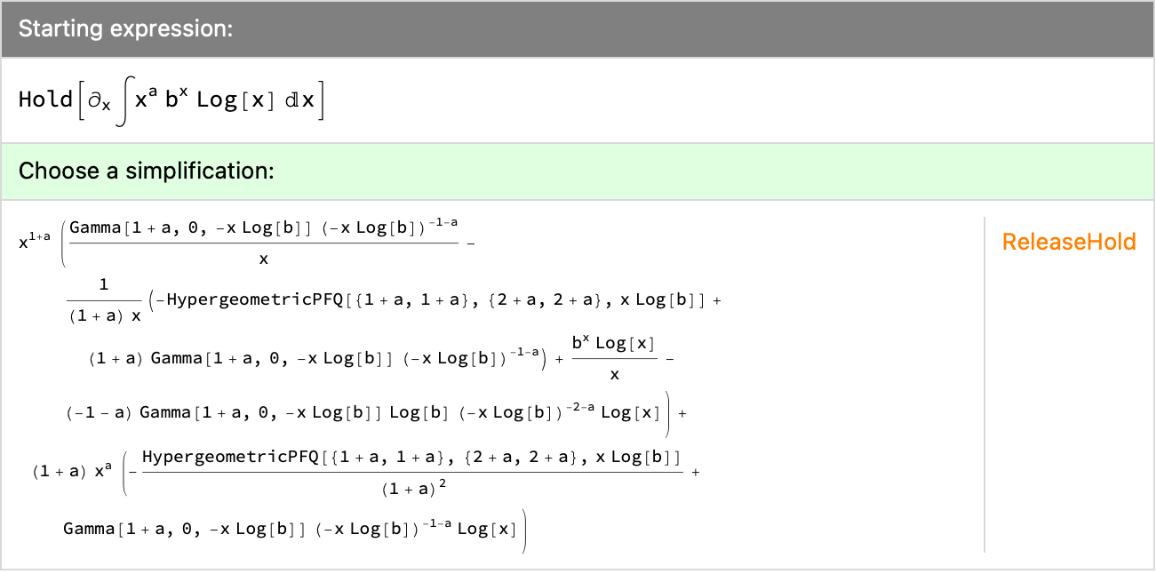
\*SuperscriptBox[\(b\), \(x\)]\ Log[x] \[DifferentialD]x)\)\)], DisplayFunction -> (Style[#, Magnification -> 0.75] &)]](https://www.wolframcloud.com/obj/resourcesystem/images/462/4620ae0d-2b65-4796-9f47-1bd478464c10/162377e0b2a0c3d1.png)
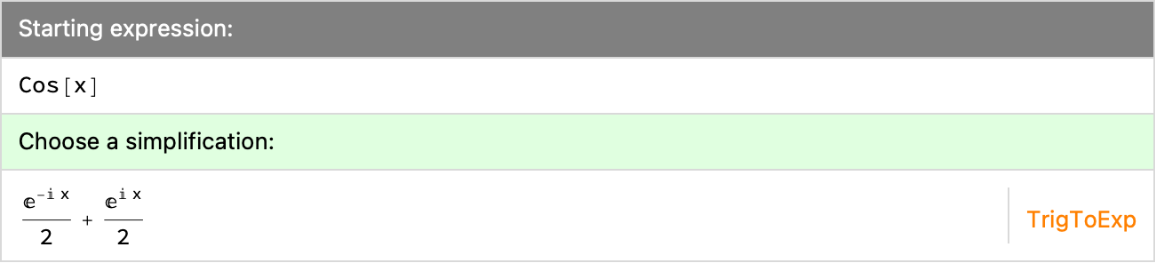
![ResourceFunction["SimplificationExplorer"][Cos[x]]](https://www.wolframcloud.com/obj/resourcesystem/images/462/4620ae0d-2b65-4796-9f47-1bd478464c10/2663d8e090a246c8.png)
![ResourceFunction["SimplificationExplorer"][Cos[x], "RevisitExpressions" -> True]](https://www.wolframcloud.com/obj/resourcesystem/images/462/4620ae0d-2b65-4796-9f47-1bd478464c10/4638da848c382fbd.png)
![ResourceFunction["SimplificationExplorer"][Cos[x], "RevisitExpressions" -> None]](https://www.wolframcloud.com/obj/resourcesystem/images/462/4620ae0d-2b65-4796-9f47-1bd478464c10/41a32d60a9dce6dd.png)
![ResourceFunction["SimplificationExplorer"][Cos[x], "ShowUsage" -> True]](https://www.wolframcloud.com/obj/resourcesystem/images/462/4620ae0d-2b65-4796-9f47-1bd478464c10/0ad46d10b17a4d4e.png)
![ResourceFunction[
"SimplificationExplorer"][(1/1296) (
19 (-8 + 3 Sqrt[3]) Log[3] + 8 Log[7 - 4 Sqrt[3]] + 360 Sqrt[3] Log[
4 - 2 Sqrt[3]] + 12 Log[2 - Sqrt[3]] - 780 Sqrt[3]
Log[-1 + Sqrt[3]] + 308 Log[
2 + Sqrt[3]] + 304 Log[-3 + 2 Sqrt[3]] + 6 Sqrt[3] (
8 + 5 Log[-6 + 4 Sqrt[3]])), "SimplificationFunctions" -> {Automatic, ResourceFunction["LogSimplify"]}, "ShowUsage" -> True]](https://www.wolframcloud.com/obj/resourcesystem/images/462/4620ae0d-2b65-4796-9f47-1bd478464c10/45b346f8f45ada66.png)
![ResourceFunction["SimplificationExplorer"][Cos[x], "SimplificationFunctions" -> {TrigToExp, ExpToTrig, Simplify, FullSimplify}]](https://www.wolframcloud.com/obj/resourcesystem/images/462/4620ae0d-2b65-4796-9f47-1bd478464c10/62265265bf802b21.png)
![ResourceFunction["SimplificationExplorer"][(Cos[x] + 1)^2, "SimplificationFunctions" -> {Expand, (Pause[5]; TrigExpand[#]) &}]](https://www.wolframcloud.com/obj/resourcesystem/images/462/4620ae0d-2b65-4796-9f47-1bd478464c10/2119f09e8b7ba4c4.png)
![ResourceFunction["SimplificationExplorer"][(Cos[x] + 1)^2, "SimplificationFunctions" -> {Expand, (Pause[5]; TrigReduce[#]) &}, TimeConstraint -> 6]](https://www.wolframcloud.com/obj/resourcesystem/images/462/4620ae0d-2b65-4796-9f47-1bd478464c10/28923a3b6ea8de1d.png)
![ResourceFunction[
"SimplificationExplorer"][(Cos[\[Theta]] + 1)^3] // TraditionalForm](https://www.wolframcloud.com/obj/resourcesystem/images/462/4620ae0d-2b65-4796-9f47-1bd478464c10/04f5b4b86cdd74b2.png)
![ResourceFunction["SimplificationExplorer"][Hold[Cos[x]]]](https://www.wolframcloud.com/obj/resourcesystem/images/462/4620ae0d-2b65-4796-9f47-1bd478464c10/77d6721e561495f7.png)
![ResourceFunction["SimplificationExplorer"][
Inactivate[\[Integral]1/(1 - x^5) \[DifferentialD]x]]](https://www.wolframcloud.com/obj/resourcesystem/images/462/4620ae0d-2b65-4796-9f47-1bd478464c10/74f1b70a53ef50a0.png)
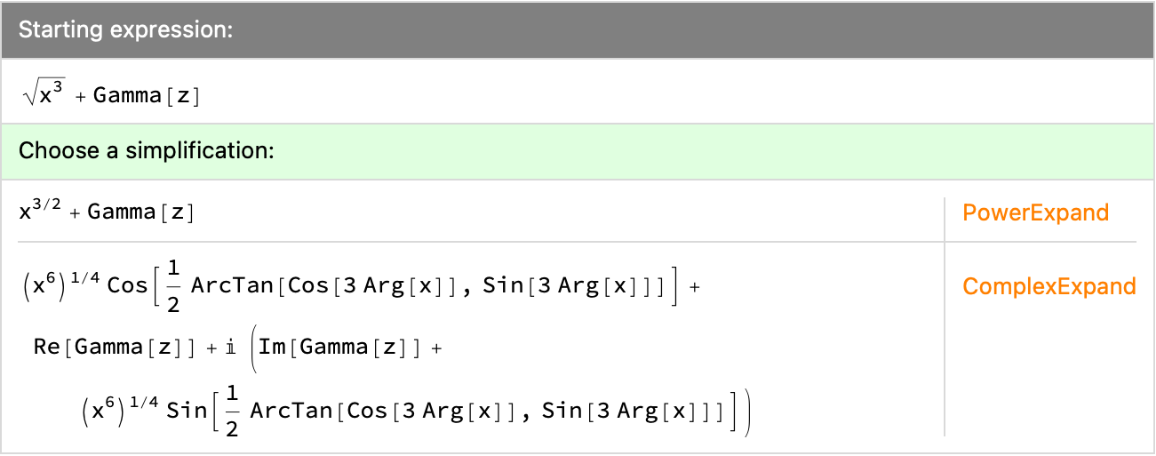
![ResourceFunction["SimplificationExplorer"][Sqrt[x^3] + Gamma[z]]](https://www.wolframcloud.com/obj/resourcesystem/images/462/4620ae0d-2b65-4796-9f47-1bd478464c10/0a0edb9d986418ad.png)
![ResourceFunction["SimplificationExplorer"][Cos[x]]](https://www.wolframcloud.com/obj/resourcesystem/images/462/4620ae0d-2b65-4796-9f47-1bd478464c10/74f79710a435a90e.png)
![CreateDocument[
ResourceFunction["SimplificationExplorer"][(Cos[\[Theta]] + 1)^3, "ShowUsage" -> True] // TraditionalForm, Magnification -> 1.25, Deployed -> True]](https://www.wolframcloud.com/obj/resourcesystem/images/462/4620ae0d-2b65-4796-9f47-1bd478464c10/3a4dcae0d67c53df.png)
