Wolfram Function Repository
Instant-use add-on functions for the Wolfram Language
Function Repository Resource:
List all of the published resource objects in a category
ResourceFunction["CategoryResourceObjects"][rtype,{ctype,cat}] lists all the ResourceObject objects published in the rtype repository with category cat of type ctype. | |
ResourceFunction["CategoryResourceObjects"][rtype,{ctype,{cat1,cat2,…}}] combines resources from multiple categories. | |
ResourceFunction["CategoryResourceObjects"][rtype,cat] attempts to determine the category type automatically. | |
ResourceFunction["CategoryResourceObjects"][rtype,{ctype,cat}, prop] returns a list of values for the specified property prop. | |
ResourceFunction["CategoryResourceObjects"][rtype] lists available category types for the resource type. | |
ResourceFunction["CategoryResourceObjects"][rtype,ctype] lists available categories in the specified category type. |
Find Audio content in the Wolfram Data Repository:
| In[1]:= | ![ResourceFunction[
"CategoryResourceObjects"]["Data", {"ContentTypes", "Audio"}]](https://www.wolframcloud.com/obj/resourcesystem/images/10f/10f613de-7c37-4e8e-afd4-70461b4335f1/6880378061a377f0.png) |
| Out[1]= | 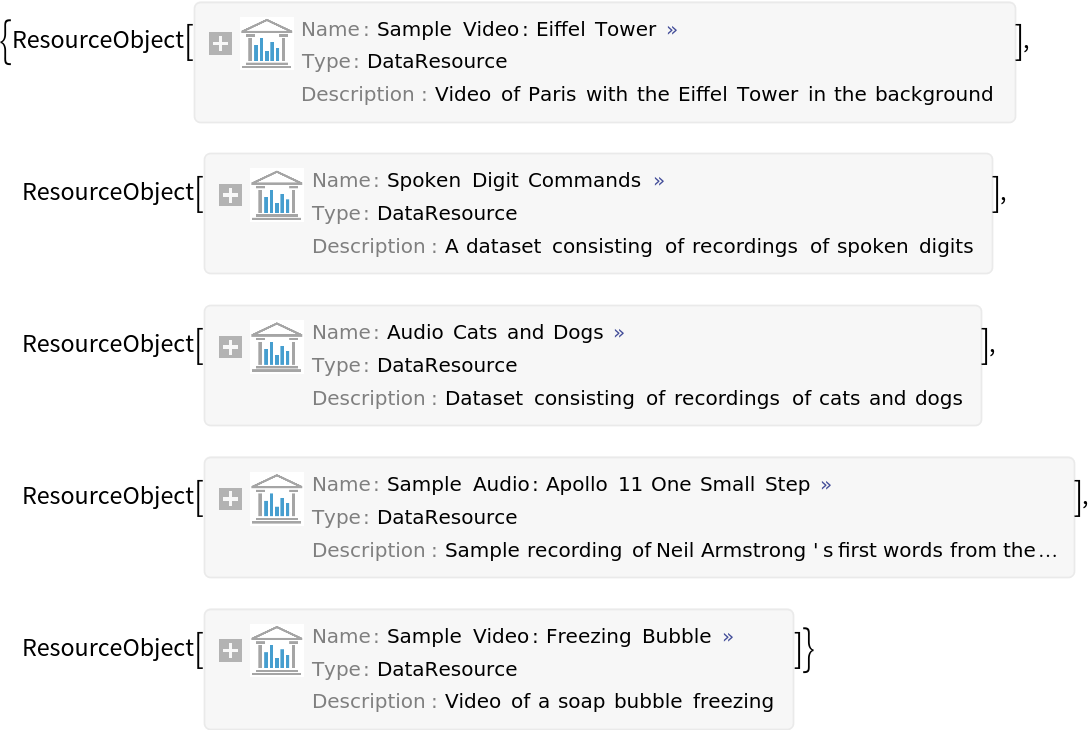 |
Find paclet resources for external interfaces in the Wolfram Language Paclet Repository:
| In[2]:= | ![expacs = Take[ResourceFunction["CategoryResourceObjects"][
"Paclet", {"Categories", "External Interfaces & Connections"}], UpTo[4]]](https://www.wolframcloud.com/obj/resourcesystem/images/10f/10f613de-7c37-4e8e-afd4-70461b4335f1/7ac3acff3187eb27.png) |
| Out[2]= | 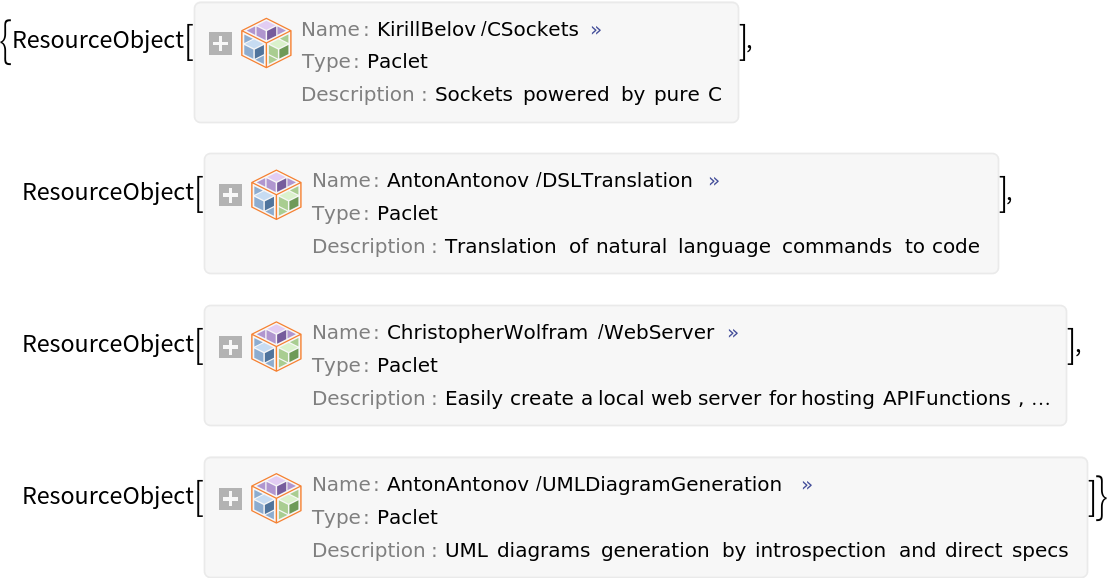 |
Convert each ResourceObject into a PacletObject:
| In[3]:= |  |
| Out[3]= | 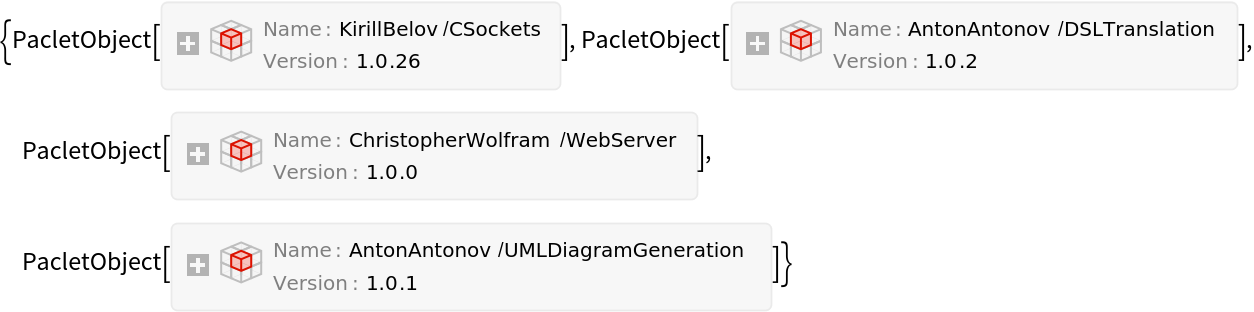 |
See the category types for the Wolfram NeuralNet Repository:
| In[4]:= | ![ctypes = ResourceFunction["CategoryResourceObjects"]["NeuralNet"]](https://www.wolframcloud.com/obj/resourcesystem/images/10f/10f613de-7c37-4e8e-afd4-70461b4335f1/54b82dc5da7b2ee8.png) |
| Out[4]= |  |
See categories available in one type:
| In[5]:= | ![cats = ResourceFunction["CategoryResourceObjects"]["NeuralNet", "TaskType"]](https://www.wolframcloud.com/obj/resourcesystem/images/10f/10f613de-7c37-4e8e-afd4-70461b4335f1/56e9af46e9d5bdfd.png) |
| Out[5]= |  |
See the neural net resources in one task type:
| In[6]:= | ![ResourceFunction[
"CategoryResourceObjects"]["NeuralNet", {"TaskType", "Translation"}]](https://www.wolframcloud.com/obj/resourcesystem/images/10f/10f613de-7c37-4e8e-afd4-70461b4335f1/6cd9cc7d273969ed.png) |
| Out[6]= | 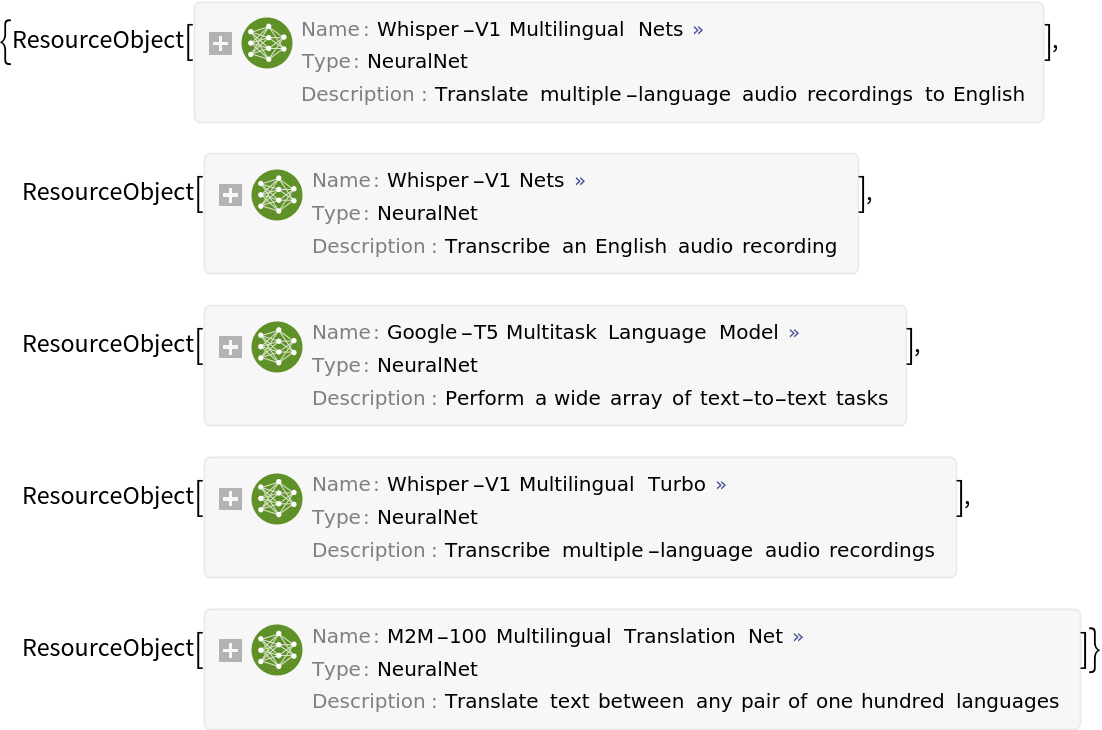 |
Get the names instead of the resource objects:
| In[7]:= | ![names = ResourceFunction["CategoryResourceObjects"][
"NeuralNet", {"TaskType", "Translation"}, "Name"]](https://www.wolframcloud.com/obj/resourcesystem/images/10f/10f613de-7c37-4e8e-afd4-70461b4335f1/34a1b08b8bca4c74.png) |
| Out[7]= |  |
Get one of the neural nets. This may take several minutes:
| In[8]:= | ![AbsoluteTiming[NetModel@RandomChoice[names]]](https://www.wolframcloud.com/obj/resourcesystem/images/10f/10f613de-7c37-4e8e-afd4-70461b4335f1/3b8869187a4ea8b4.png) |
| Out[8]= |  |
See the categories for the Wolfram Language Example Repository:
| In[9]:= | ![ResourceFunction["CategoryResourceObjects"]["Example", "Categories"]](https://www.wolframcloud.com/obj/resourcesystem/images/10f/10f613de-7c37-4e8e-afd4-70461b4335f1/3aeba7a2a9f3e380.png) |
| Out[9]= |  |
Get a combined list for three categories:
| In[10]:= | ![Short@ResourceFunction["CategoryResourceObjects"][
"Example", {"Categories", {"System Modeling", "Engineering", "Differential Equations"}}]](https://www.wolframcloud.com/obj/resourcesystem/images/10f/10f613de-7c37-4e8e-afd4-70461b4335f1/0f3268acfd38d5b8.png) |
| Out[10]= | 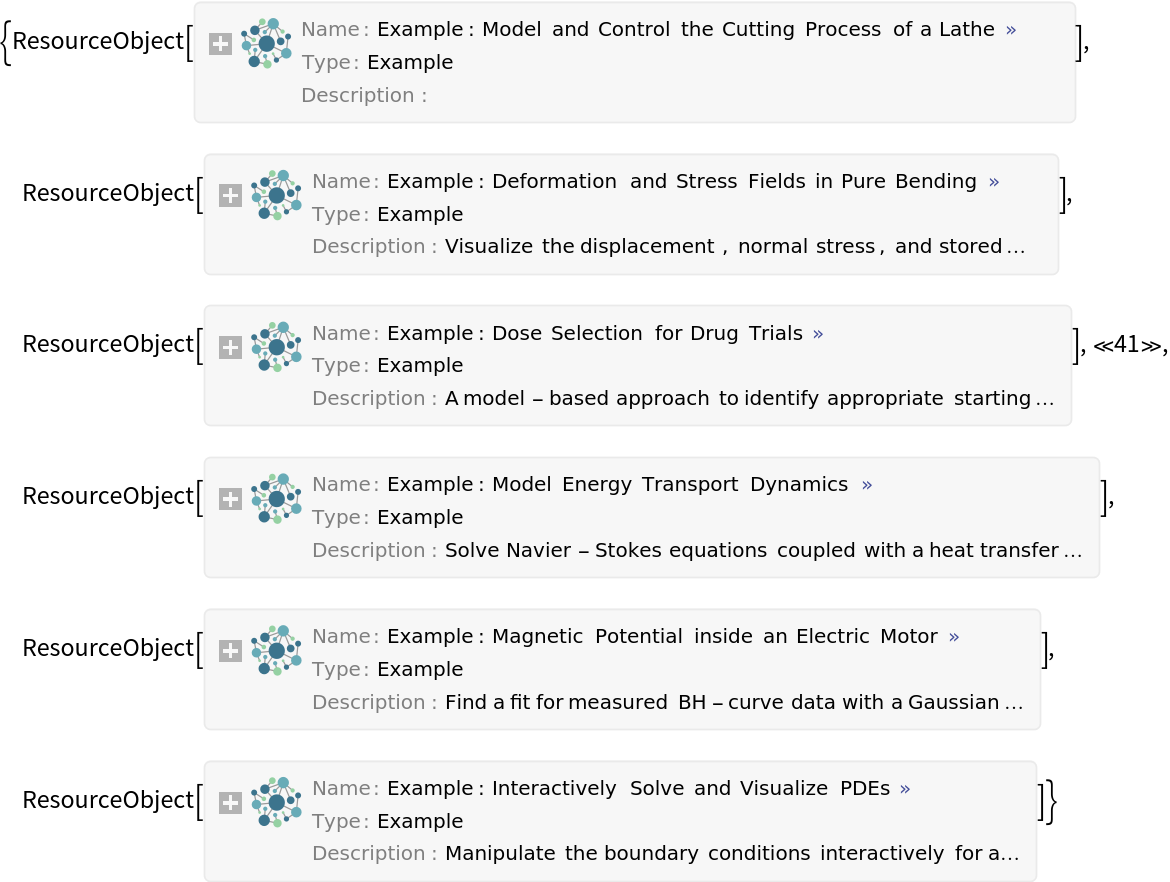 |
Get descriptions of the demonstrations in a category of the Wolfram Demonstrations Project and create a word cloud:
| In[11]:= | ![WordCloud[
DeleteStopwords@
Flatten[TextWords /@ ResourceFunction["CategoryResourceObjects"][
"Demonstration", {"Categories", "Discrete Models"}, "Description"]]]](https://www.wolframcloud.com/obj/resourcesystem/images/10f/10f613de-7c37-4e8e-afd4-70461b4335f1/5b2ecdcaaa7edf60.png) |
| Out[11]= | 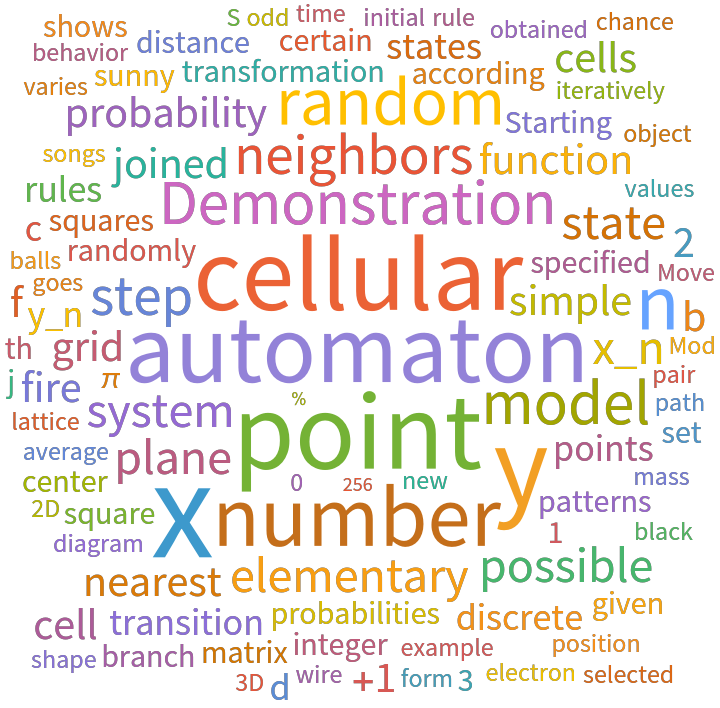 |
Find function resource objects from any of multiple categories:
| In[12]:= | ![frs = ResourceFunction["CategoryResourceObjects"][
"Function", {"Categories", {"Sound & Video", "Financial Data & Computation"}}];
Short[frs]](https://www.wolframcloud.com/obj/resourcesystem/images/10f/10f613de-7c37-4e8e-afd4-70461b4335f1/5ee998612dc0d243.png) |
| Out[13]= | 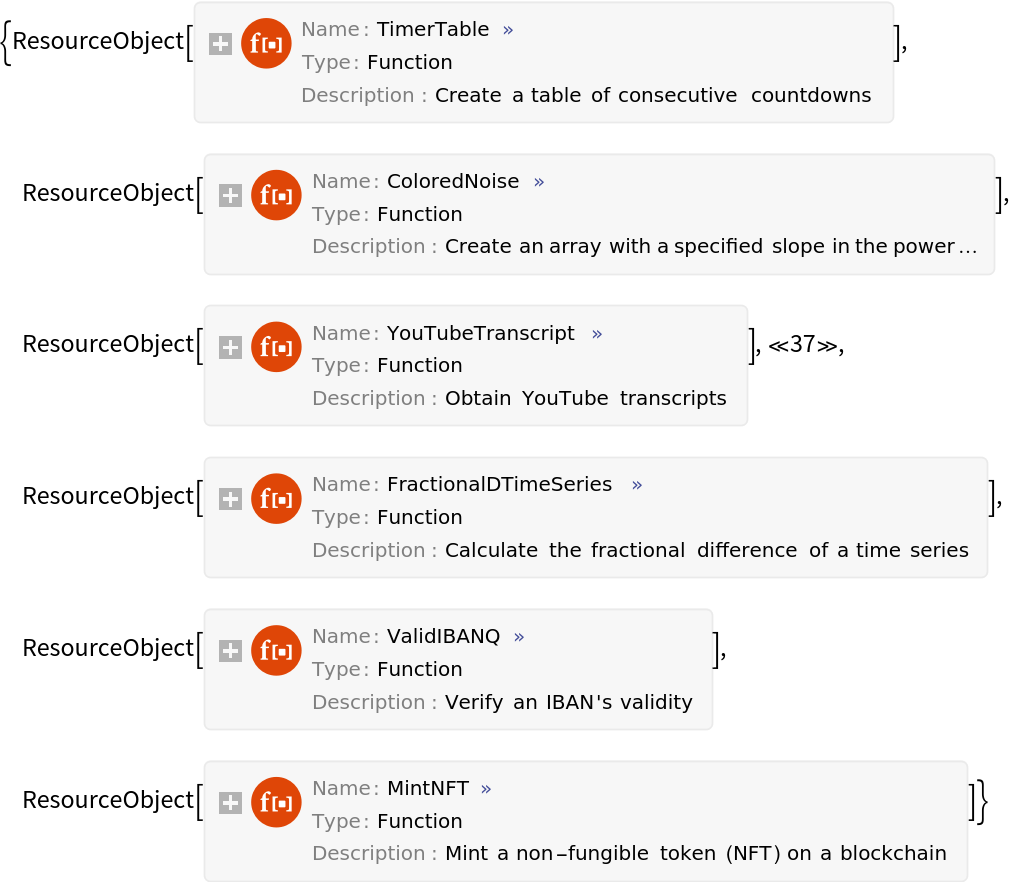 |
Convert them to ResourceFunction objects:
| In[14]:= |  |
| Out[14]= | 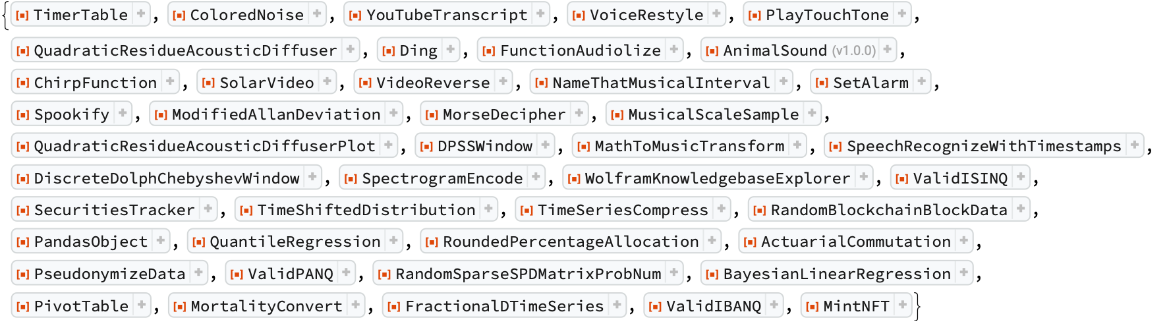 |
This can be done directly using the resource function CategoryResourceFunctions:
| In[15]:= | ![ResourceFunction["CategoryResourceFunctions"][{"Sound & Video", "Financial Data & Computation"}]](https://www.wolframcloud.com/obj/resourcesystem/images/10f/10f613de-7c37-4e8e-afd4-70461b4335f1/789da92da3e441a2.png) |
| Out[15]= | 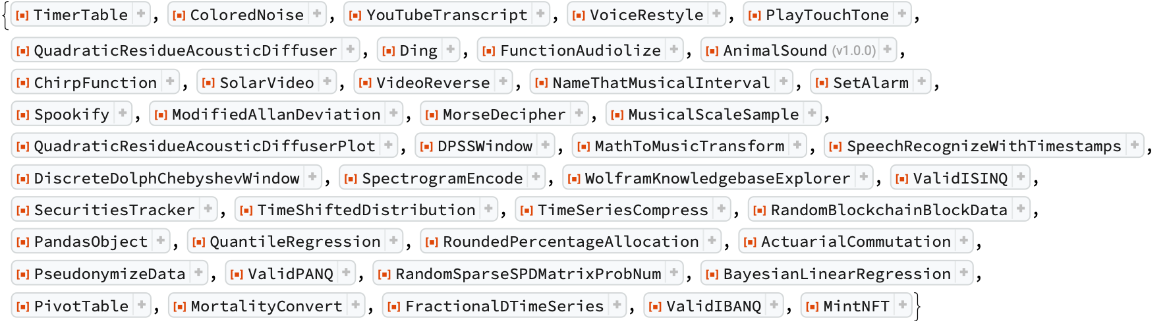 |
Wolfram Language 12.3 (May 2021) or above
This work is licensed under a Creative Commons Attribution 4.0 International License