Wolfram Language Paclet Repository
Community-contributed installable additions to the Wolfram Language
 | MCPStart |
Function[ |

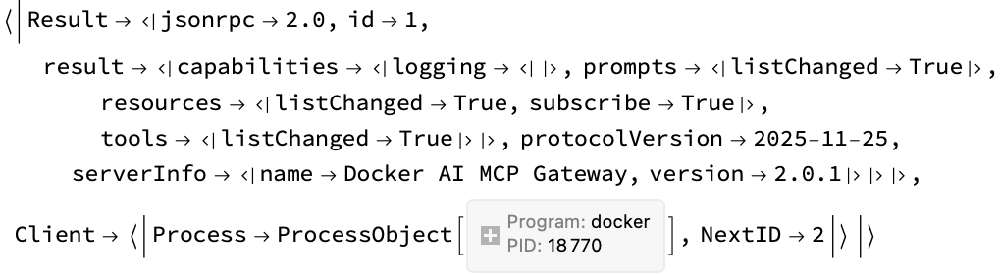
| MCPInitialize |
Function[ |
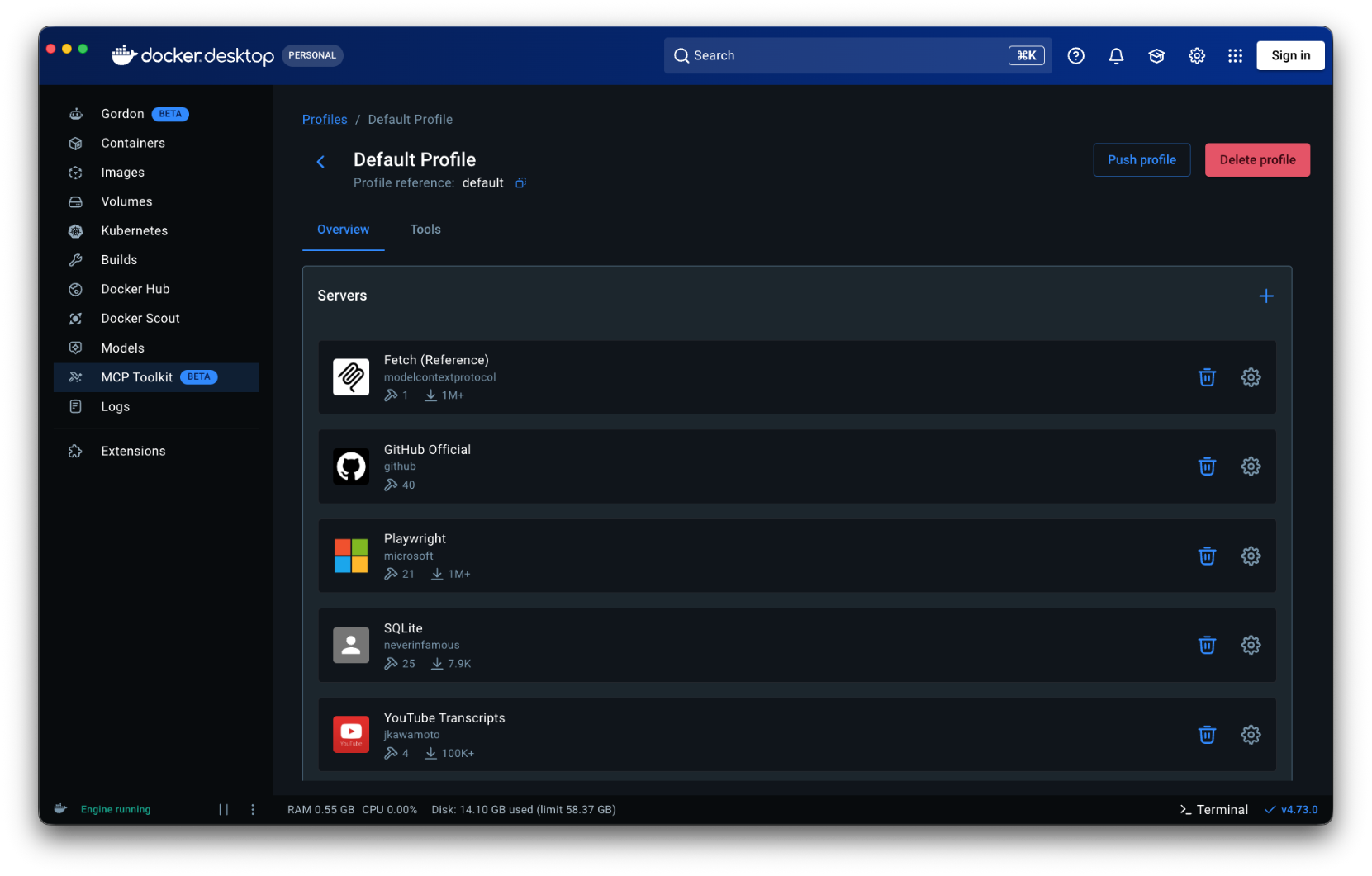
| MCPListTools |
# | name | description |
1 | add_comment_to_pending_review | Add review comment to the requester's latest pending pull request review. A pending review needs to already exist to call this (check with the user if not sure). |
2 | add_issue_comment | Add a comment to a specific issue in a GitHub repository. Use this tool to add comments to pull requests as well (in this case pass pull request number as issue_number), but only if user is not asking specifically to add review comments. |
3 | add_reply_to_pull_request_comment | Add a reply to an existing pull request comment. This creates a new comment that is linked as a reply to the specified comment. |
4 | browser_console_messages | Returns all console messages |
5 | list_issue_types | List supported issue types for repository owner (organization). |
# | name | description |
1 | add_issue_comment | Add a comment to a specific issue in a GitHub repository. Use this tool to add comments to pull requests as well (in this case pass pull request number as issue_number), but only if user is not asking specifically to add review comments. |
2 | assign_copilot_to_issue | Assign Copilot to a specific issue in a GitHub repository.This tool can help with the following outcomes:- a Pull Request created with source code changes to resolve the issueMore information can be found at:- https://docs.github.com/en/copilot/using-github-copilot/using-copilot-coding-agent-to-work-on-tasks/about-assigning-tasks-to-copilot |
3 | create_branch | Create a new branch in a GitHub repository |
4 | create_or_update_file | Create or update a single file in a GitHub repository. If updating, you should provide the SHA of the file you want to update. Use this tool to create or update a file in a GitHub repository remotely; do not use it for local file operations.In order to obtain the SHA of original file version before updating, use the following git command:git rev-parse <branch>:<path to file>SHA MUST be provided for existing file updates. |
5 | create_pull_request | Create a new pull request in a GitHub repository. |
6 | create_repository | Create a new GitHub repository in your account or specified organization |
7 | delete_file | Delete a file from a GitHub repository |
8 | fork_repository | Fork a GitHub repository to your account or specified organization |
9 | get_commit | Get details for a commit from a GitHub repository |
10 | get_file_contents | Get the contents of a file or directory from a GitHub repository |
11 | get_latest_release | Get the latest release in a GitHub repository |
12 | get_me | Get details of the authenticated GitHub user. Use this when a request is about the user's own profile for GitHub. Or when information is missing to build other tool calls. |
13 | get_release_by_tag | Get a specific release by its tag name in a GitHub repository |
14 | get_tag | Get details about a specific git tag in a GitHub repository |
15 | issue_read | Get information about a specific issue in a GitHub repository. |
16 | issue_write | Create a new or update an existing issue in a GitHub repository. |
17 | list_branches | List branches in a GitHub repository |
18 | list_commits | Get list of commits of a branch in a GitHub repository. Returns at least 30 results per page by default, but can return more if specified using the perPage parameter (up to 100). |
19 | list_issues | List issues in a GitHub repository. For pagination, use the 'endCursor' from the previous response's 'pageInfo' in the 'after' parameter. |
20 | list_pull_requests | List pull requests in a GitHub repository. If the user specifies an author, then DO NOT use this tool and use the search_pull_requests tool instead. |
21 | list_releases | List releases in a GitHub repository |
22 | list_tags | List git tags in a GitHub repository |
23 | merge_pull_request | Merge a pull request in a GitHub repository. |
24 | pull_request_read | Get information on a specific pull request in GitHub repository. |
25 | push_files | Push multiple files to a GitHub repository in a single commit |
26 | request_copilot_review | Request a GitHub Copilot code review for a pull request. Use this for automated feedback on pull requests, usually before requesting a human reviewer. |
27 | search_code | Fast and precise code search across ALL GitHub repositories using GitHub's native search engine. Best for finding exact symbols, functions, classes, or specific code patterns. |
28 | search_issues | Search for issues in GitHub repositories using issues search syntax already scoped to is:issue |
29 | search_pull_requests | Search for pull requests in GitHub repositories using issues search syntax already scoped to is:pr |
30 | search_repositories | Find GitHub repositories by name, description, readme, topics, or other metadata. Perfect for discovering projects, finding examples, or locating specific repositories across GitHub. |
31 | search_users | Find GitHub users by username, real name, or other profile information. Useful for locating developers, contributors, or team members. |
32 | sub_issue_write | Add a sub-issue to a parent issue in a GitHub repository. |
33 | update_pull_request | Update an existing pull request in a GitHub repository. |